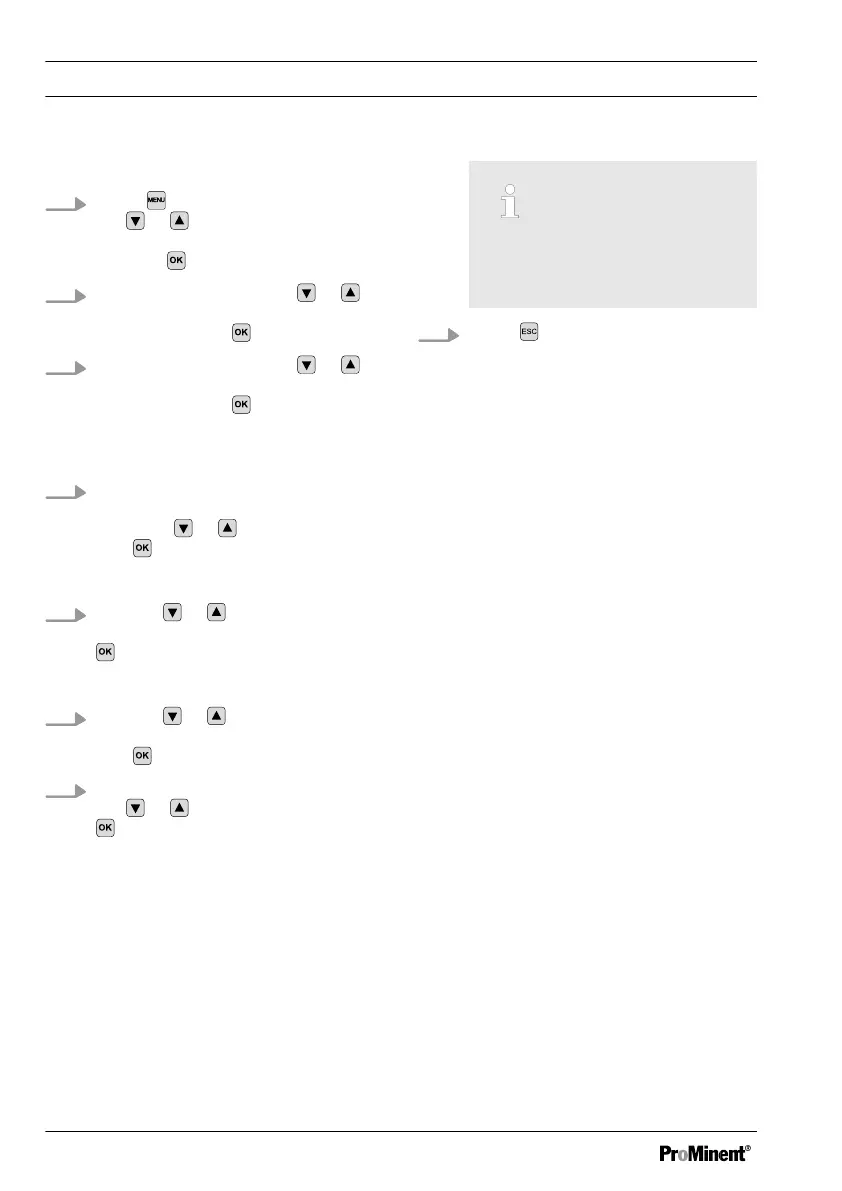
Using external sensors
1.
Press and move the cursor with
the or keys at the
[INPUT]
menu item and confirm the selec‐
tion with .
2.
Move the cursor with the
or
keys at the
[SENSOR]
menu item
and confirm with
.
3.
Move the cursor with the or
keys at the
[MANUAL]
menu item
and confirm with .
ð
The question
[ARE YOU SURE]
appears
4. If you wish to set the
[SENSOR]
entry to
[MANUAL]
, select
[YES]
using the or keys and confirm
with
.
Enter the cable length used:
5.
Use the or keys to select the
menu item
[LEN]
and confirm with
.
Selecting the auto-ranging profile
6.
Use the or keys to select the
menu item
[PROFILE]
and confirm
with
.
7. Adjust the
[PROFILE]
entry using
the
or keys and confirm with
.
n
If the cell constant is < 1, then
use
[lowCC]
n If the cell constant is > 1, then
use
[highCC]
n If the cell constant = 1, then
use
[midCC]
If the selected [PROFILE] entry
does not deliver the required
result, then try another profile.
8.
Press twice to return to the con‐
tinuous display.
Commissioning
46















 To Next Page