RDM0001/3_2 Page 21 of 70 © 2015 - 2017 Protec Fire Detection plc
12.0 Status Display & Menu Navigation
At any given time the system will be in one of three main states. These are the normal state, the fault
/ disablement / test state or the fire state.
12.1 The System Normal Display
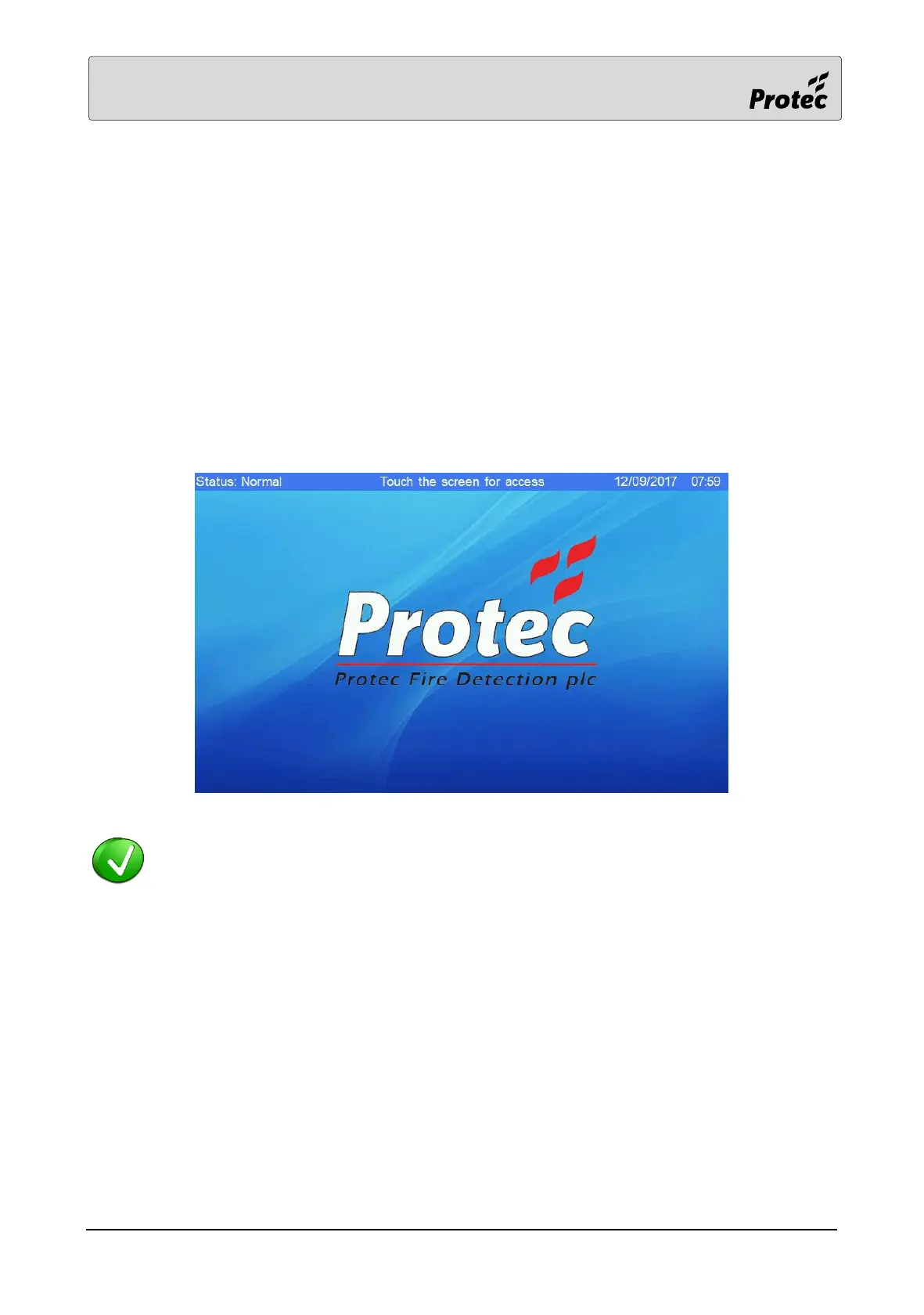
When the system does not have any fires, faults, disablements or tests it is in the System Normal
state.
In this state the panel will have its power on indicator illuminated and the LCD will show the System
Normal display, as shown below:-
Touch the centre of the screen to display the code entry screen, refer to section 12.8.



 To Next Page