RDM0001/3_2 Page 48 of 70 © 2015 - 2017 Protec Fire Detection plc
13.22 Set Time / Date
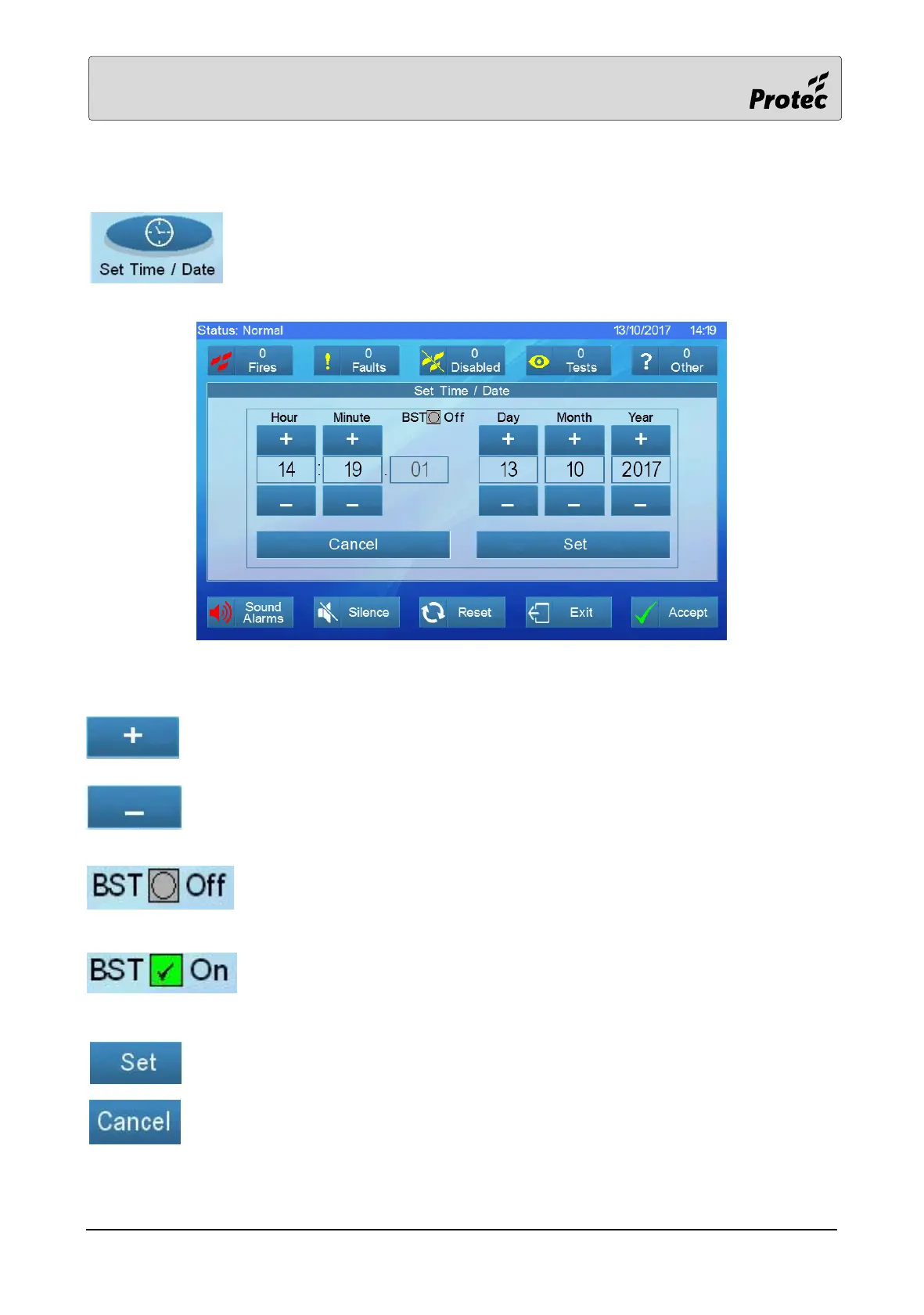
Touch the Set Time / Date button to adjust the time and date.
Note: - The ‘seconds’ cannot be adjusted.
Touch the ‘+’ button to increment the relevant counter.
Touch the ‘–‘button to decrement the relevant counter.
Indicates that the panel will NOT update the time to allow for the beginning
and end of British Summer Time (Daylight Saving). This function is not
currently supported.
Indicates that the panel will automatically update the time to allow for the
beginning and end of British Summer Time (Daylight Saving). This function is
not currently supported.
When finished setting both the Time and Date, touch set to save the information.
To exit without changing the Time or Date, touch Cancel.



 To Next Page