RDM0001/3_2 Page 26 of 70 © 2015 - 2017 Protec Fire Detection plc
12.9 Login
If the Login button is not displayed then touch the centre of the screen to Login,
refer to section 12.1
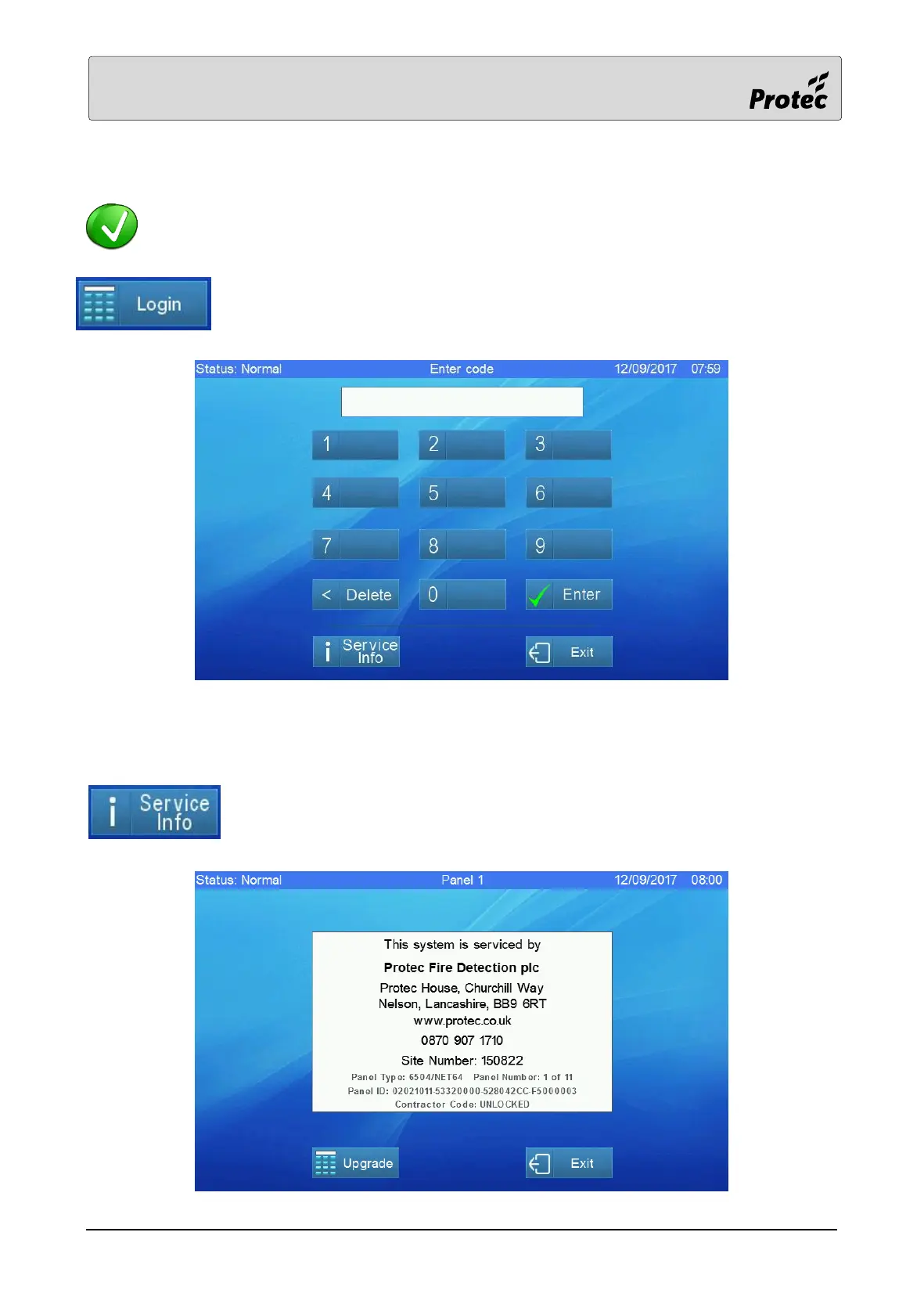
Access to the features of the panel is achieved by logging in. Press Login and the
display will show :-
Enter the user code by touching the relevant number buttons then touch Enter. If the code is correct
then the display will show the User main menu screen – see section 13, or the Level 3a main menu
screen – see section 14
Touching the Service Info button will display contact details of the company
responsible for servicing your system.



 To Next Page