RDM0001/3_2 Page 23 of 70 © 2015 - 2017 Protec Fire Detection plc
12.3 Number entry
Some menu lists contain many lines. To speed up the search through a list, touch the
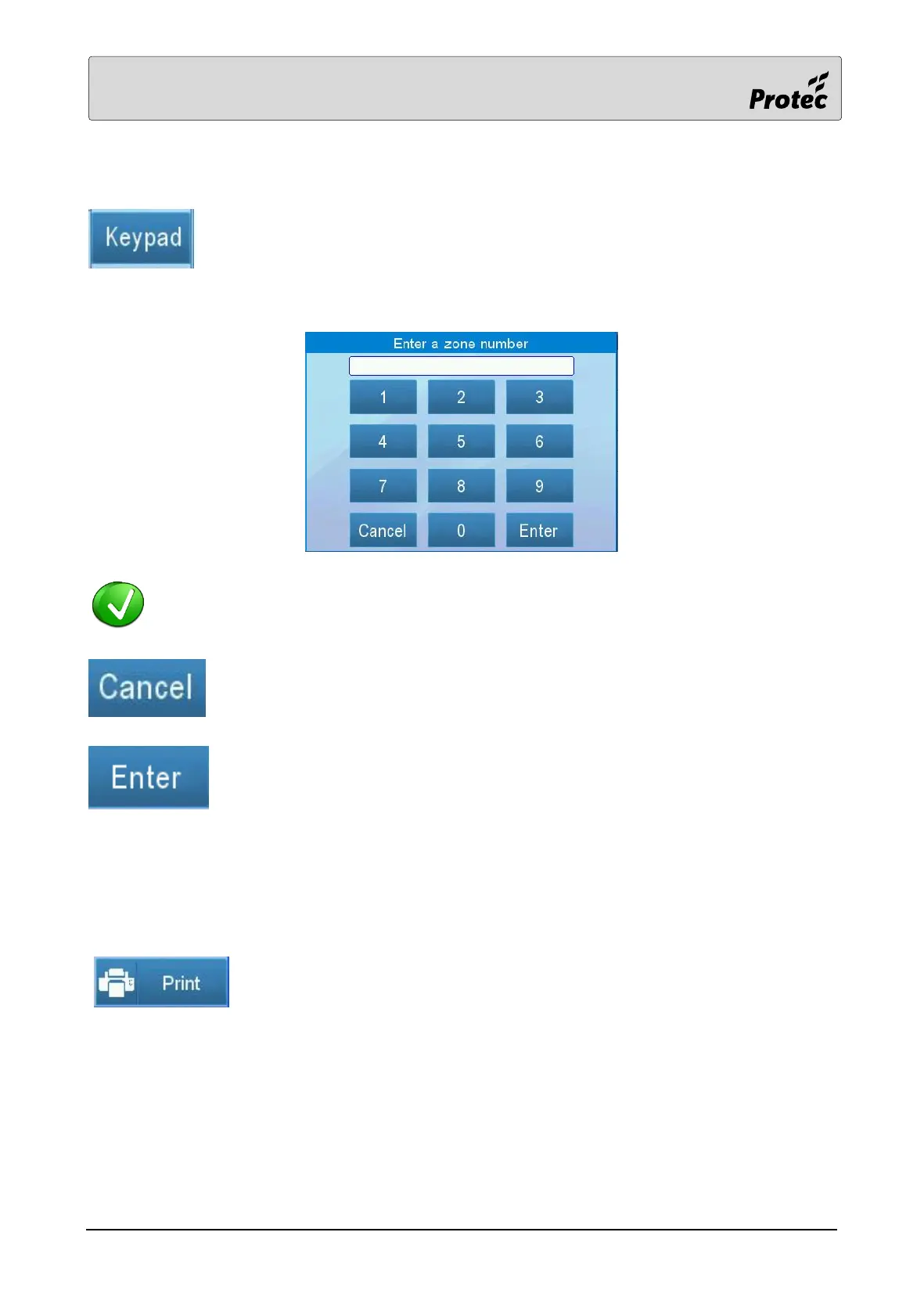
Keypad button (if available) to display a keypad. Enter a menu item number then
press Enter to move directly to that menu number position in the list.
The keypad for the zone list is shown below :-
Similar keypads are used to enter other menu information such as dates
Touch Cancel to exit the keypad menu
Touch Enter to accept the entered number
12.4 Printing
If the panel has a printer fitted then some menus will offer the option to print.
Touch the button to print the information



 To Next Page