RDM0001/3_2 Page 27 of 70 © 2015 - 2017 Protec Fire Detection plc
12.10 The Fault, Disablement and Test Display
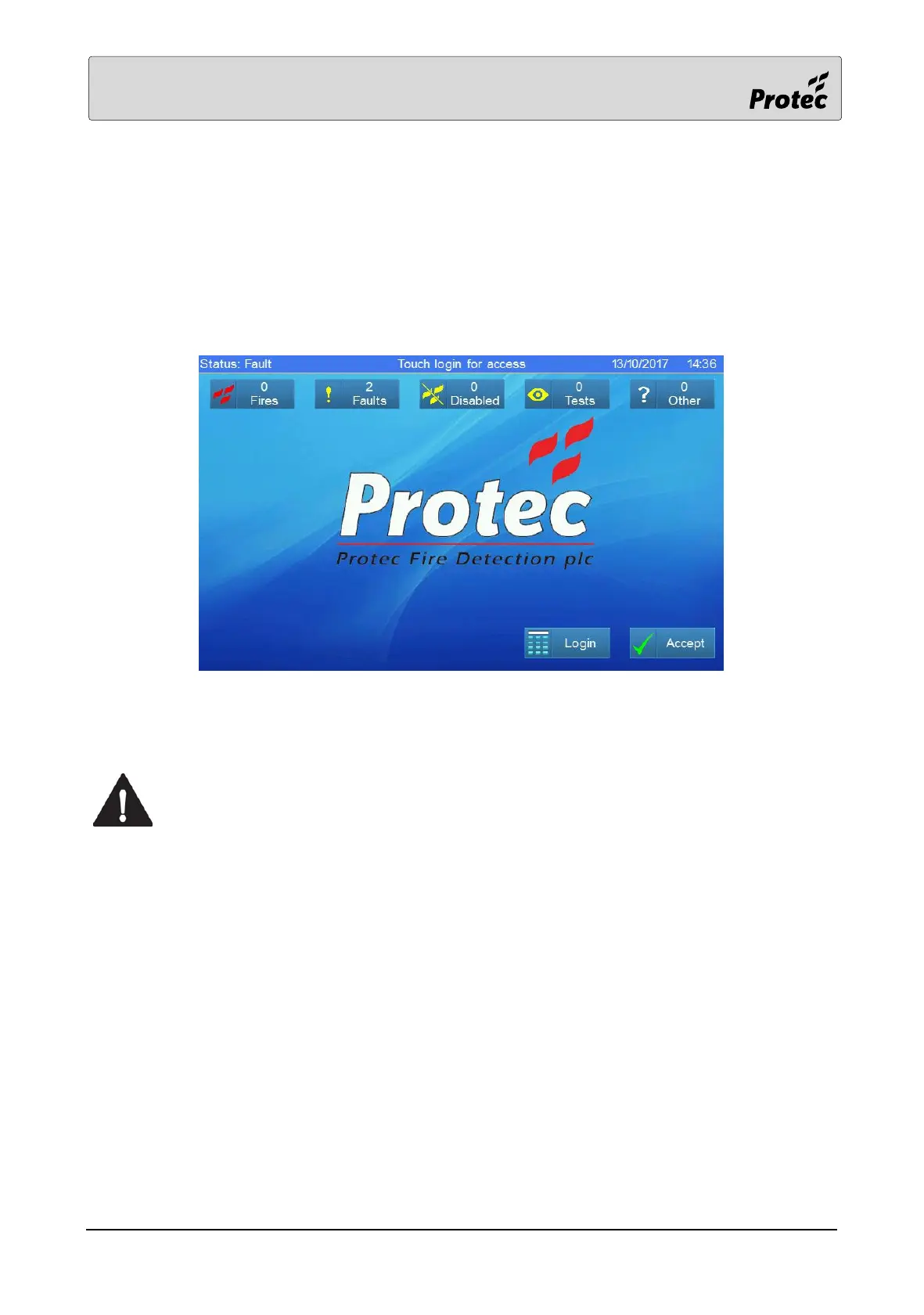
If the system has one or more faults, disablements or tests the panel will display this as shown below
Faults, disablements and tests are always accompanied by the relevant general indicator,
Touching the Accept button will mute the panel buzzer. Touching one of the summary buttons will
retrieve more detailed information about the individual faults, disablements or tests.
The summaries of Disablements, Tests and Other information are displayed in a similar manner to
the fault summary below.
The ‘Accept’ button at this level is optional and will only be displayed if configured to
do so during the panel commissioning.



 To Next Page