RDM0001/3_2 Page 53 of 70 © 2015 - 2017 Protec Fire Detection plc
13.29 Test Options
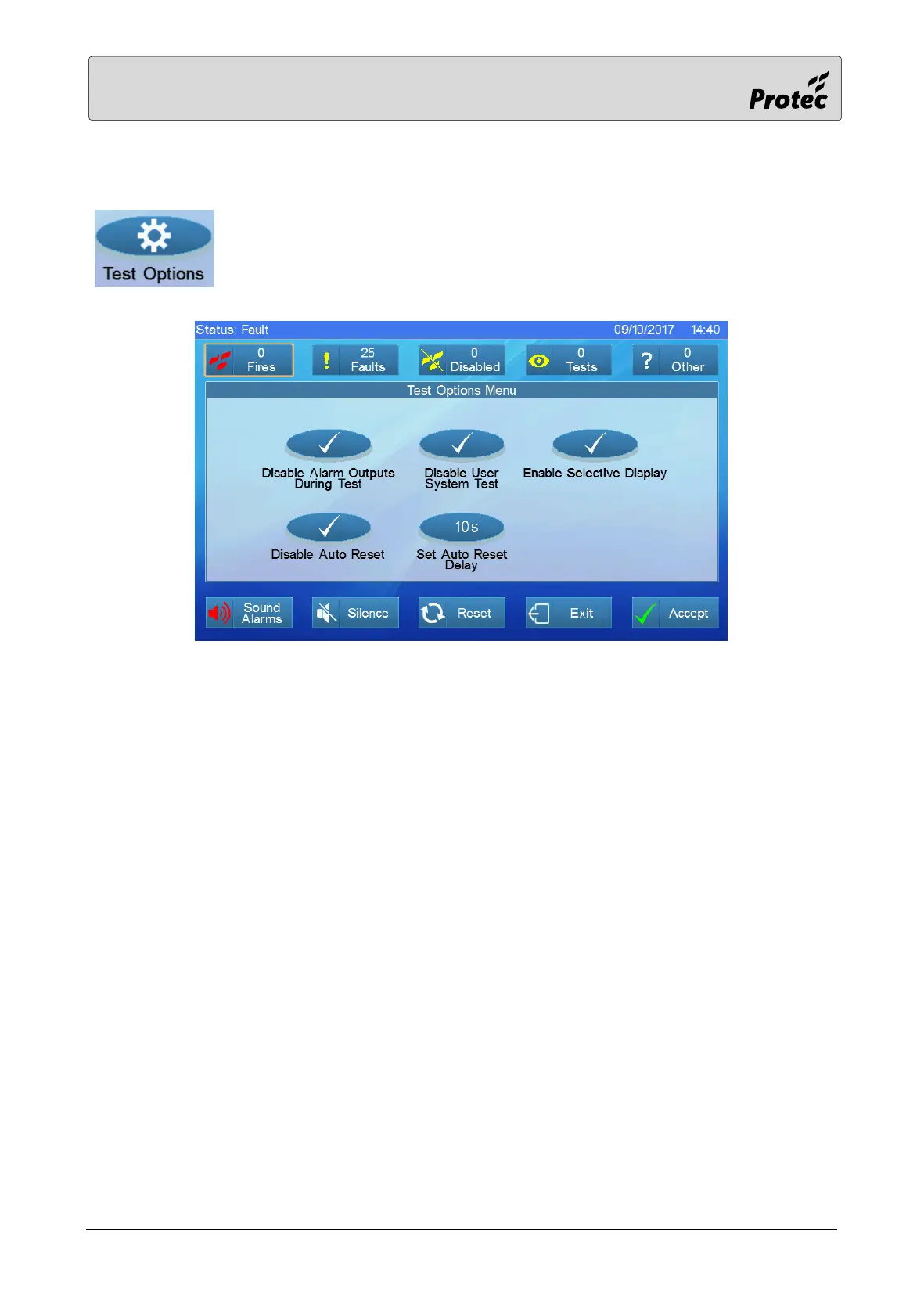
Touch Test Options to display the status of each test option.
Alarm Outputs During Test
In test mode, only alarm outputs, including talking sounder outputs can be activated. If this option is
‘Disabled’ then no outputs will activate during test fire events.
User System Test
The feature to allow the user access to the Complete System Test is an option. If this is ‘Disabled’ then
the user is not permitted access to the Complete System Test.
Selective Display
This feature is an engineer option used to restrict the display of test fire events to a selected panel.
Auto Reset / Auto Reset Delay
If ‘Auto Reset’ is ‘Enabled’ then a test fire event will be automatically reset after a pre-programmed
delay. This delay is the ‘Auto Reset Delay’ time.



 To Next Page