RDM0001/3_2 Page 44 of 70 © 2015 - 2017 Protec Fire Detection plc
13.13 Output Group Disablement
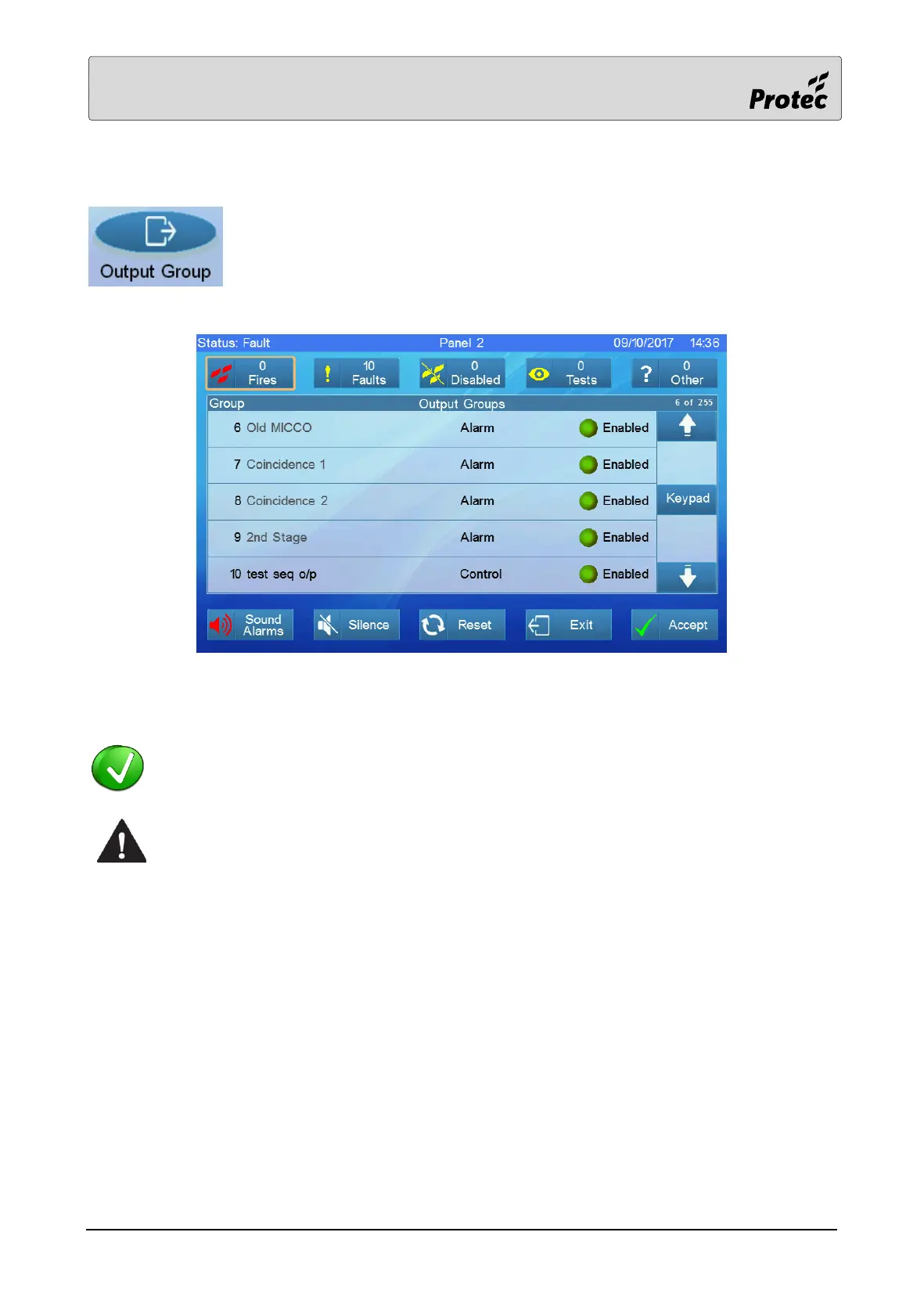
Touching Output Group displays the list of panels on the system. Select a Panel
(section 12.4). A list of output groups on the panel will be presented.
Touch an output group to disable it, touch it again to normalise it (cancel the disablement).
Output groups of type ‘Alarm’ are greyed out because they cannot be disabled.
Output groups that are greyed out may be disabled using the panel logic and are usually
operated by a keyswitch or invisible switch device.



 To Next Page