RDM0001/3_2 Page 24 of 70 © 2015 - 2017 Protec Fire Detection plc
12.5 Panel Selection
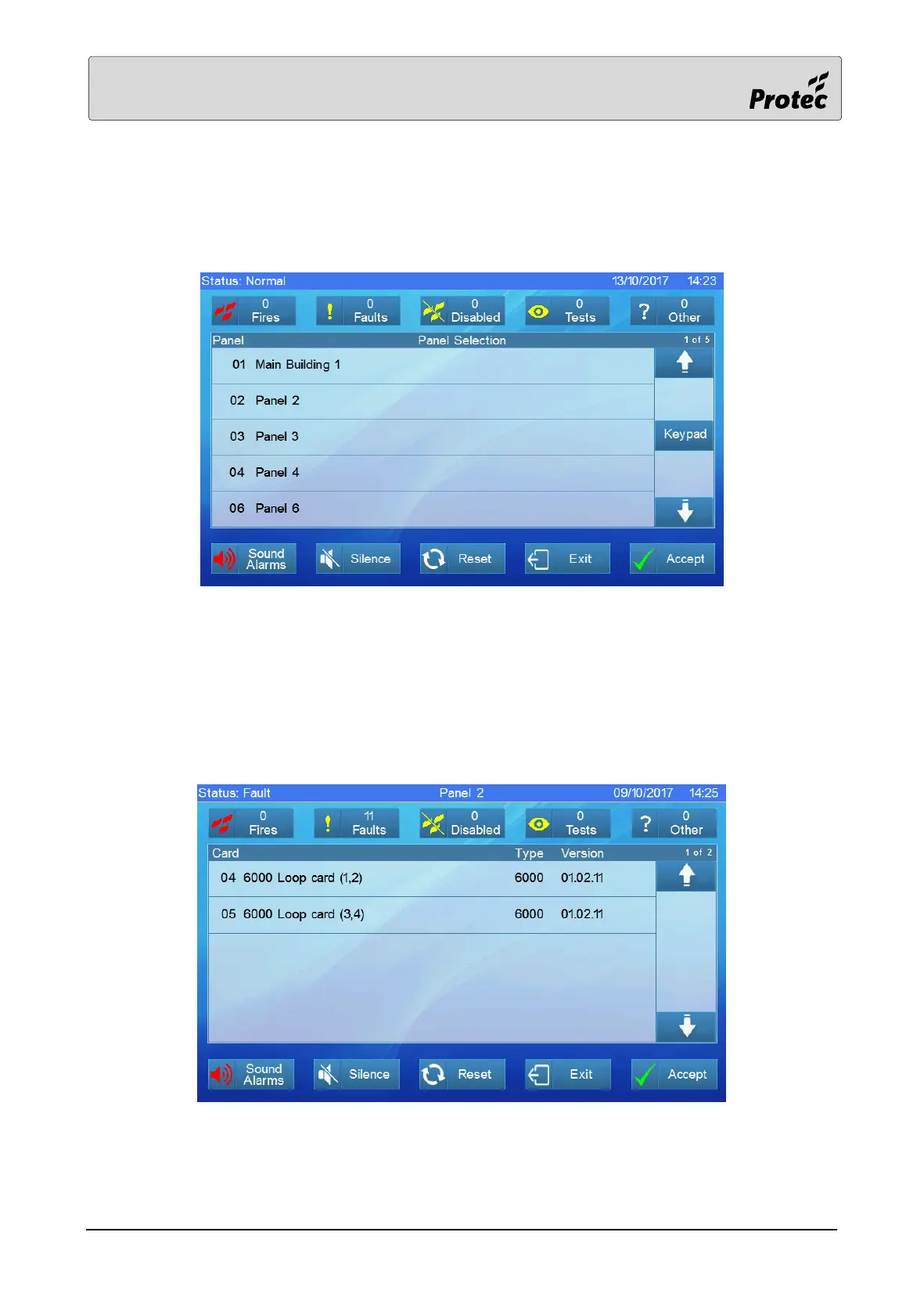
Many menu options start by requiring the user to select a panel. If the system comprises a single
panel then this screen is not required. Navigate the list to find the correct panel then touch to select
it.
During commissioning of the system, the panels can be assigned text relevant to their location to
assist in finding the appropriate one.
12.6 Card Selection
Each panel comprises a number of cards. Once the user has selected a panel then the list of relevant
cards is presented. If searching for a loop device, touch to select the correct loop card.



 To Next Page