RDM0001/3_2 Page 63 of 70 © 2015 - 2017 Protec Fire Detection plc
14.4 Exchange Device Menu
Do not begin exchanging devices before entering the exchange devices menu.
Any MCPs that are to be exchanged must be disabled before exchanging.
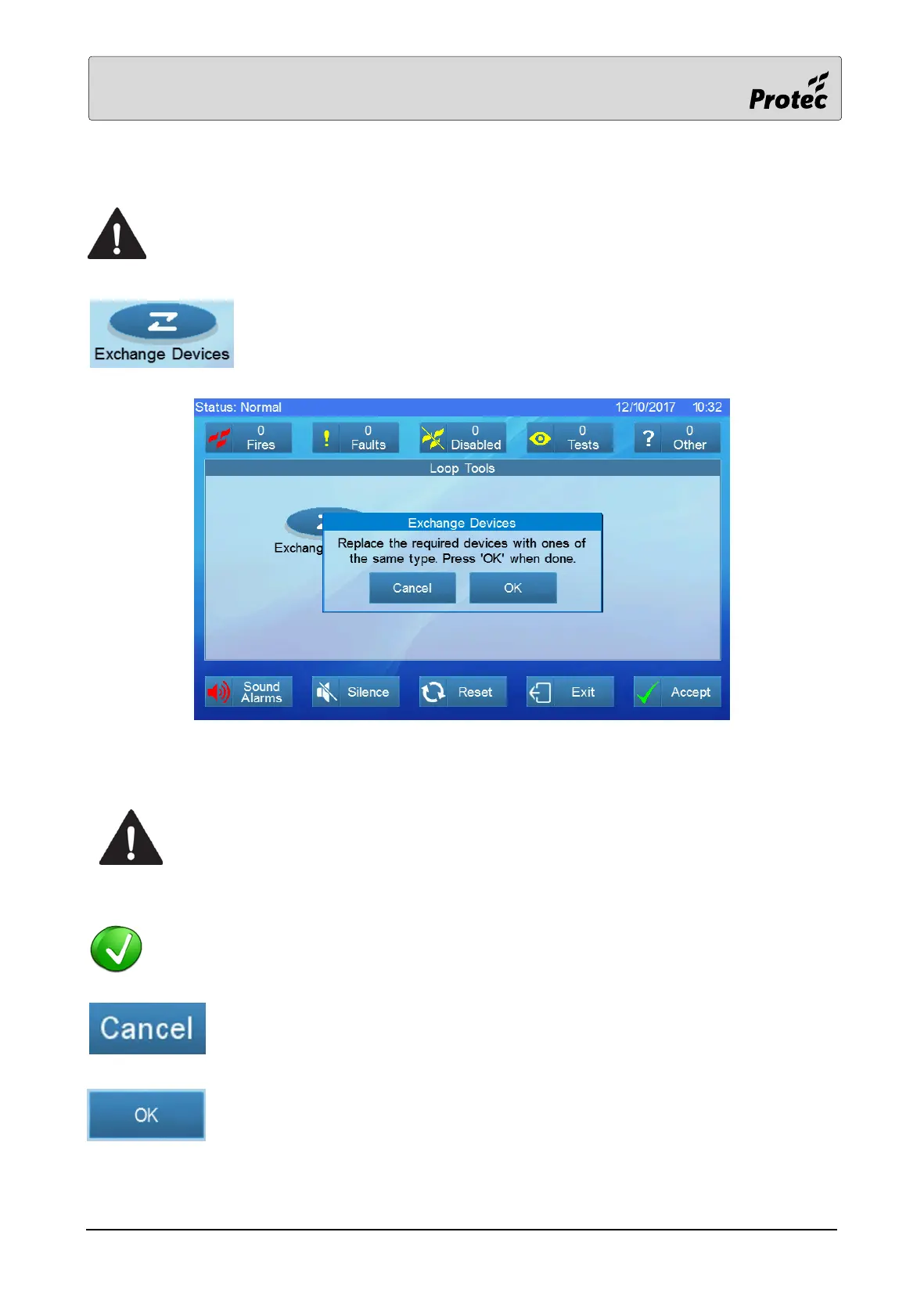
Pressing exchange devices will allow the level 3a user to begin the process of
exchanging a device without the need to re-log and allocate the system.
A menu will appear instructing the user to exchange any necessary devices before continuing.
All necessary devices must be exchanged before continuing, wait until all
relevant device missing and device added faults have been generated before
pressing ‘OK’. Wait for 3 minutes for the faults to generate before pressing OK,
as it is not possible to view the fault menu whilst exchanging and the fault
counter will not increment or decrement.
A maximum of 8 devices per loop can be exchanged at any one time.
Press cancel to exit the exchange menu.
Press OK to begin the exchange of devices.



 To Next Page