RDM0001/3_2 Page 31 of 70 © 2015 - 2017 Protec Fire Detection plc
13.0 User Menus
13.1 Entering the Menu System
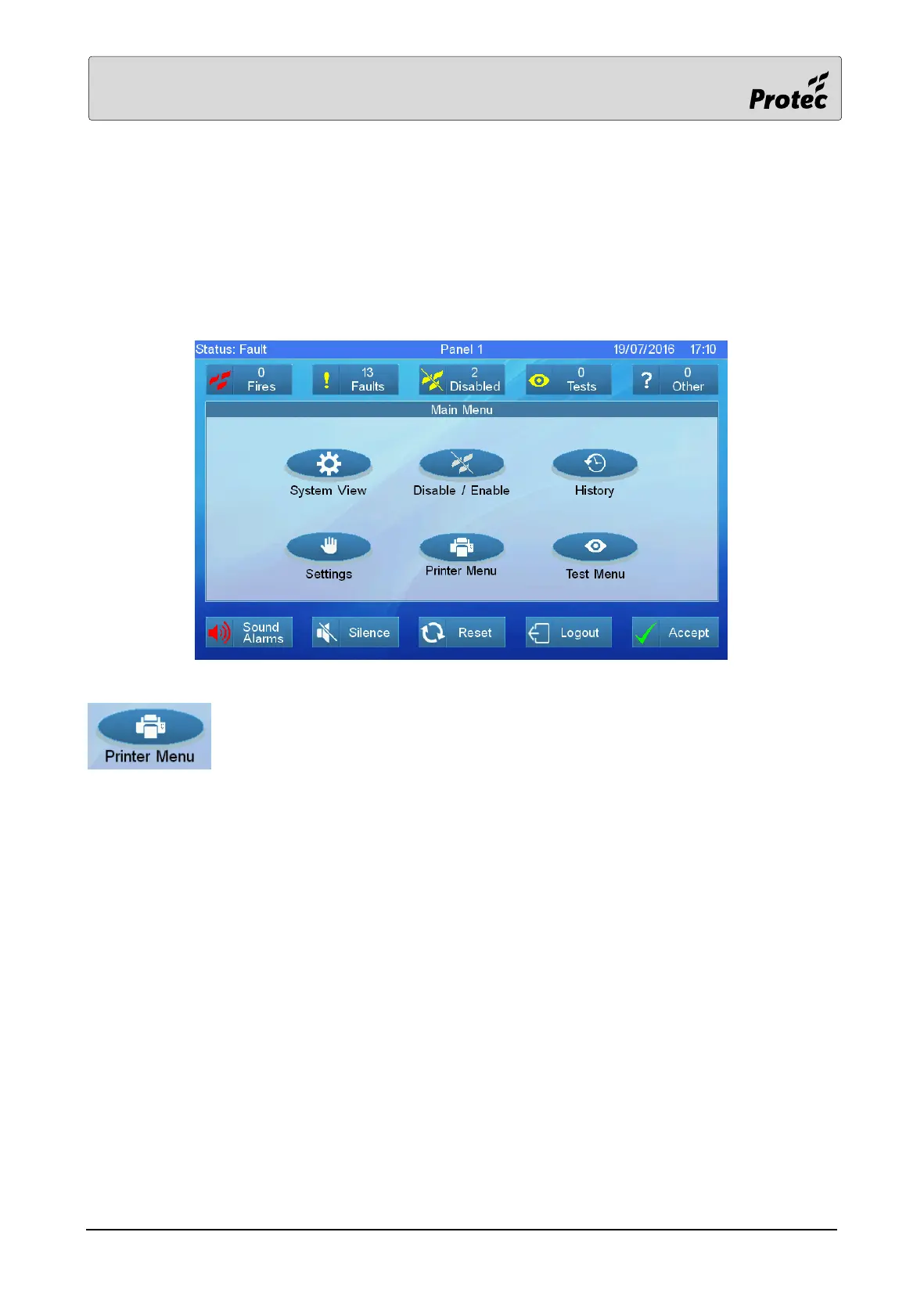
When the user code is entered, the ‘User’ Main Menu screen will be displayed. The Sound Alarms,
Silence and Reset buttons are now enabled.
The printer menu option is only available on panels configured to have a printer
Touch a menu option to select it.
System View – refer to section 13.2
Disable / Enable – refer to section 13.9
Settings – refer to section 13.21
Test Menu – refer to section 13.26
History Menu – refer to section 13.31



 To Next Page