RDM0001/3_2 Page 30 of 70 © 2015 - 2017 Protec Fire Detection plc
The user may touch either the first or latest fire to retrieve more detailed information about them.
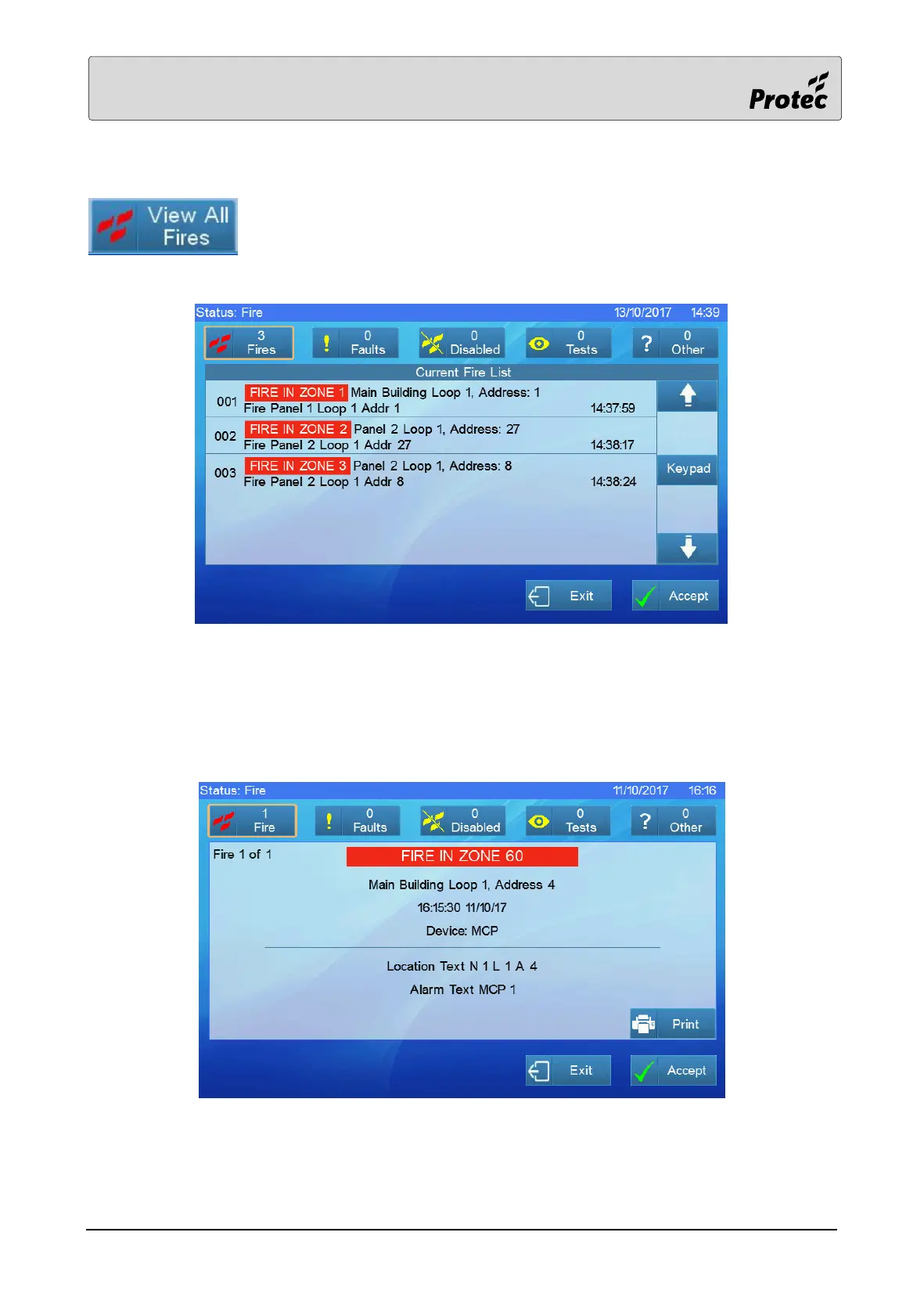
Touching ‘View all fires’ will display a list of all the current fire events:-
The screen automatically returns to the standard fire display if no buttons are touched for 30
seconds.
Touching one of the fire events will show details of the fire event:-
The screen automatically returns to the standard fire display if no buttons are touched for 30
seconds.



 To Next Page