RDM0001/3_2 Page 28 of 70 © 2015 - 2017 Protec Fire Detection plc
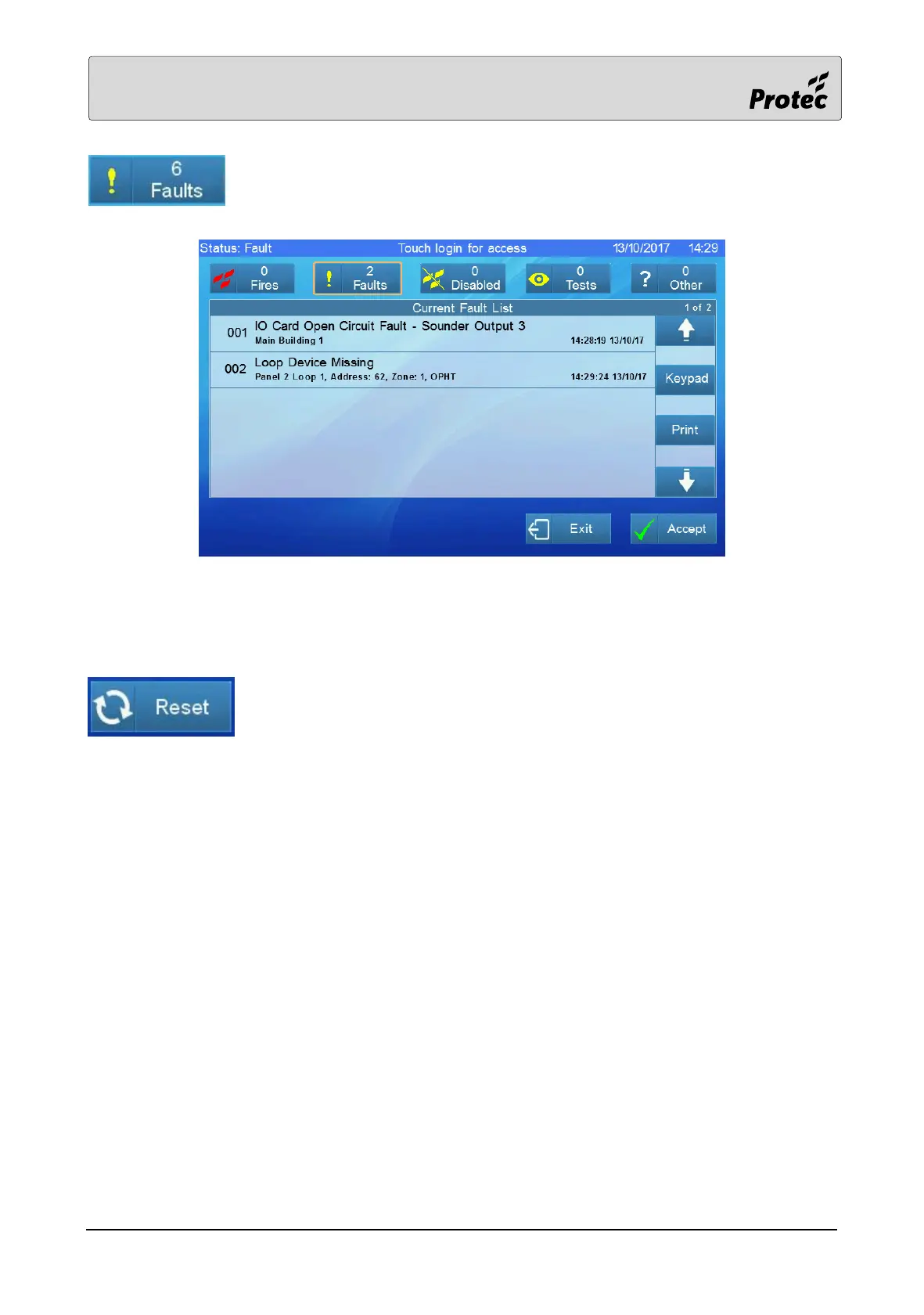
Touching the Fault summary will display a list of the current faults:-
General faults will automatically clear when the cause of the fault is fixed. System faults do not clear
automatically but have to be cleared by pressing ‘Clear System Fault’, refer to section 13.24
Touch Reset to clear latching faults such as loop faults. Any faults that have not
been fixed will reappear.



 To Next Page