RDM0001/3_2 Page 60 of 70 © 2015 - 2017 Protec Fire Detection plc
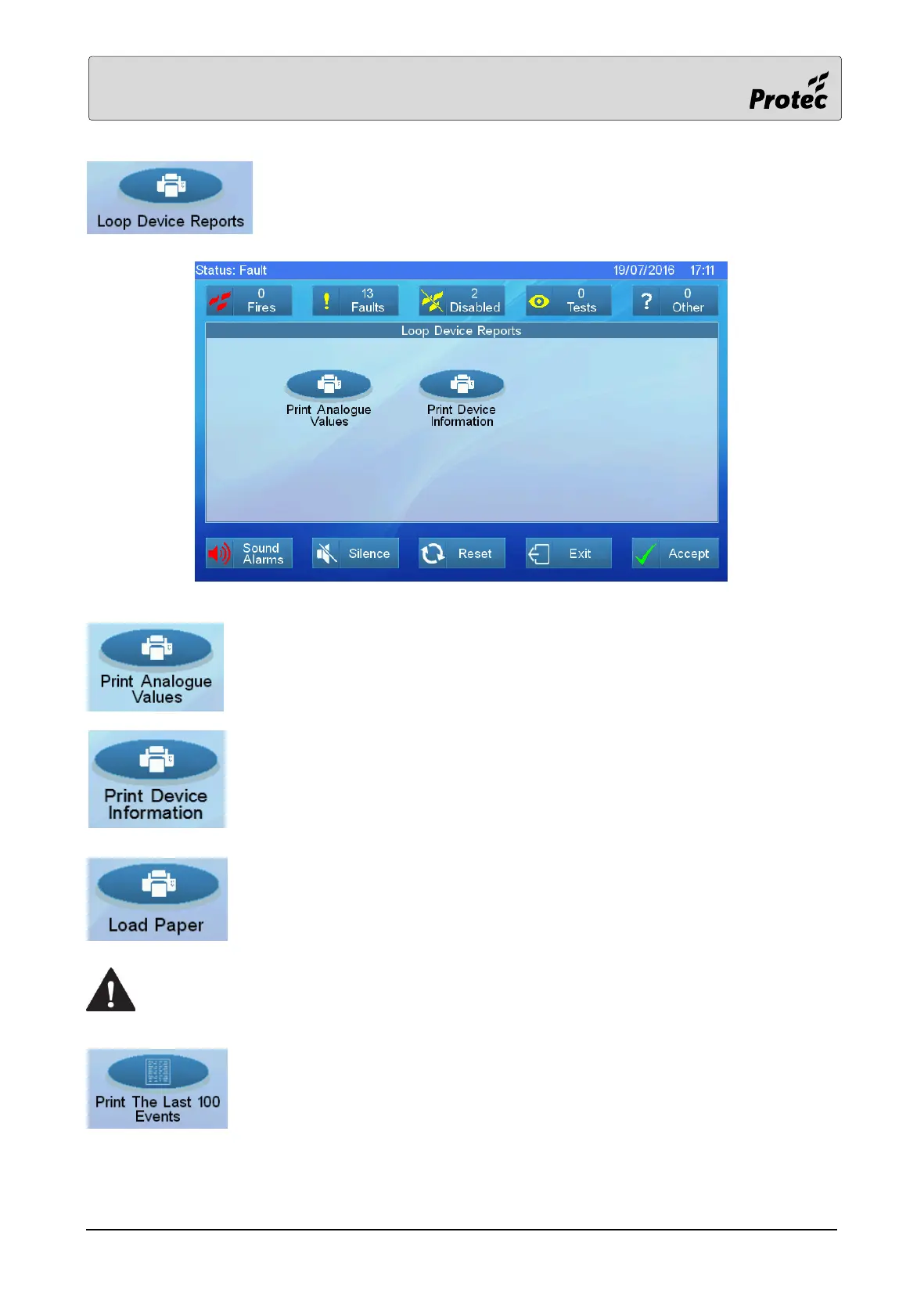
Touch Loop Device Reports to display the loop device Report options.
Touch to print the device analogue values from a selected panel and loop.
Touch to print the device isolator number, software version and sensitivity from
a selected panel and loop.
Touch to power up the printer so that its paper feed sensor is active and a new
roll of paper can be installed. Fitting a new roll of paper requires the panel door
to be opened possibly exposing high voltage terminals. A competent person
trained to undertake such work MUST carry out any internal maintenance work.
A competent person trained to undertake such work MUST carry out any internal
maintenance work.
Touch to print the last one hundred events that the panel has logged.



 To Next Page