RDM0001/3_2 Page 67 of 70 © 2015 - 2017 Protec Fire Detection plc
Press continue to confirm the exchange and continue exchanging further devices
(Any changes will not be saved at this stage).
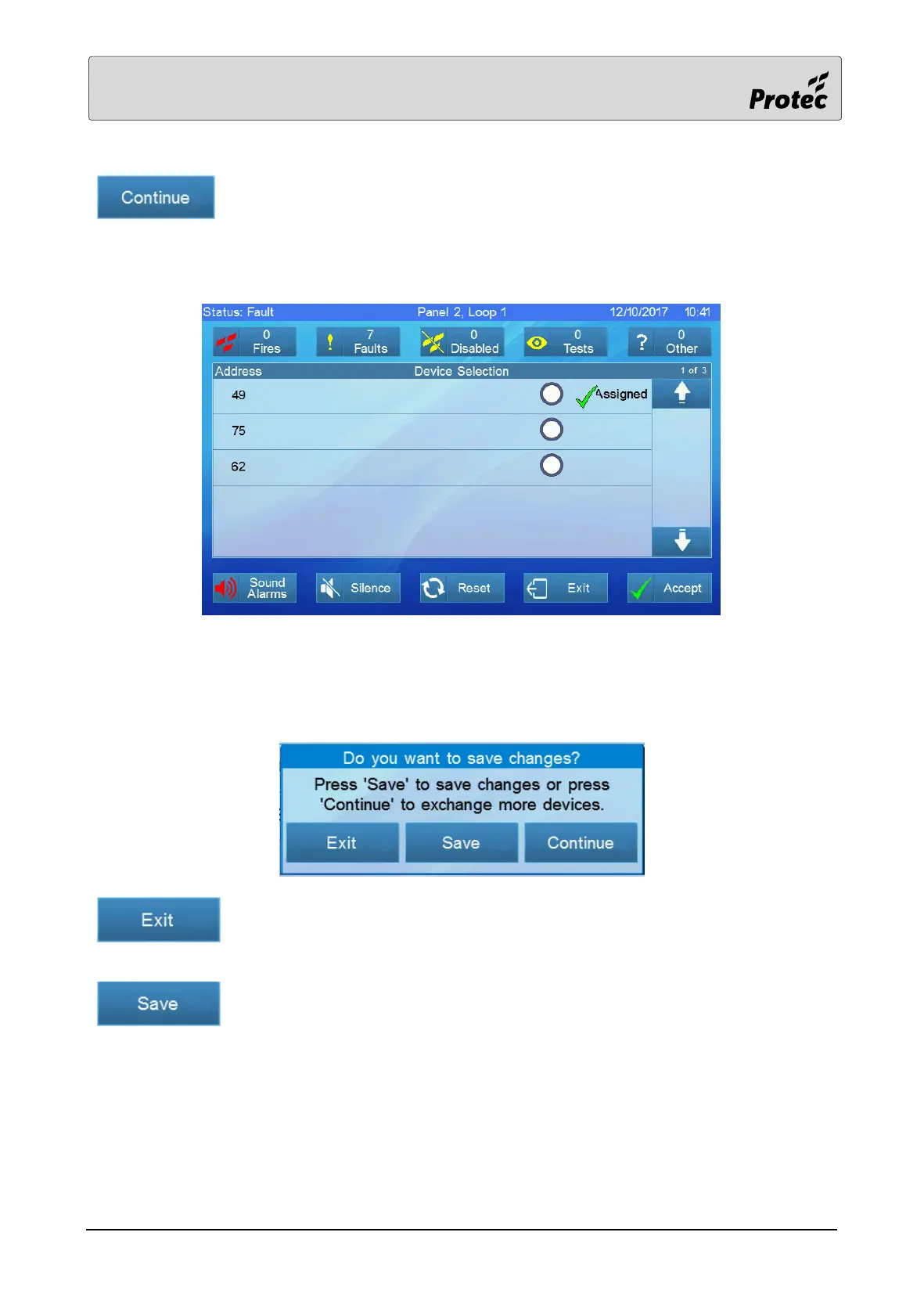
After pressing continue the menu reverts to device selection and now displays previously exchanged
devices as assigned.
Select and exchange any further devices as necessary.
After exchanging the final device the user will again be presented with the following menu.
Press exit to cancel the exchange and leave the menu (Any changes will not be
saved).
Press save after all exchanges are finished to save the changes. A progress bar
will be displayed whilst the changes are saved.



 To Next Page