Psion Teklogix 7530 Hand-Held Computer User Manual91
Chapter 5: Configuration
Display Appearance
External Power Checkbox
When you select (√) the checkbox next to ‘When using external power keep the backlight
always ON.
’, the backlight remains ON at the configured intensity when the 7530 is
operating with external power (not battery power). If the 7530 is drawing power
from its battery, this option is ignored and the other parameters defined in
Display
Properties
dialogue box take affect.
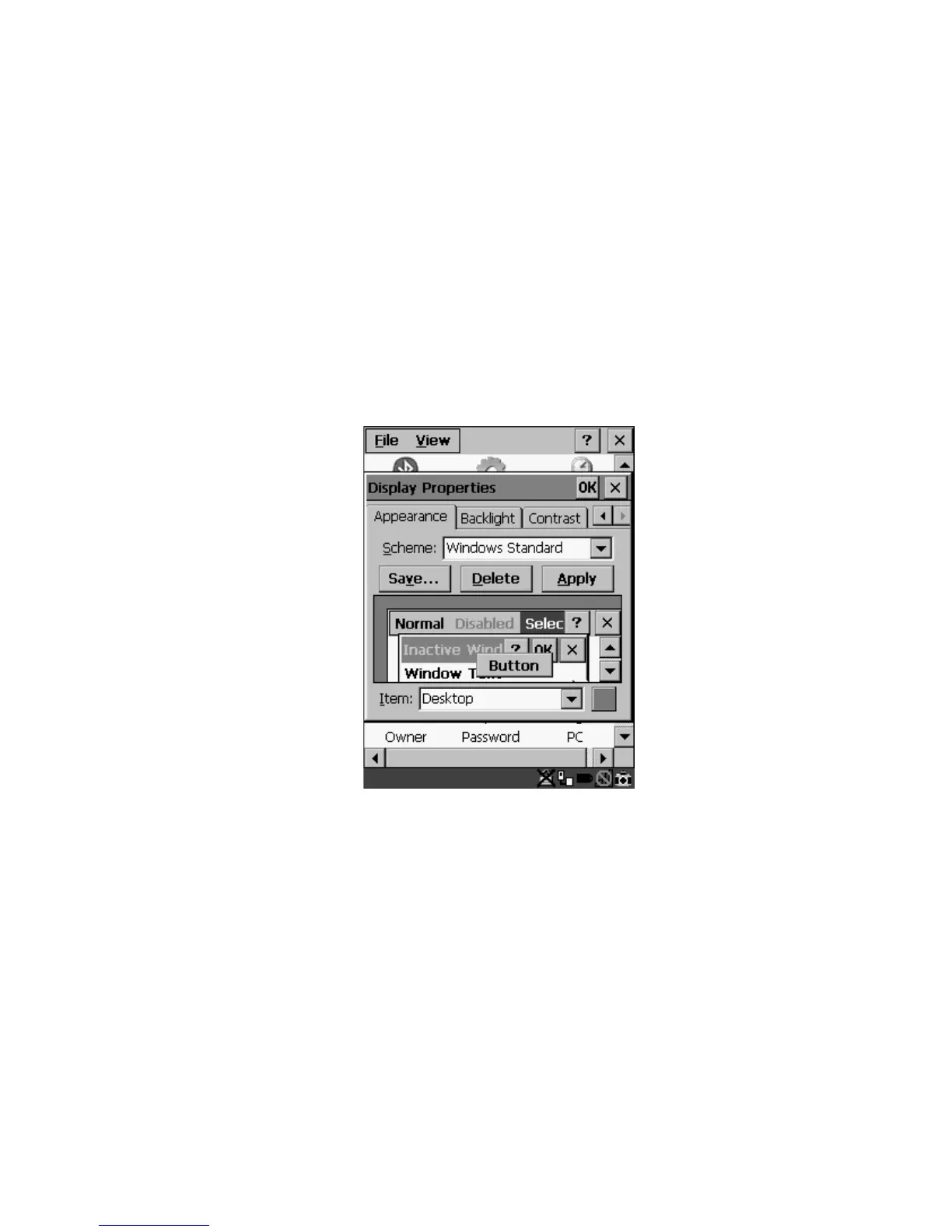
5.5.1.3 Display Appearance
• In the Display Properties dialogue box, open the Appearance tab.
Figure 5.5 Display Appearance Properties
This dialogue box allows you to customize the display colour scheme.



 To Next Page