Psion Teklogix 7530 Hand-Held Computer User Manual15
Chapter 2: Basic Checkout
Attaching The Pistol Grip
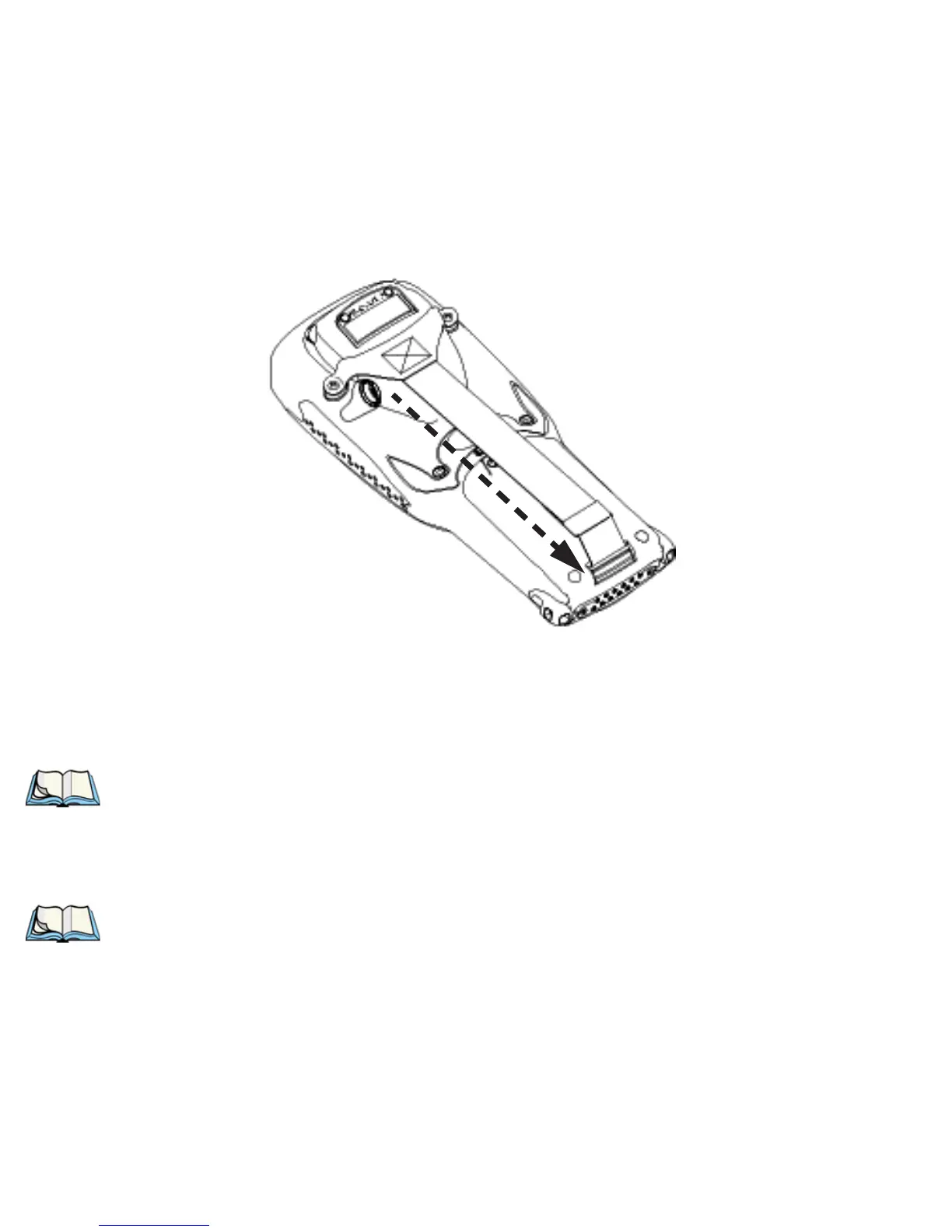
• Stretch the handstrap toward the base of the 7535, and hook the bottom of
the handstrap into the slot near the base of the battery pack.
Figure 2.2 Hooking The Hand Strap To The 7530
2.1.3.2 Attaching The Pistol Grip
Note: A Phillips head screwdriver is required.
The pistol grip is attached to the back of the 7530 using the four threaded inserts in
the upper part of the 7530 casing. Four black #4-40 Phillips head screws are
provided with this accessory.
Note: Prior to installation, make sure the trigger mechanism is securely
snapped into the pistol grip body and that the trigger operates properly.



 To Next Page