Chapter 6: Tekterm Application
Using The Task Manager To Switch Between Applications
152
Psion Teklogix 7530 Hand-Held Computer User Manual
6.3.2 Using The Task Manager To Switch Between Applications
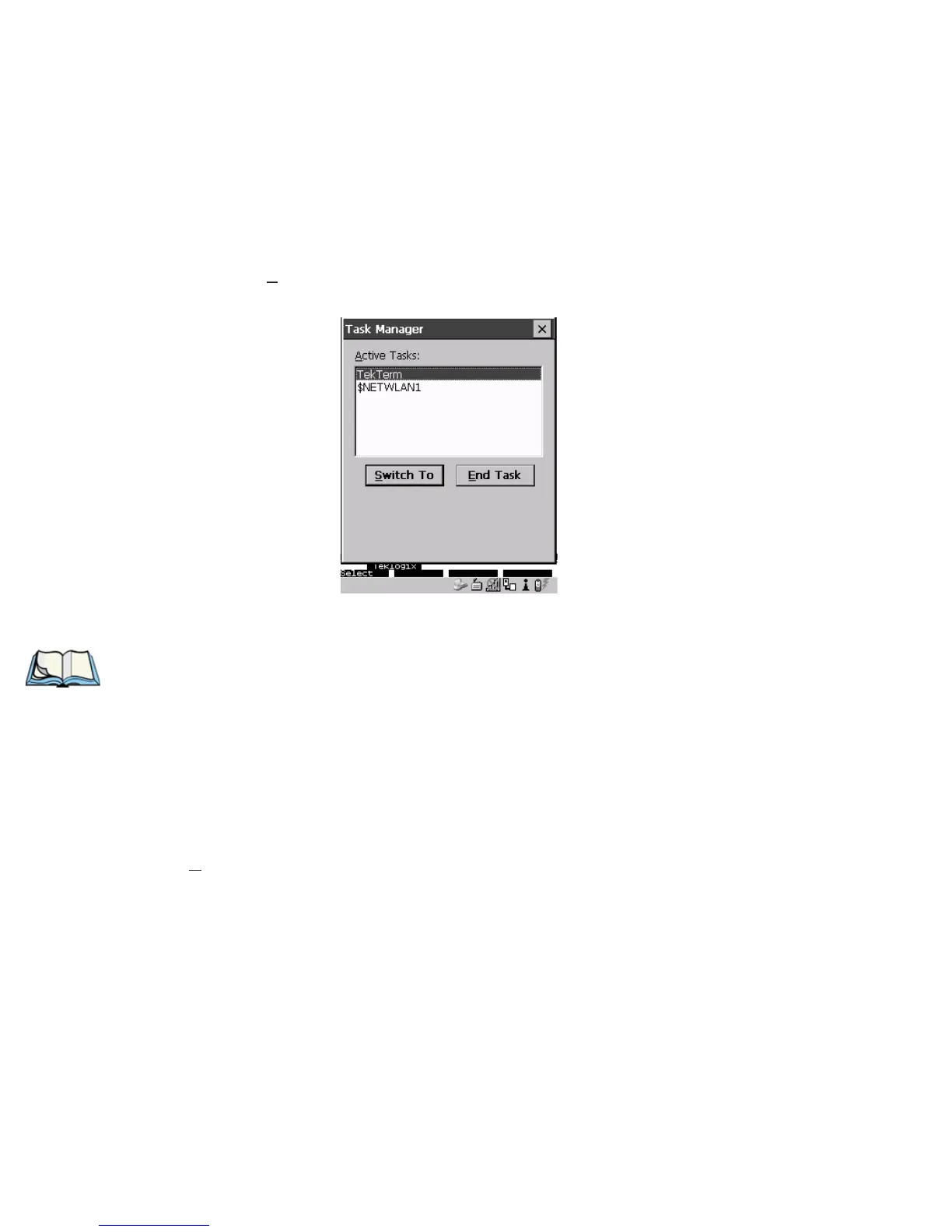
To display the Task Manager screen:
• Press <BLUE> <0> to display the Start Menu.
• Highlight Task Manager, and press <ENTER>, or
• Just type the underlined alpha character – in this case, the letter ‘t’.
Figure 6.1 Task Manager Screen
Note: A shortcut – to bypass the Start Menu and go directly to the
‘Task Manager’ screen, press <ALT> <ESC>.
To switch between applications:
• Highlight the application you want to work with, and press <ENTER>.
To end or close an application:
• Highlight the application you want to end, press <TAB> to highlight the
<E
nd Task> button, and press <ENTER>.



 To Next Page