Chapter 5: Configuration
Setting Double-Tap Sensitivity
104
Psion Teklogix 7530 Hand-Held Computer User Manual
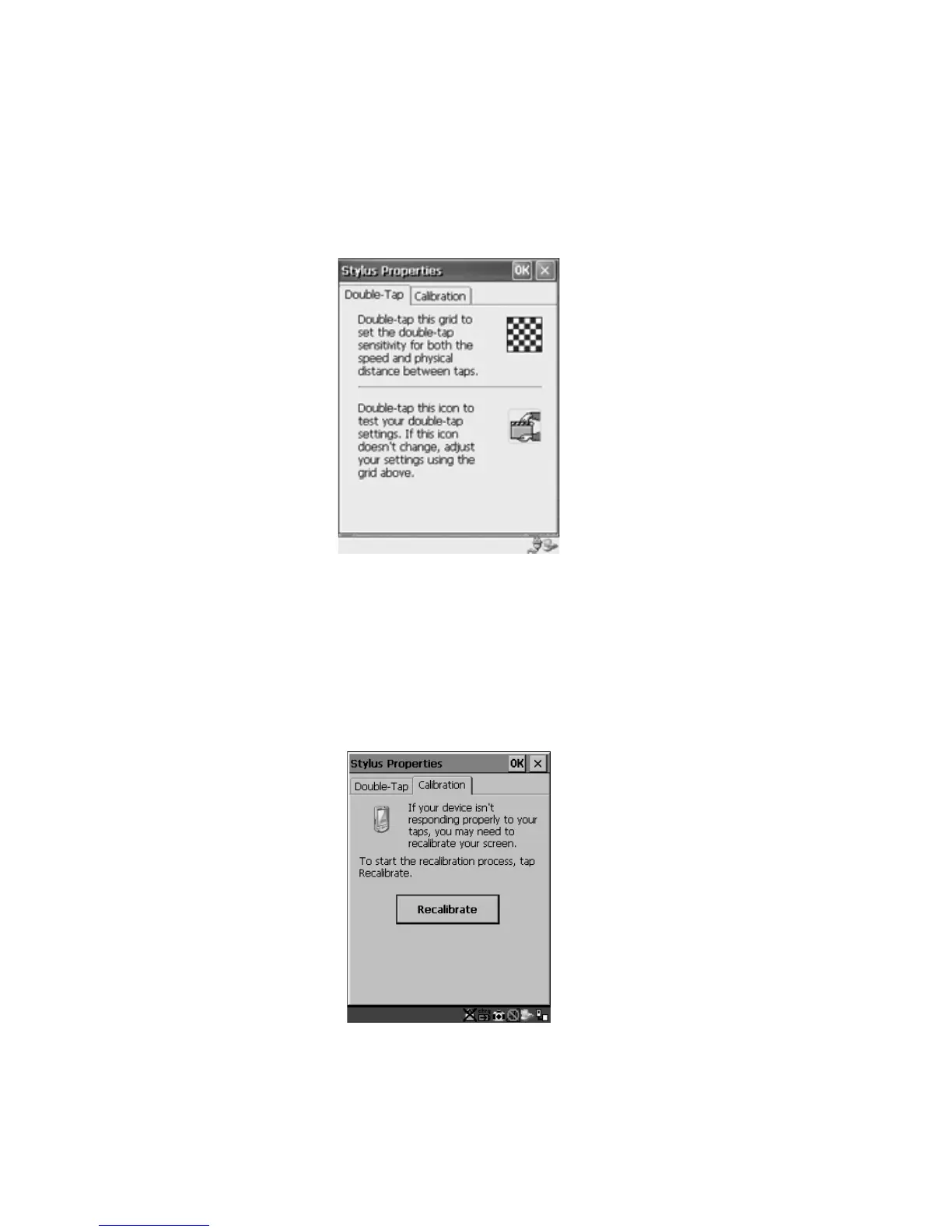
5.5.5.1 Setting Double-Tap Sensitivity
• In the Double-Tap tab, follow the directions to tailor the sensitivity of the stylus
when you tap on the touchscreen.
Figure 5.21 Setting Stylus Sensitivity
5.5.5.2 Touchscreen Calibration
Touchscreens rarely require recalibration. However, if your touchscreen has never
been calibrated or if you find that the stylus pointer is not accurate when you tap on
an item, follow the directions below.
• Choose the Calibration tab and then tap on the Recalibrate button.
Figure 5.22 Calibrating The Touchscreen
• Follow the directions in the Calibration tab to recalibrate the screen.



 To Next Page