Psion Teklogix 7530 Hand-Held Computer User Manual181
Chapter 6: Tekterm Application
Keyboard
6.15.1 Keyboard
6.15.1.1 Macro Control Panel
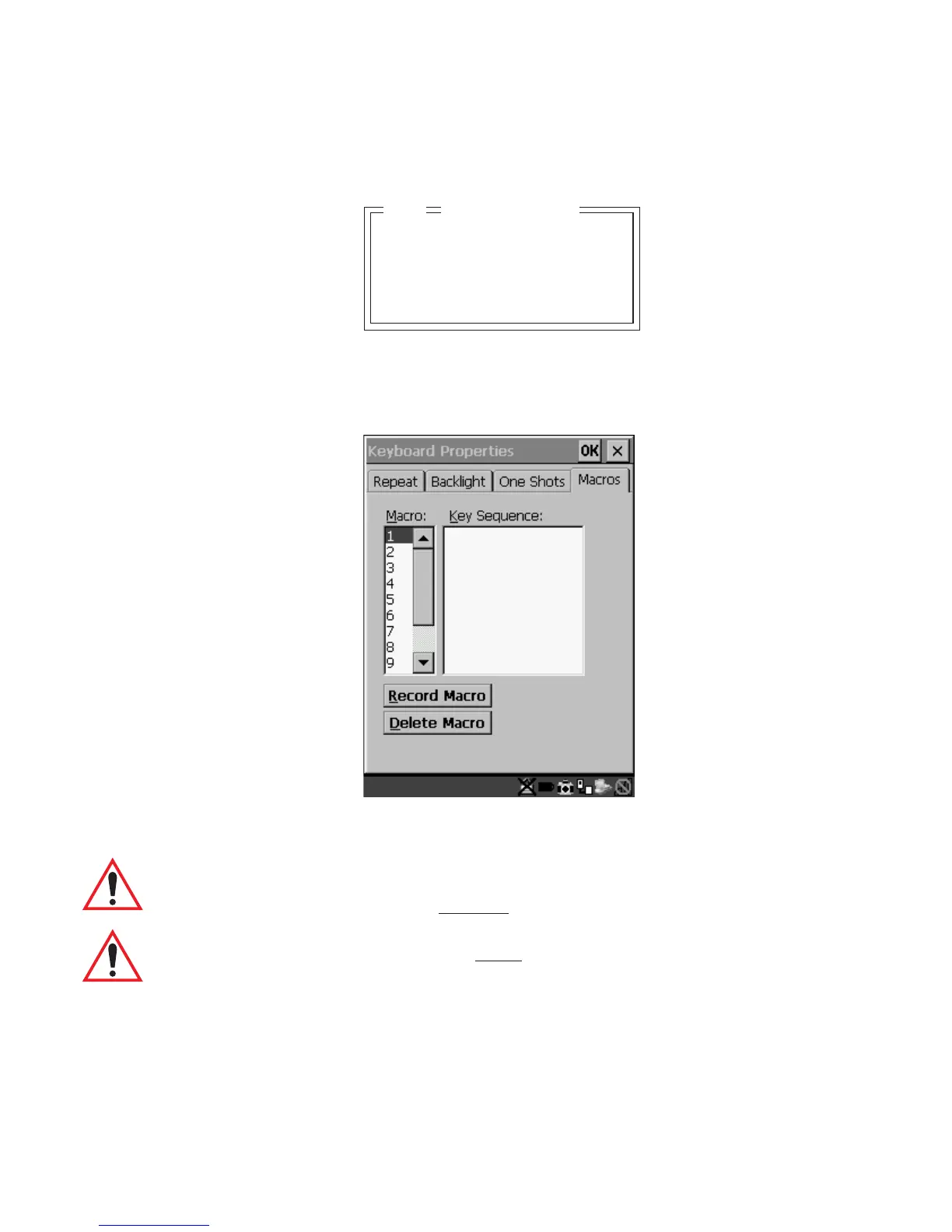
• Highlight ‘Macro Ctrl Panel’, and press <F1> to display the Macros tab in the
Keyboard Properties dialogue box.
Figure 6.6 Macro Dialogue Box
Important: Refer to “Keyboard Macro Keys” on page 95 for detailed
instructions about creating
macros.
Important: For information about using
the macro keys you’ve created, refer
to “Macro Keys” on page 149.
Macro Ctrl Panel »
Indicators Y
Softkeys Y
Ctrl Panel »
Keyboard
04



 To Next Page