Chapter3:Getting To Know Your 7530
7535 Indicators
42
Psion Teklogix 7530 Hand-Held Computer User Manual
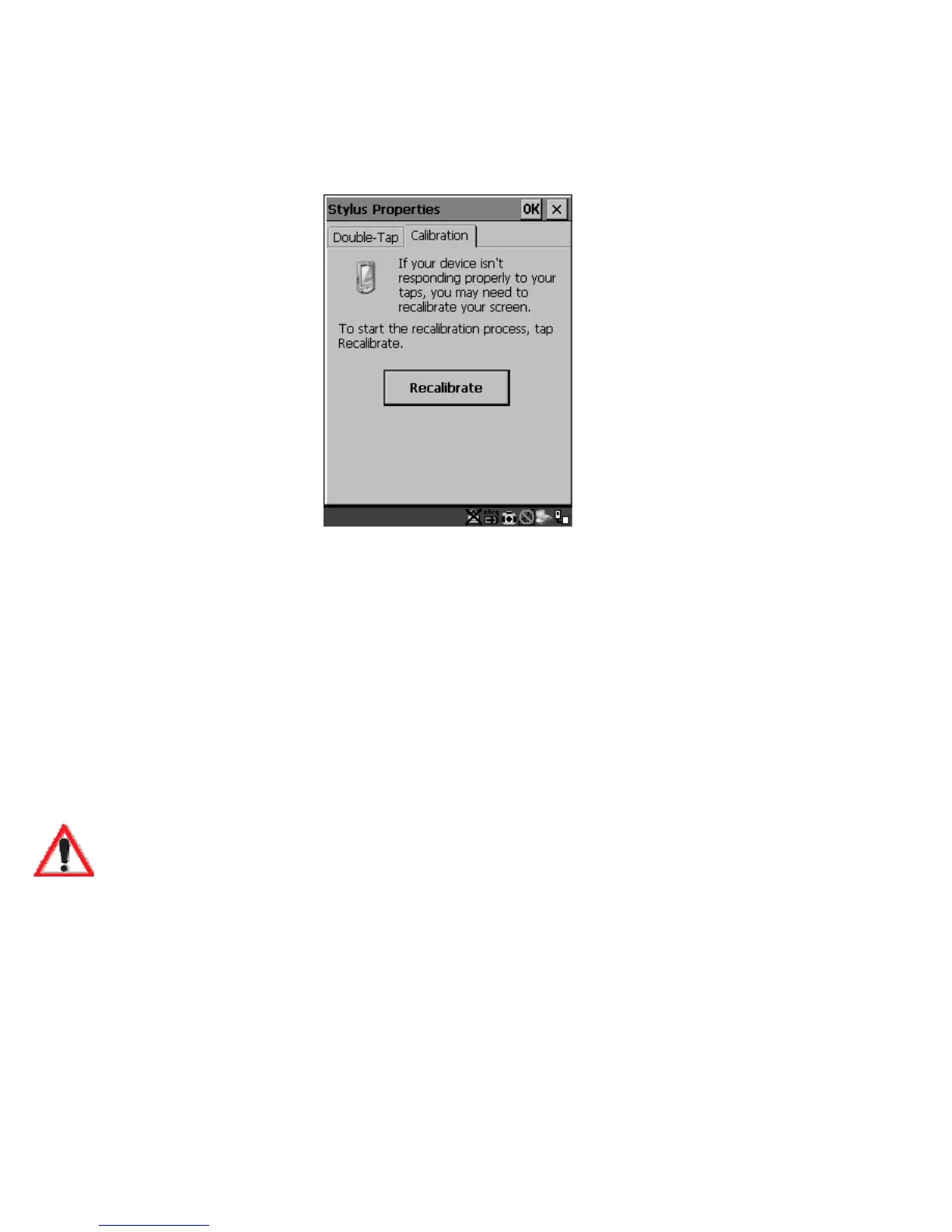
• Select the Calibration tab, and then choose the ‘Recalibrate’ button.
Figure 3.5 Calibration Screen
• Follow the directions on the calibration screen to calibrate the screen.
3.6 7530 Indicators
7535s use LEDs (Light Emitting Diode), onscreen messages and audio tones as
indicators.
3.6.1 LEDs
The 7535 is equipped with four tri-coloured LEDs. This section outlines what these
LEDs indicate.
Important: If an LED is illuminated in red, the operator should be cautious
as this generally indicates an abnormal operating condition or
active laser emission.



 To Next Page