Psion Teklogix 7530 Hand-Held Computer User Manual177
Chapter 6: Tekterm Application
Display Options
6.12 Display Options
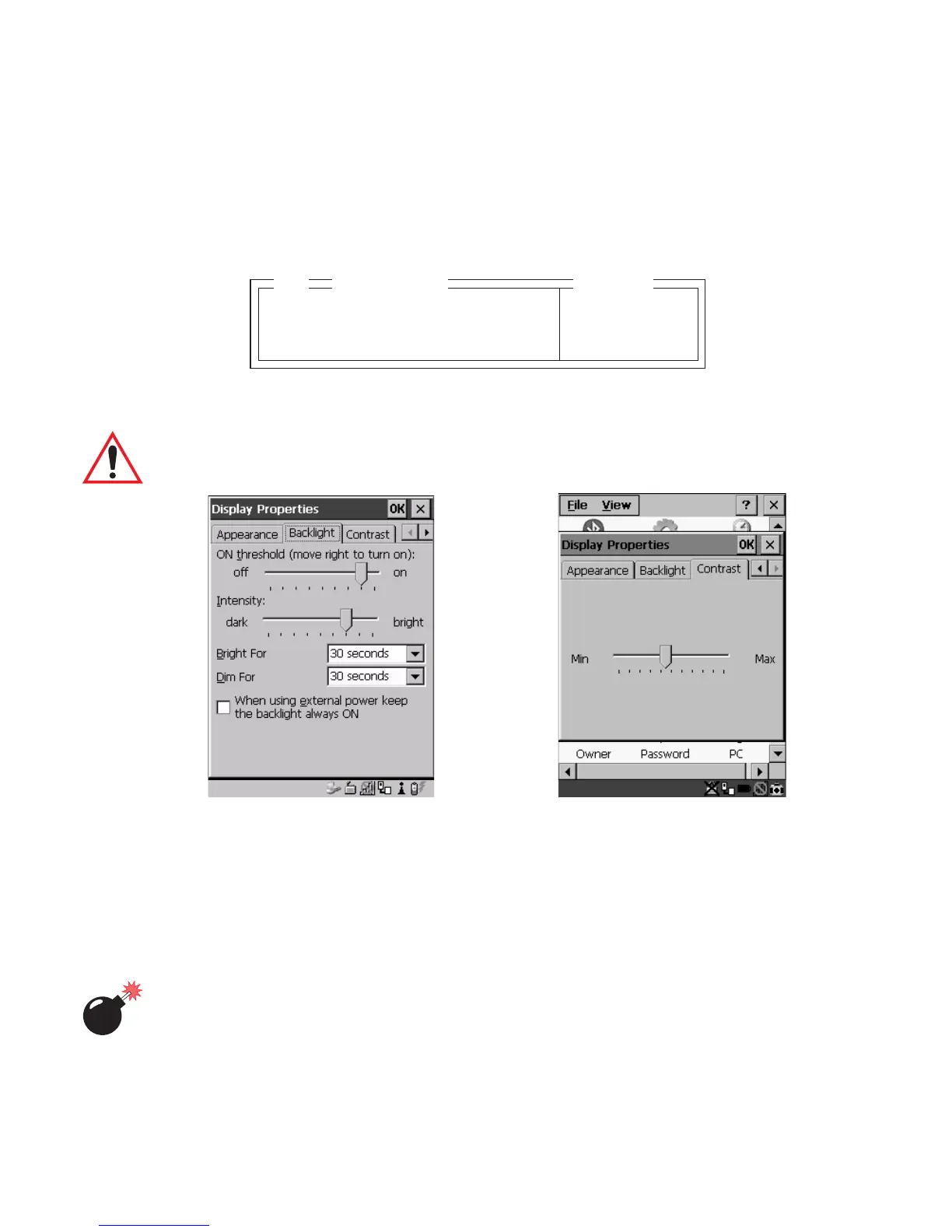
The ‘Display’ sub-menu is used to adjust your unit’s display properties.
• Press <F1> to access the ‘Display’ sub-menu.
The Display Properties dialogue box is displayed where you can adjust the appearance,
backlight and contrast of your 7530 display.
Important: ‘Display Properties’ dialogue box options are described in detail
beginning on page 88.
Figure 6.5 Display Properties
6.13 More Parameters
The “More Parameters” sub-menus contain the Tekterm parameters and can only be
accessed with the proper security password – either a Supervisory or a Teklogix
password. (Refer to “Security Settings” on page 176 for details.)
Warning: Parameters should not be altered without a clear understanding of
how they operate. Parameters that are incorrectly set can increase
response time or cause communication difficulties. Generally,
parameters are configured for each site during installation.
Backlight Ctrl Panel » see text
Contrast Ctrl Panel » see text
02
Range
Display



 To Next Page