Psion Teklogix 7530 Hand-Held Computer User Manual103
Chapter 5: Configuration
Charger Details
5.5.4.4 Charger Details
• In the Power Properties dialogue box, open the Charger tab.
When the 7530 is in a Combo Dock, enabling (√)
Allow Battery Calibration in this tab
allows a battery requiring recalibration to be fully discharged and recharged.
Recalibration occasionally extends the battery charge time. If you prefer that the
battery always be charged in the shortest time possible, do not check this box.
5.5.5 Stylus Properties
Note: Touchscreen calibration may not be enabled on your unit. If your screen
appears to require recalibration, contact your supervisor.
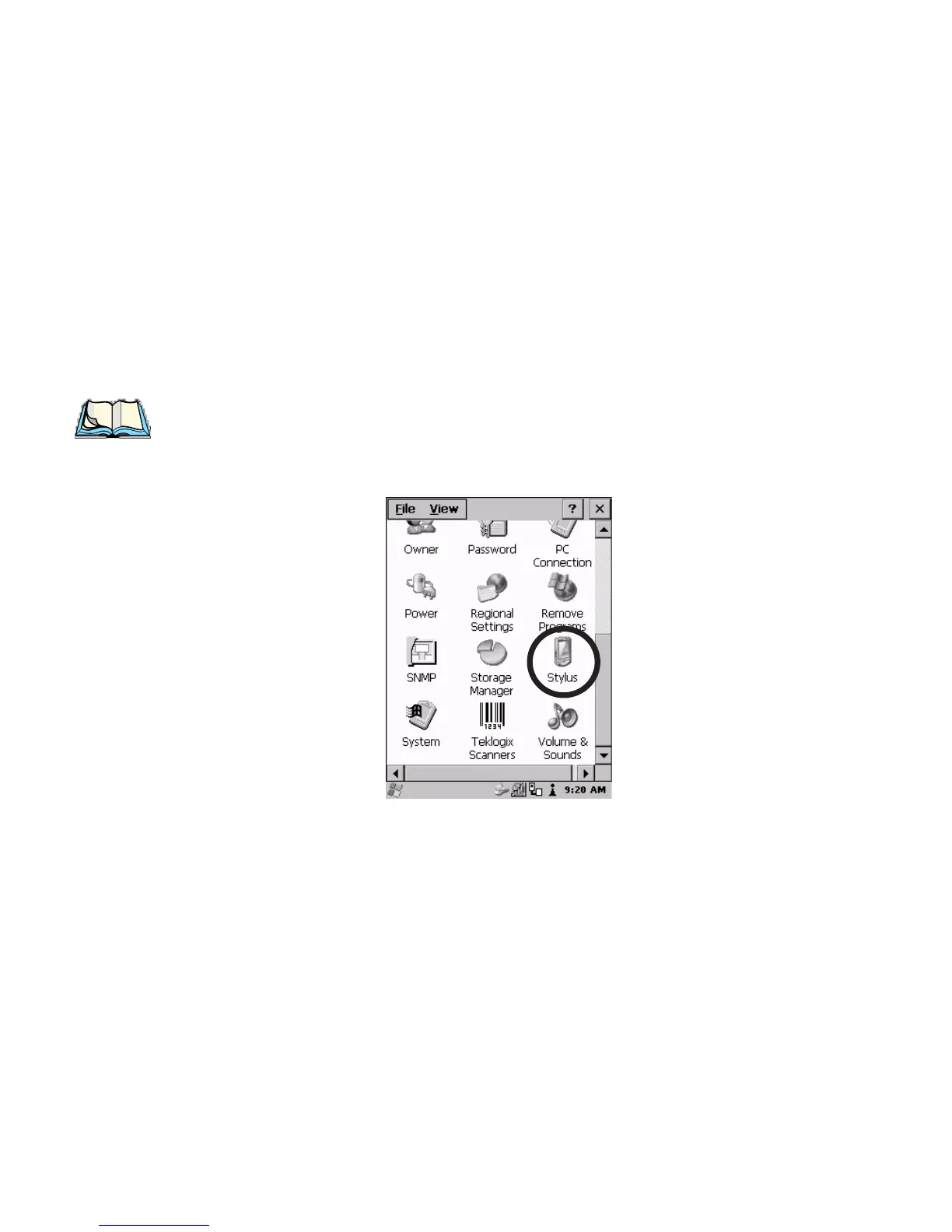
• In the Control Panel, choose the Stylus icon.
Figure 5.20 Stylus Icon



 To Next Page