Chapter 5: Configuration
Communities Tab
136
Psion Teklogix 7530 Hand-Held Computer User Manual
5.8.2 Communities Tab
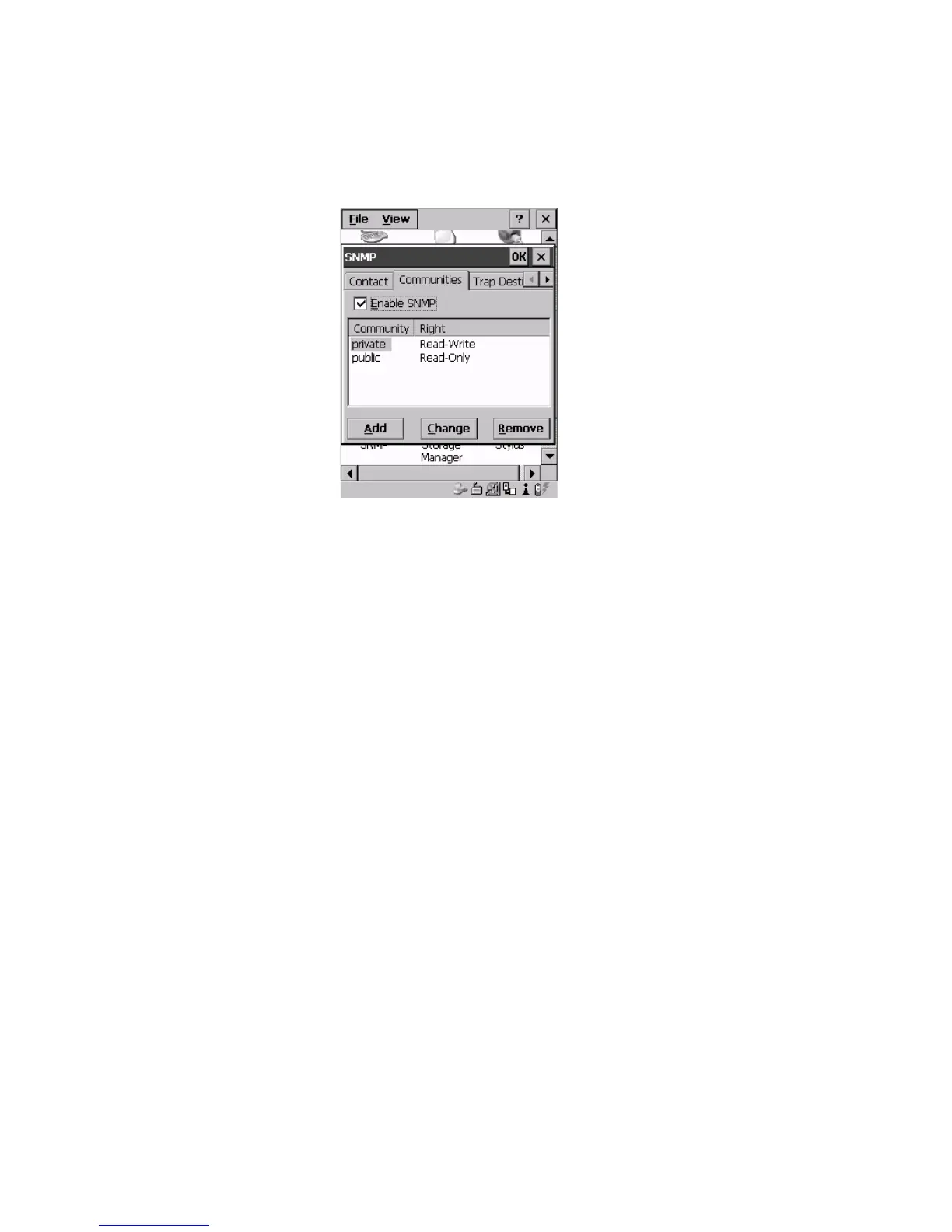
Figure 5.52 Community Settings
The “Communities” tab provides a means of limiting access to SNMP managed
devices to those SNMP Managers with matching “community names”, as specified
by RFC 1157.
Enable SNMP
Enabling (√) ‘Enable SNMP’ allows the device to respond to SNMP queries and to send
Traps. After enabling this option and rebooting the device, the SNMP Agent will
automatically start up. To disable this feature, remove the check mark from the
check box.



 To Next Page