Chapter 6: Tekterm Application
Power Mgmt Ctrl Panel
184
Psion Teklogix 7530 Hand-Held Computer User Manual
Sounds Ctrl Panel
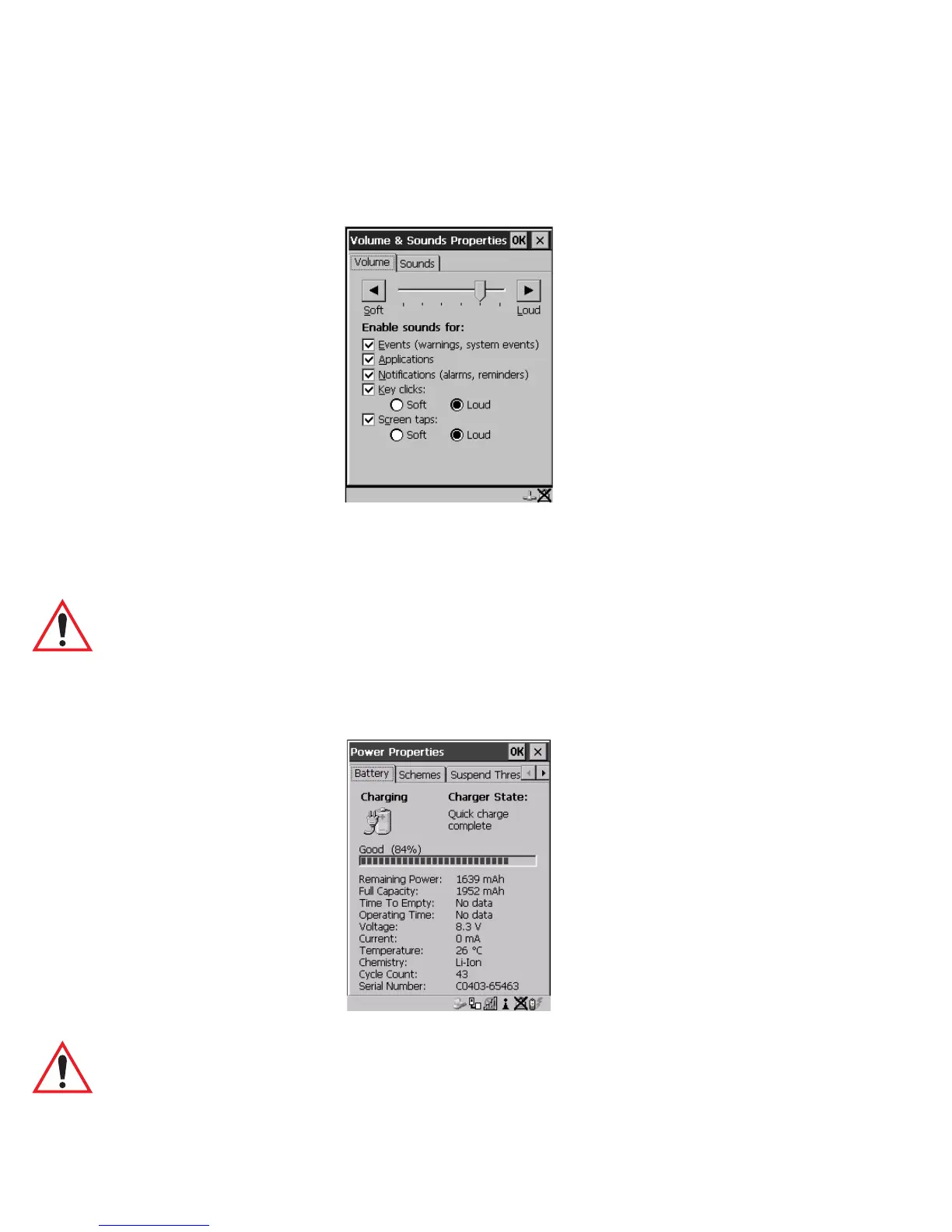
This option displays the Volume & Sounds Properties dialogue box.
Figure 6.8 Adjusting The Volume
This dialogue box is used adjust the beeper volume and to select the conditions
under which the 7530 will emit a beep.
Important: Refer to “Volume And Sound Properties” on page 99 for details
about this dialogue box.
6.15.3 Power Mgmt Ctrl Panel
This menu item displays the Power Properties dialogue box.
Figure 6.9 Power Properties Dialogue Box
Important: Refer to “Power Management Properties” on page 100 for details
about this dialogue box.



 To Next Page