Psion Teklogix 7530 Hand-Held Computer User Manual153
Chapter 6: Tekterm Application
The Tekterm Status Area
6.4 The Tekterm Status Area
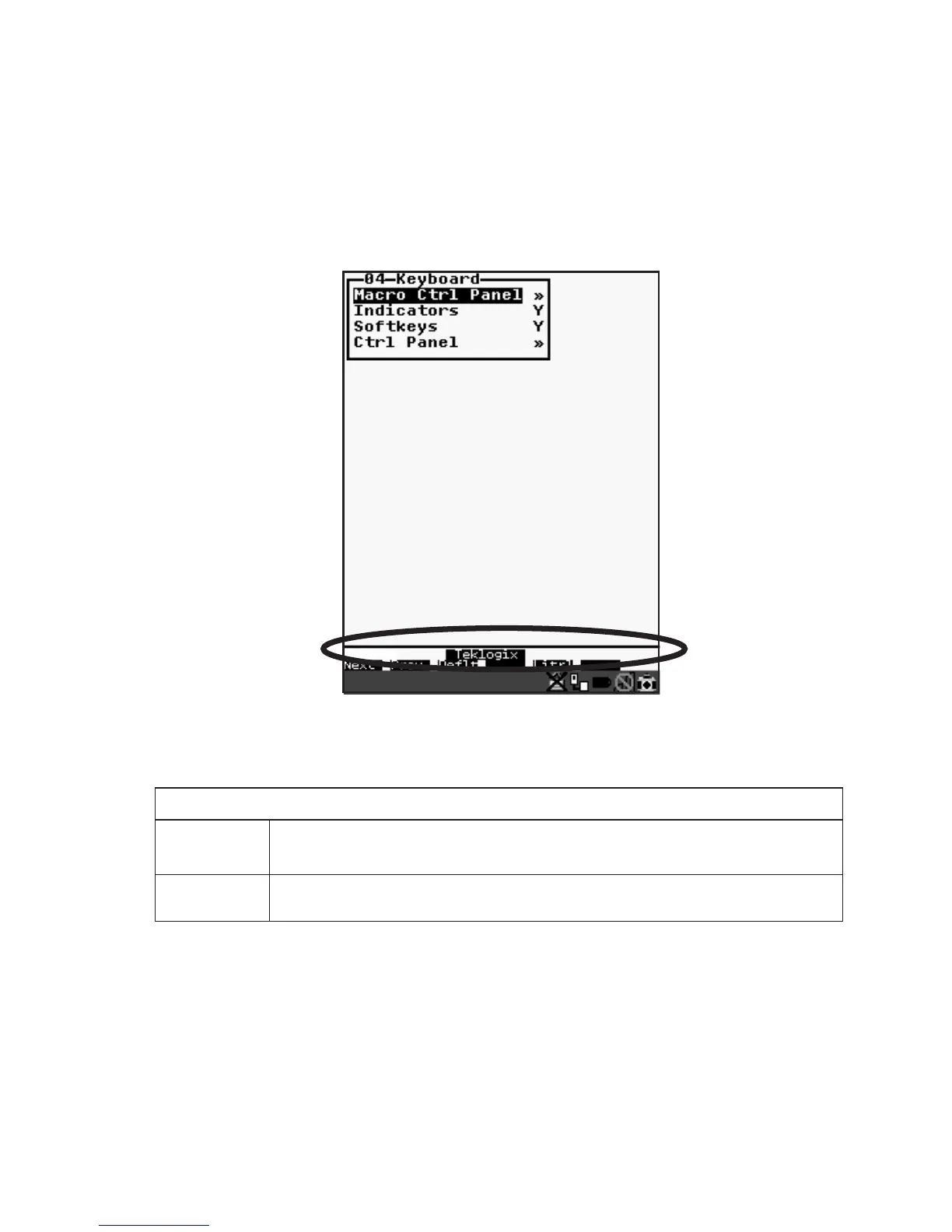
Tekterm provides a status area just above the softkey labels. The status area indi-
cates the operating condition of the hand-held.
Figure 6.2 Status Area
Table 6.2 outlines the options displayed in the status area.
Table 6.2 Status Area
Status Area Indicators
Security Level
Within Tekterm
The security level assigned within the Tekterm application is displayed in the
status area. One of the following is displayed – User, Supervisor or Teklogix.
View Mode
When <CTRL><ALT><V> is typed to place the 7535 in View mode, this
information is displayed in the status area.



 To Next Page