Psion Teklogix 7530 Hand-Held Computer User Manual187
Chapter 6: Tekterm Application
Scanner Control Panel
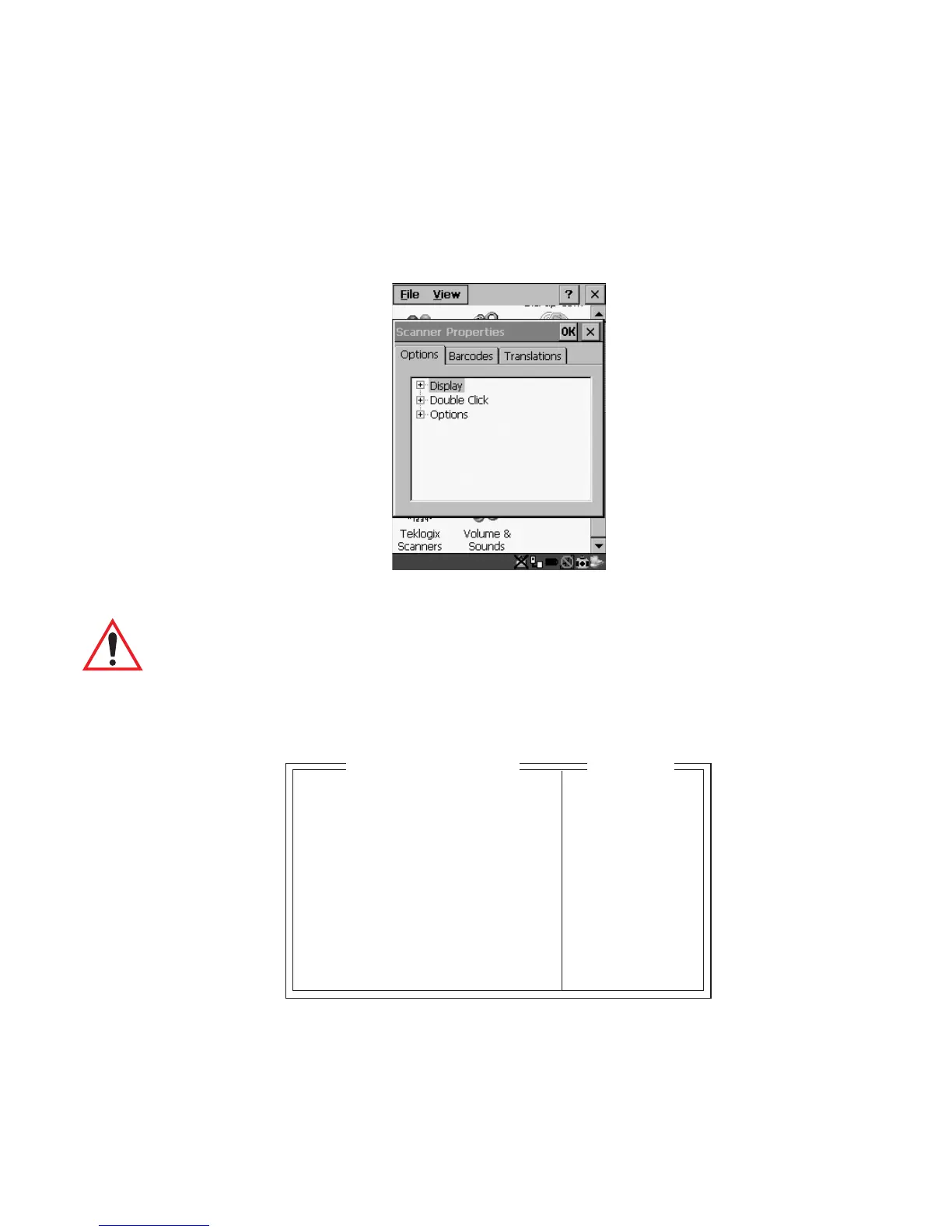
6.16 Scanner Control Panel
This menu item displays a Scanner Properties dialogue box in which you can set up the
particulars of your unit’s scanner performance, choose the bar codes which will be
decoded, and so on.
Figure 6.10 Scanner Properties Dialogue Box
Important: Refer to "Scanner Properties Setup" beginning on page 118 for
details about setting up your scanner.
6.17 View Manager
Display Shift
If this parameter is enabled (set to “Y”), the display in application screens shifts so
that there are no blank columns on the left-most side of the display.
Display Shift Y Y/N
Block Cursor Y Y/N
Use Increment N Y/N
X-increment 5 1..40
Y-increment 5 1..12
Split Screen » see text
Custom Chars » see text
Font Override N» see text
Default Colours » see text
View Manager
Range



 To Next Page