Psion Teklogix 7530 Hand-Held Computer User Manual67
Chapter 4: Working With Windows CE
Customizing The Taskbar
4.3.2.2 Customizing The Taskbar
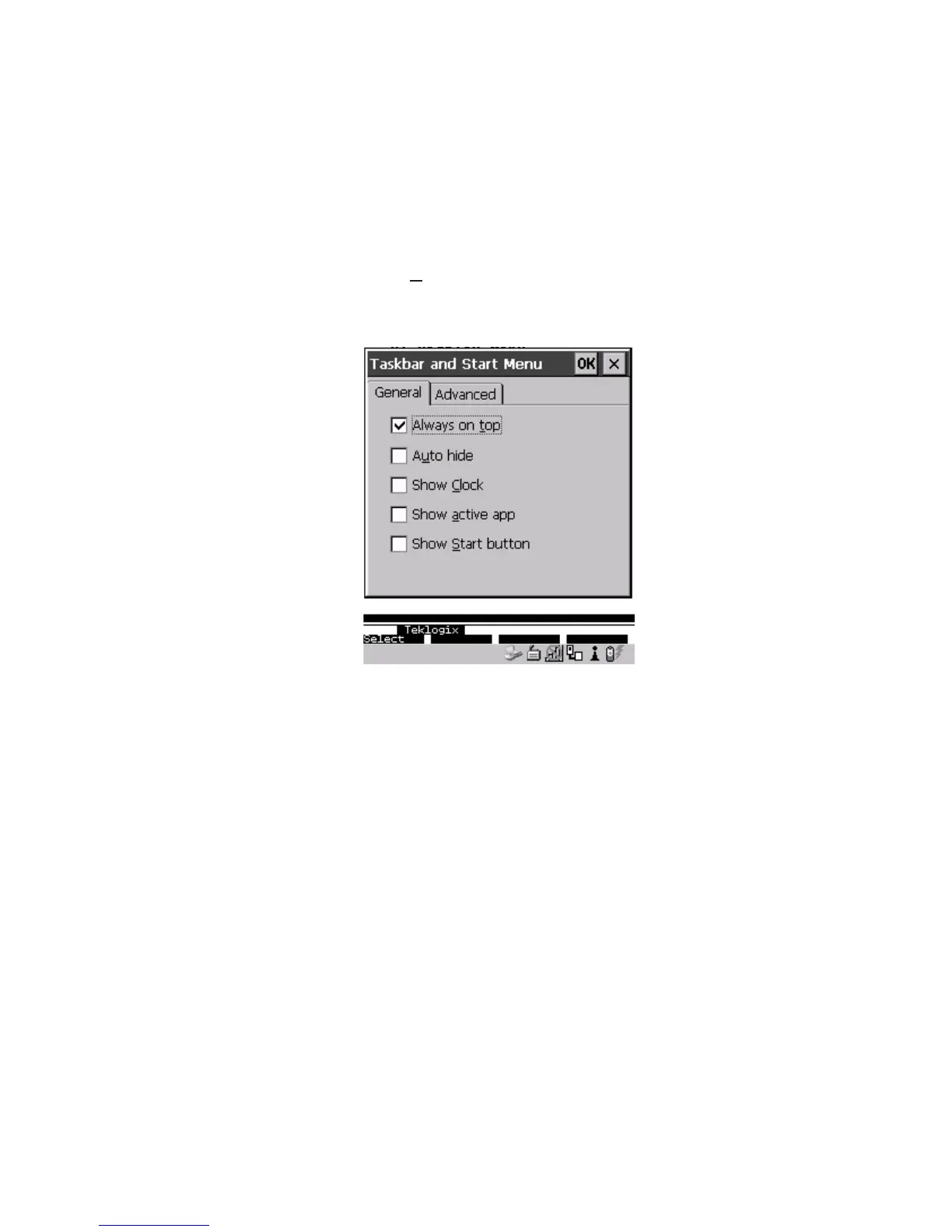
To customize the taskbar so that it displays only those icons you require:
• Press <BLUE> <0> (zero) to display the
Start Menu.
• Highlight the Settin
gs option, highlight Taskbar... in the sub-menu, and
press <ENTER>.
The Taskbar and Start Menu dialogue box is displayed.
Figure 4.4 Taskbar And Start Menu Settings
• Under the General tab, highlight the options you want to activate, and press
the <SPACE> key to select them. A check mark indicates active items.
If you have a touchscreen:
• Tap the stylus on the items you want to activate or deactivate. The check
mark indicates active items.



 To Next Page