Psion Teklogix 7530 Hand-Held Computer User Manual63
Chapter 4: Working With Windows CE
Working With Files, Folders And Programs
4.2 Working With Files, Folders And Programs
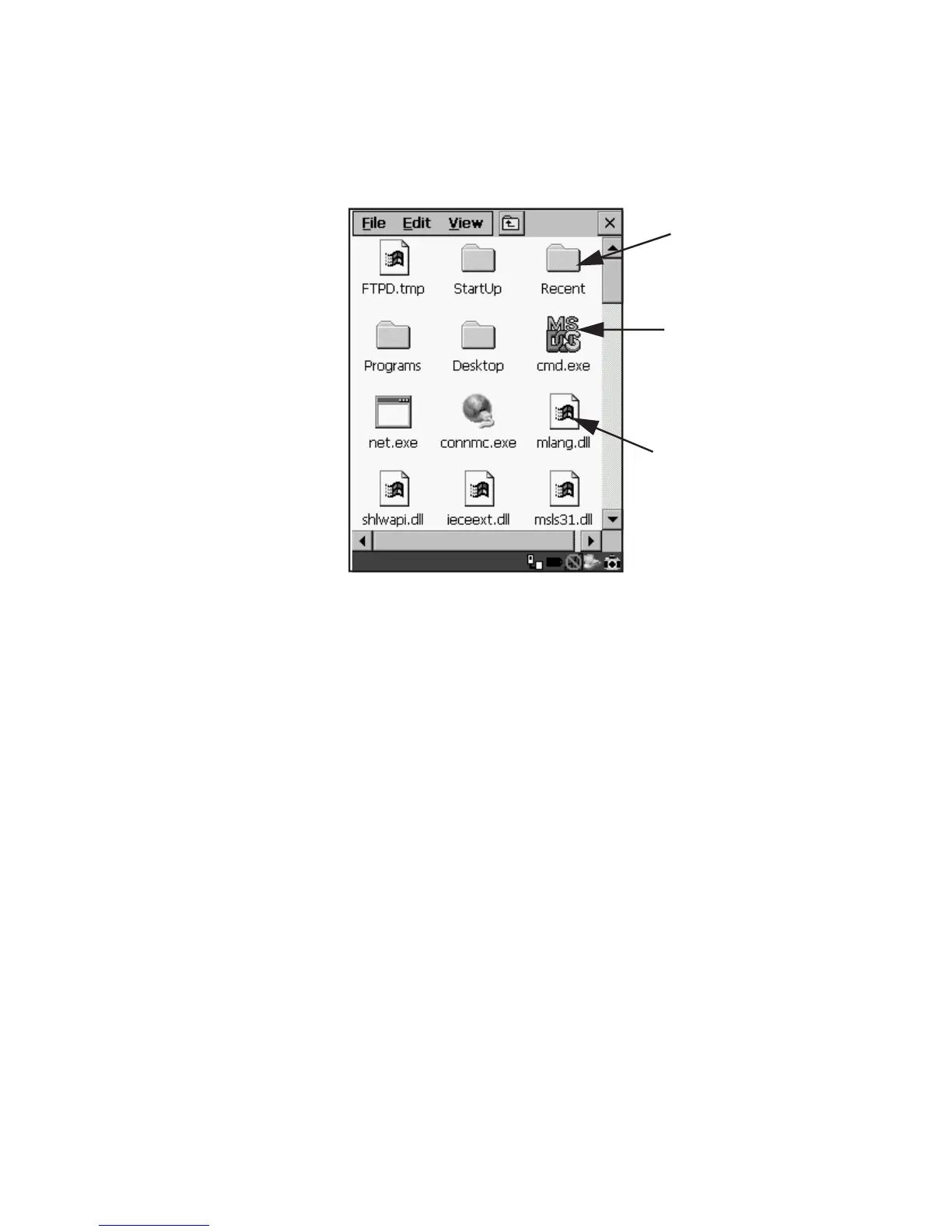
Figure 4.1 Working With Windows Icons
• Use the arrow keys to highlight the icon you want to open or launch.
• Press <ENTER>.
If you have a touchscreen:
• Double-tap on the appropriate icon – either a folder icon, a program icon or
a file icon – to open or launch your selection.
Folder
File
Program Icon



 To Next Page