Appendix C: USB Setup Application
Pre-Installation: Updating usbstor.inf And wceusbsh.inf
C-2
Psion Teklogix 7530 Hand-Held Computer User Manual
C.1.2 Pre-Installation: Updating usbstor.inf And wceusbsh.inf
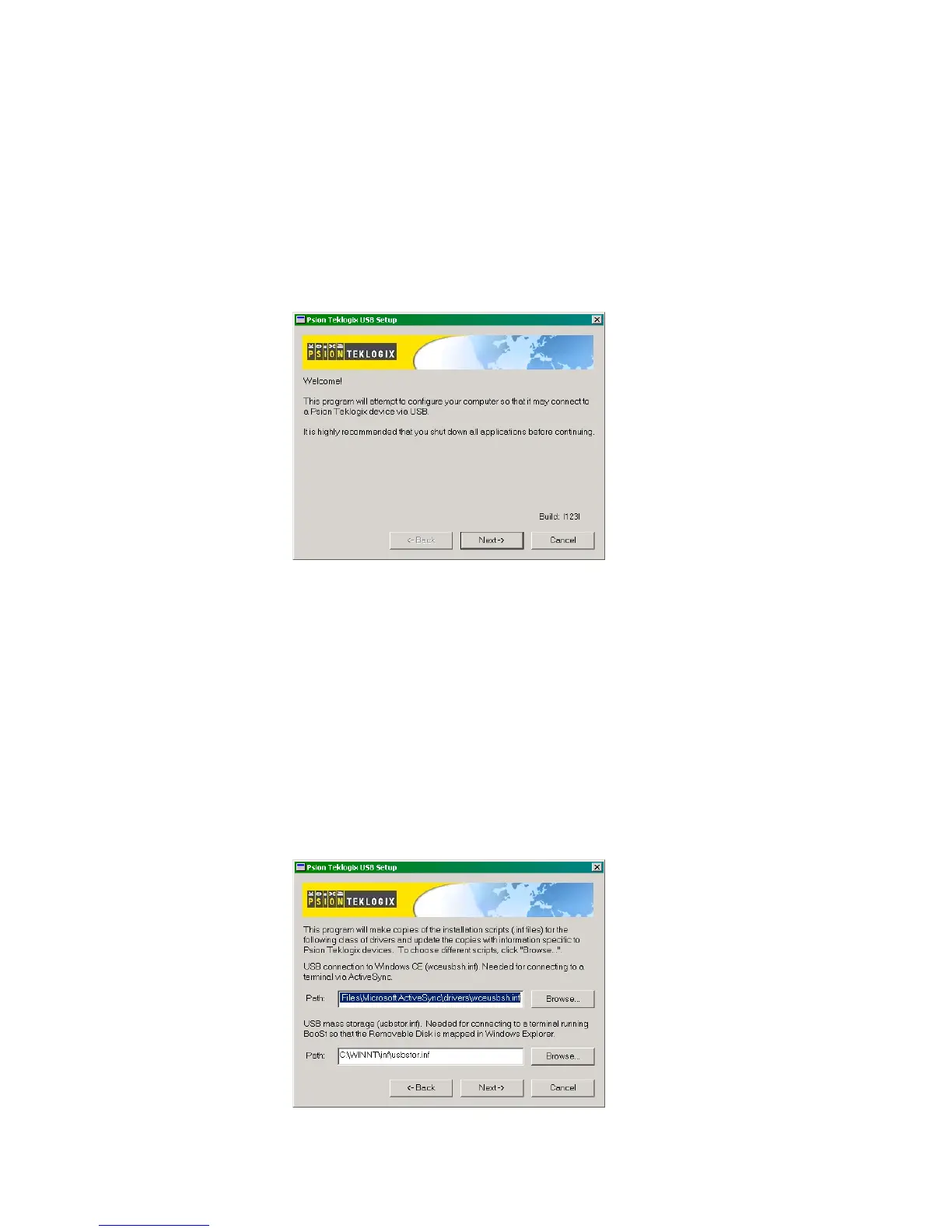
1. Welcome Dialogue Box:
You can click on the <Back> and <Next> buttons to navigate between
the pre-install windows. At any time during the pre-installation process,
you can tap on <Cancel> to exit the program.
• Shut down all other software programs – especially ActiveSync – to avoid a
restart request during installation.
• Tap on the <Next> button.
The program checks that ActiveSync is installed and that it is a supported
version – 3.1 or later. If the version installed on your PC is not supported,
you’ll need to exit the USB Setup application, and install a later version of
ActiveSync.
2. Device Driver INF File Selection Dialogue Box:
This dialogue box allows you to choose the paths of the appropriate
inf files. Default file paths are provided in this dialogue box.



 To Next Page