Psion Teklogix 7530 Hand-Held Computer User Manual245
Chapter 6: Tekterm Application
Network Ctrl Panel Settings
6.20.1 Network Ctrl Panel Settings
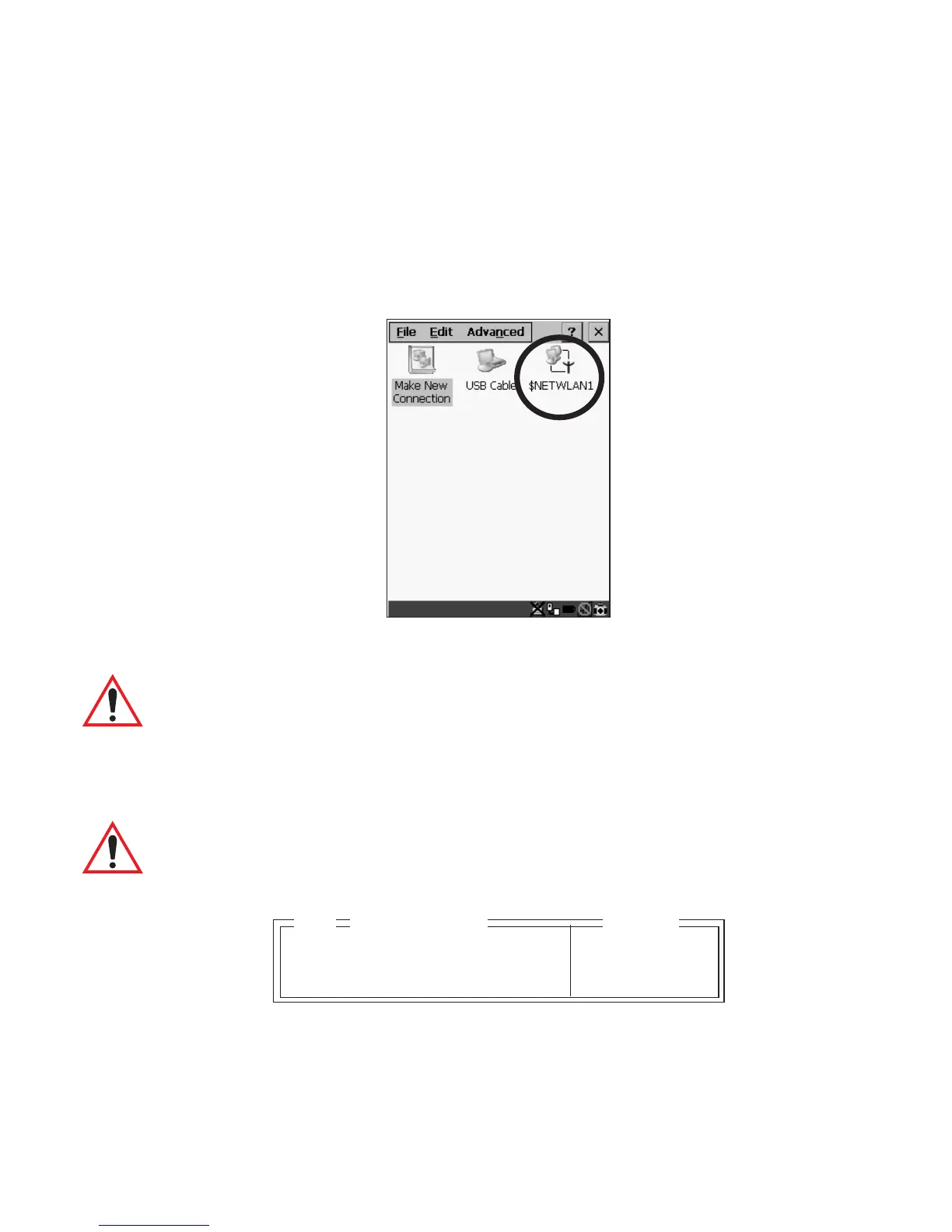
This option displays a Windows CE screen where you can set up your radio, launch an
existing network connection or create a new connection. The radio icon
(NETWLAN1in the sample screen) in this window is used to configure the radio
installed in the 7530
Figure 6.11 Network Settings
Important: Follow the steps outlined in “Configuring An IEEE 802.11 Radio
Installed In The 7530” on page 18 for details about configuring
your radio.
6.20.2 802.IQ v2
Important: For setup information about 802.IQ v2, refer to the “9400 and
9450 Network Controllers User Manual” and/or the “9150
Wireless Gateway User Manual”.
Port 8888 see text
More Parameters » see text
802.IQ v2
Range
04



 To Next Page