Chapter 5: Configuration
Changing A Destination
140
Psion Teklogix 7530 Hand-Held Computer User Manual
5.8.3.3 Changing A Destination
To change an existing trap destination:
• Highlight the destination you want to alter in the
Trap Destination tab, and then
choose the
Change button.
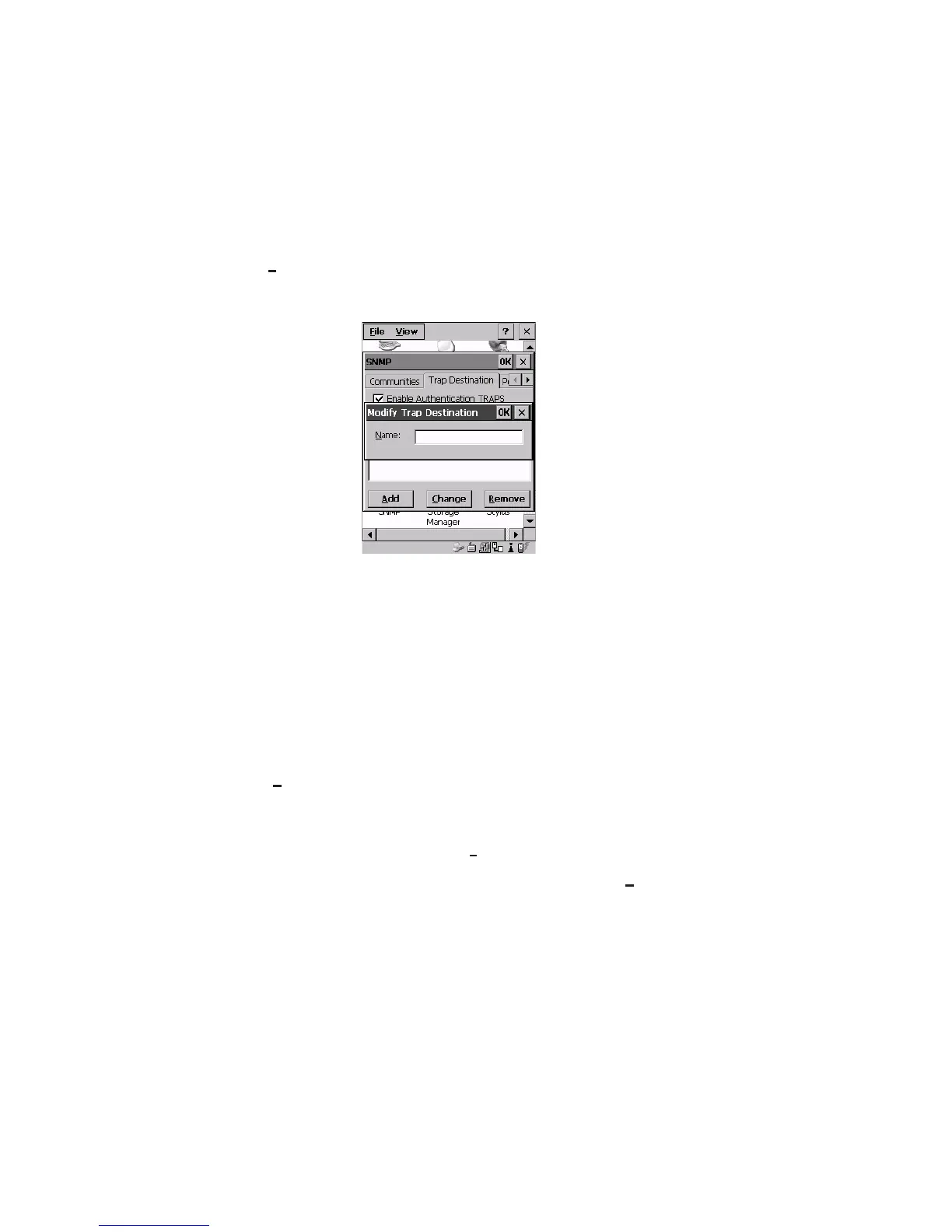
A dialogue box like the one displayed when you add a destination is displayed.
Figure 5.57 Changing A Destination
• Make the changes to the destination, and press <ENTER> to save the
changes.
5.8.3.4 Removing A Trap Destination
To remove a trap destination:
• In the
Trap Destination tab, highlight the destination you want to delete.
• Choose the
Remove button.
A
Delete Confirmation screen is displayed.
• To remove a destination, choose the
Yes button.
• If you decide not to remove the destination, choose the
No button.



 To Next Page