Chapter 6: Tekterm Application
More Parameters
178
Psion Teklogix 7530 Hand-Held Computer User Manual
Note: Parameters can also be remotely modified using SNMP. Refer to “SNMP
(Simple Network Management Protocol) Setup” on page 134 for details.
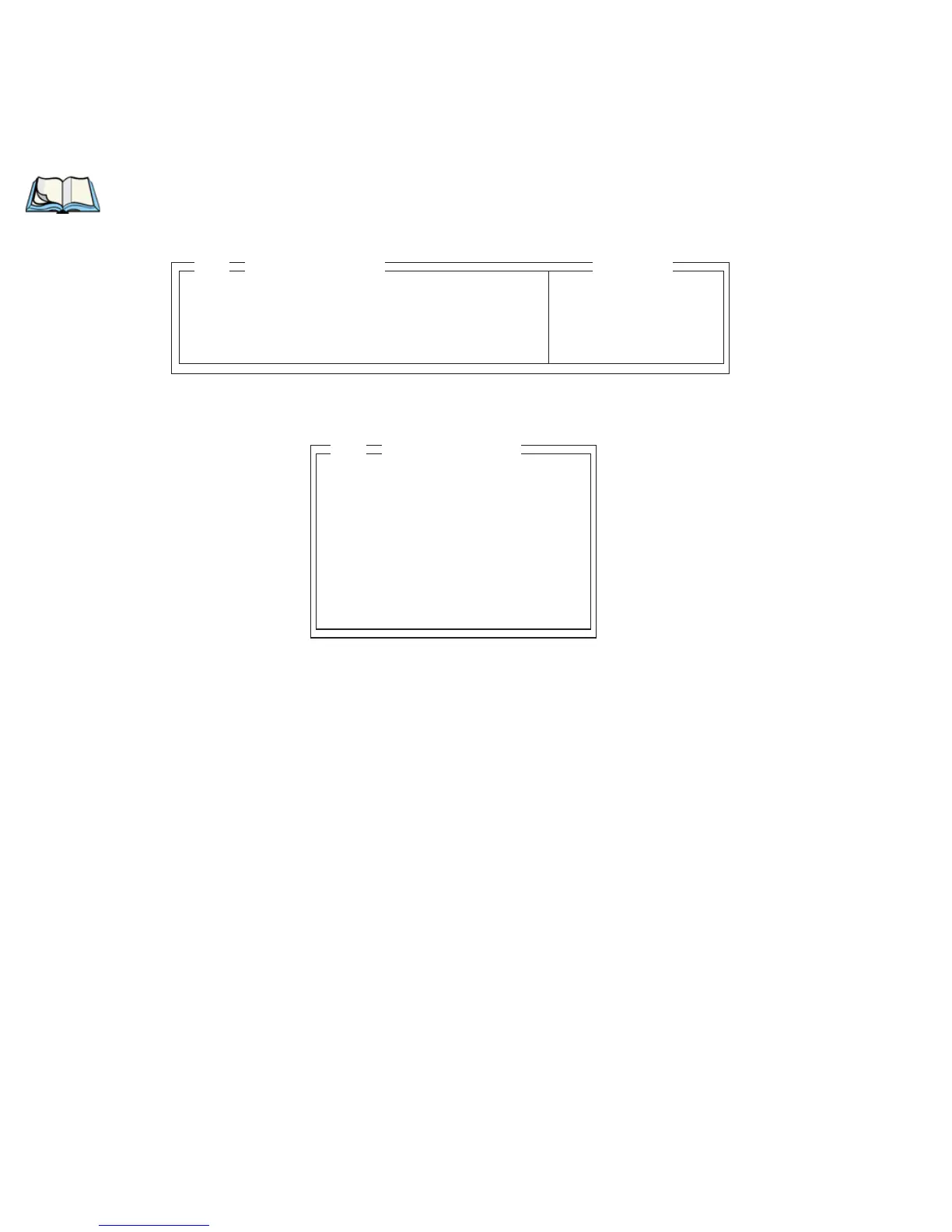
• At the startup ‘Display’ menu, type ‘a’ to display the ‘Parameters’ menu.
• To open the ‘More Parameters’ menu, press <F1>.
More Parameters » see page 177
Security Supervisor see page 176
Display » see page 177
01
Parameters
Range
Radio »
System »
Scanner Ctrl Panel »
View Manager »
Applications »
Ports »
Network »
02
Parameters


 To Next Page