Psion Teklogix 7530 Hand-Held Computer User Manual19
Chapter 2: Basic Checkout
Configuring An IEEE 802.11 Radio Installed In The 7530
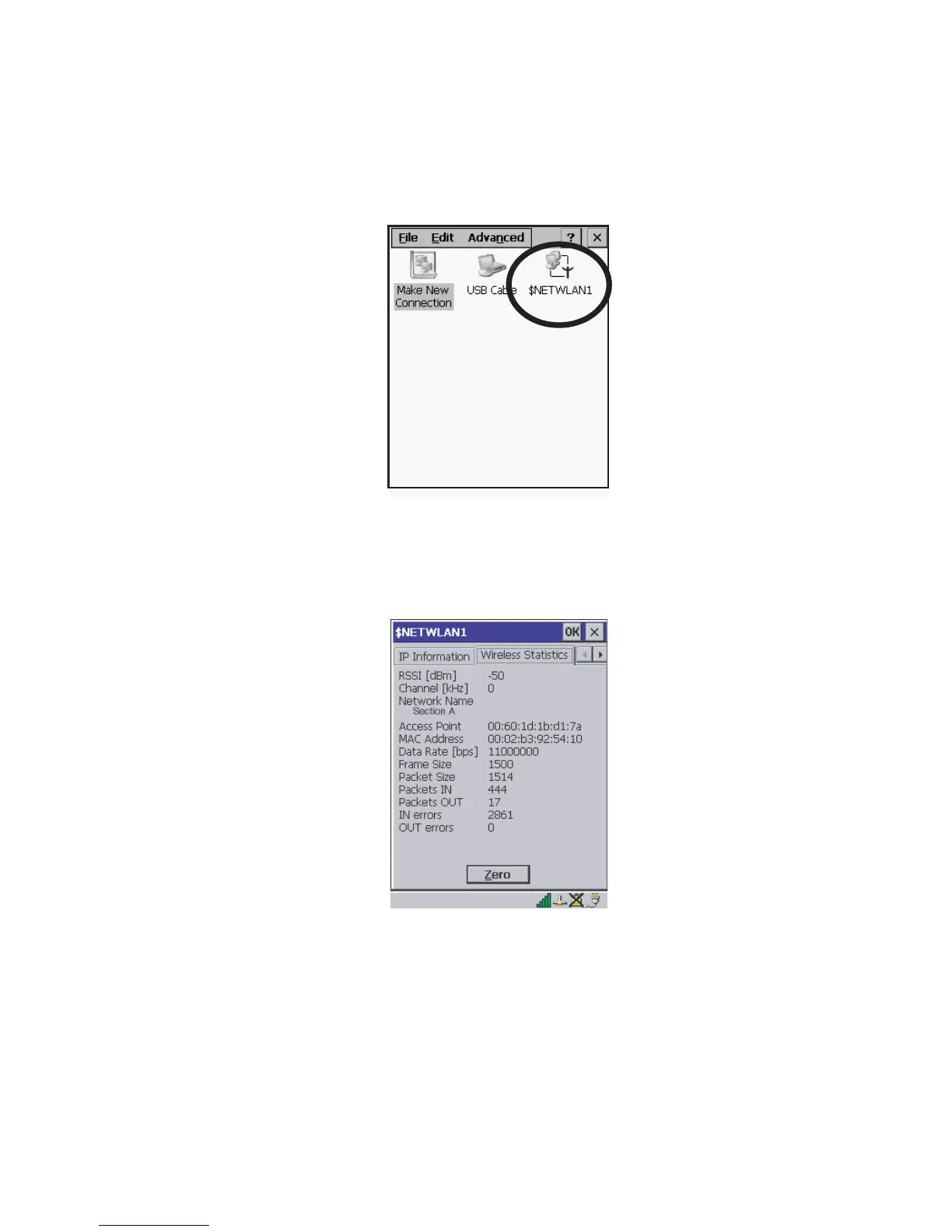
2. Choose the radio icon to open the 802.11b Wireless LAN Settings window – in
the sample screen this is labelled
$NETWLAN1.
Figure 2.6 802.11b Wireless LAN Settings Window
3. Wireless Statistics Tab
When you choose the Wireless LAN icon, an 802.11b Wireless LAN Settings
window (
$NETWLAN1 in the sample below) is displayed.
Figure 2.7 Wireless Statistics
This tab lists your radio statistics. Choosing the Zero button resets the statis-
tics of the last four items –
Packets IN, Packets OUT, IN errors and OUT errors.
• Press the <TAB> key followed by the <RIGHT> arrow key to display
the next tab in this window –
Wireless Information.



 To Next Page