Page 16 of 76
Condensed Operating Instructions (Continued)
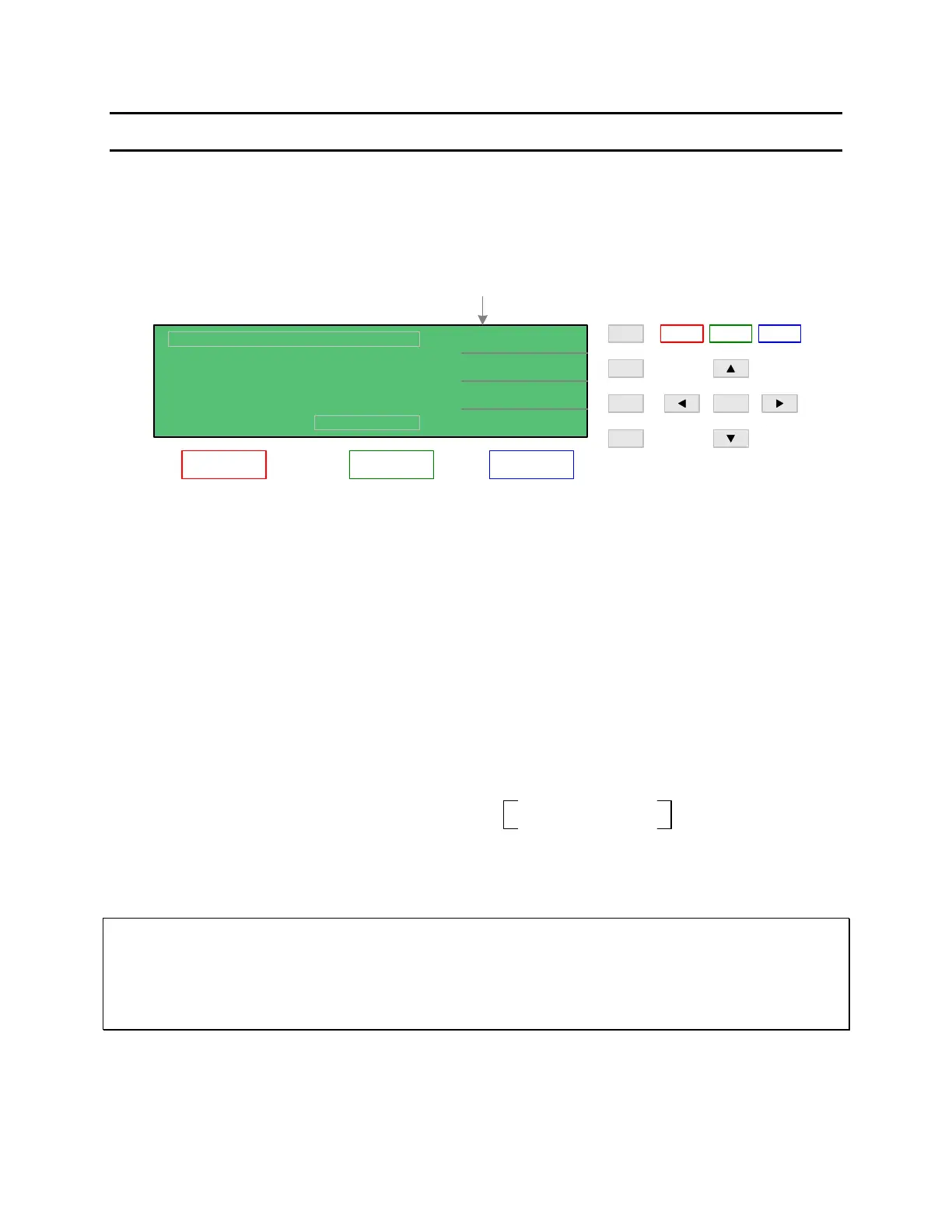
There are three main menus within the 1855 instrument software. Familiarize yourself with
these menus prior to programming a test. Figure COI-1 illustrates the MEAS DISPLAY screen
and lists the functions that can be accessed by pressing the [MAIN INDEX] and [SYSTEM
SETUP] keys.
MEAS DISPLAY
Function of F1 - F4 Keys
1.0V
0.5mA
NEXT PAGE 1/2
2uA
Lc :
MEAS
DISPLAY
SYSTEM
SETUP
MAIN
INDEX
Dwell Time
Charge Time
Sequence Test
Null
Step Test
Need Password*
Need Paasword*
Speed
Beeper
Key Lock
NEXT PAGE 2/2
NEXT PAGE 1/2
< MEAS DISPLAY: SEQ. TEST >
Constant Current
Foil Voltage
GPIB Address
Handler Mode
Alarm Mode
Sound Mode
Trigger Delay
F1
F3
F2
MEAS
DISPLAY
F4
TRI GGER
MAI N
INDEX
SYSTEM
SETUP
SYSTEM CONFIGURATION
CALIBRATION
MEMORY MANAGE
Trigger Edge
Line Frequency
-1.2 A
TEST V.
C.C.
RANGE
:
:
:
DISCHARGECHARGE TEST
* Qualified Service Personnel Only
Instrument Calibration & Verification
Vm = 0.0V
Test Parameter
Contrast
RS232 Baud Rate
Charge Time
Range Dwell
Average
EXT Vm Display
Constant Current
Test Voltage
Range
Charge Time
Dwell Time
Speed
Constant Current
Test Voltage
Range
Trigger
Speed
W.V. Test
Compare
End Time
Charge End Time
Trigger
Speed
SEQ. STEP
Test Voltage
Constant Current
Range
Test Voltage
Constant Current
Range
NEXT PAGE 1/2
NEXT PAGE 2/2
CHARGE/TEST DISCHARGE
A
Figure COI-1: 1855 Instrument Menus
NOTE:
The function keys [F1 – F4] are used to select the parameter to change and in some menus to
change the value of that selected parameter.
The function of UP/DOWN depends on the menu. In some menus, the LEFT/RIGHT keys are
used to select a digit by moving the underscored cursor left or right.



 To Next Page