Interface Page 33 of 76
2.3.3.12 Line Frequency
In accordance with the AC power source, the frequency of the line voltage can be set to 50Hz or
60Hz. The instrument default setting is 60Hz. To change the line frequency press [SYSTEM
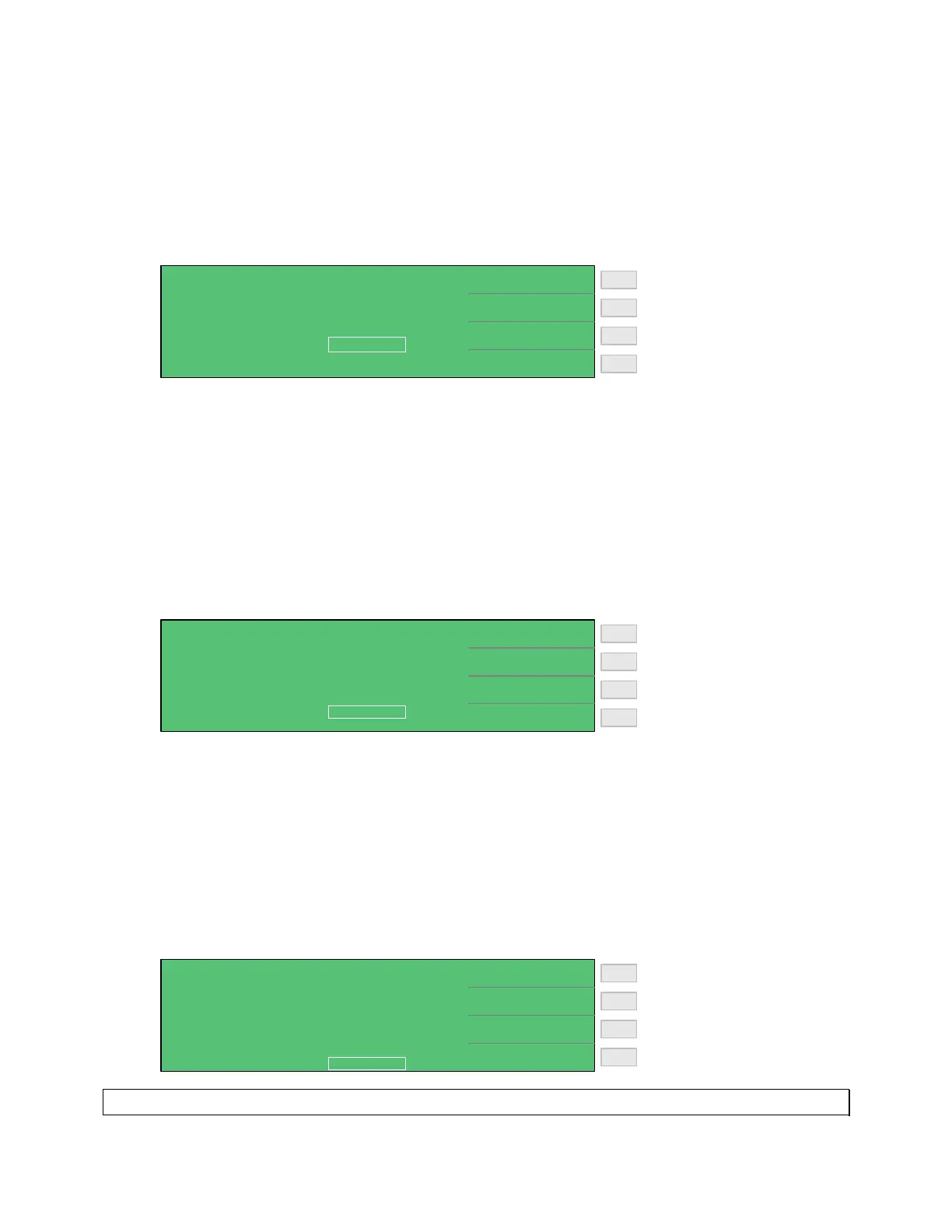
SETUP], [SYSTEM CONFIG] and the down arrow [⇓] until the box next to LINE
FREQUENCY is highlighted, then press [F1] = 50Hz or [F2] = 60Hz.
Line Frequency = 60Hz
Line Frequency = 50Hz
F3
F1
F2
F4
< SYSTEM CONFIG >
60Hz
50Hz
LINE FREQUENCY
KEY LOCK
CONTRAST :
GPIB ADDRESS
RS232 BAUD RATE
CHARGE TIME
RANGE DWELL :
:
:
:
:
:
07
17
19200
OFF
60Hz
Vm = Vs
0.0 S
2.3.3.13 Charge Time
Charge Time is defined as when the 1855 instrument will start charging the device under test.
Select Vm = Vs to have the 1855 instrument start charging when monitored voltage reaches the
set (programmed) voltage. Select Vm = 0V to have the instrument start charging the device
when the [TRIGGER] button is pressed. The instrument default value is Vm = Vs. To change
the CHARGE TIME press [SYSTEM SETUP], [SYSTEM CONFIG] and the down arrow [⇓]
until the box next to CHARGE TIME is highlighted, then press [F1] = Vm=Vs or [F2] =
Vm=0V.
Start Charge Time when
V
monitored
= V
set
Start Charge Time when
[TRIGGER] is pressed
F3
F1
F2
F4
< SYSTEM CONFIG >
Vm = Vs
Vm = 0V
LINE FREQUENCY
KEY LOCK
CONTRAST :
GPIB ADDRESS
RS232 BAUD RATE
CHARGE TIME
RANGE DWELL :
:
:
:
:
:
07
17
19200
OFF
60Hz
Vm = Vs
0.0 S
2.3.3.14 Range Dwell
The range dwell is the amount of time the instrument holds at the programmed test voltage
before the 1855 makes the measurement. The range dwell is in addition to, and occurs after, the
charge time. The range dwell can be programmed from 0 to 9.9 seconds. The instrument default
value is 0 seconds. To change the RANGE DWELL press [SYSTEM SETUP], [SYSTEM
CONFIG] and the down arrow [⇓] until the box next to RANGE DWELL is highlighted, then
press [F1] = DIGIT UP to increase the delay time, [F2] = DIGIT DOWN to decrease the delay
time or [F3] = DIGIT to move over a decimal place.
Increase dwell time 0.0 - 9.9S
Decrease dwell time 9.9 - 0.0S
F3
F1
F2
F4
< SYSTEM CONFIG >
DIGIT UP
DIGIT DOWN
LINE FREQUENCY
KEY LOCK
CONTRAST :
GPIB ADDRESS
RS232 BAUD RATE
CHARGE TIME
RANGE DWELL :
:
:
:
:
:
07
17
19200
OFF
60Hz
Vm = Vs
0.0 S
Note: Refer to paragraph 2.5.5 to program Dwell Time in a Sequence Test.



 To Next Page