Page 28 of 76 Interface
2.3.3 System Configuration
Prior to programming a test or measuring a device, set up the system controls of the 1855
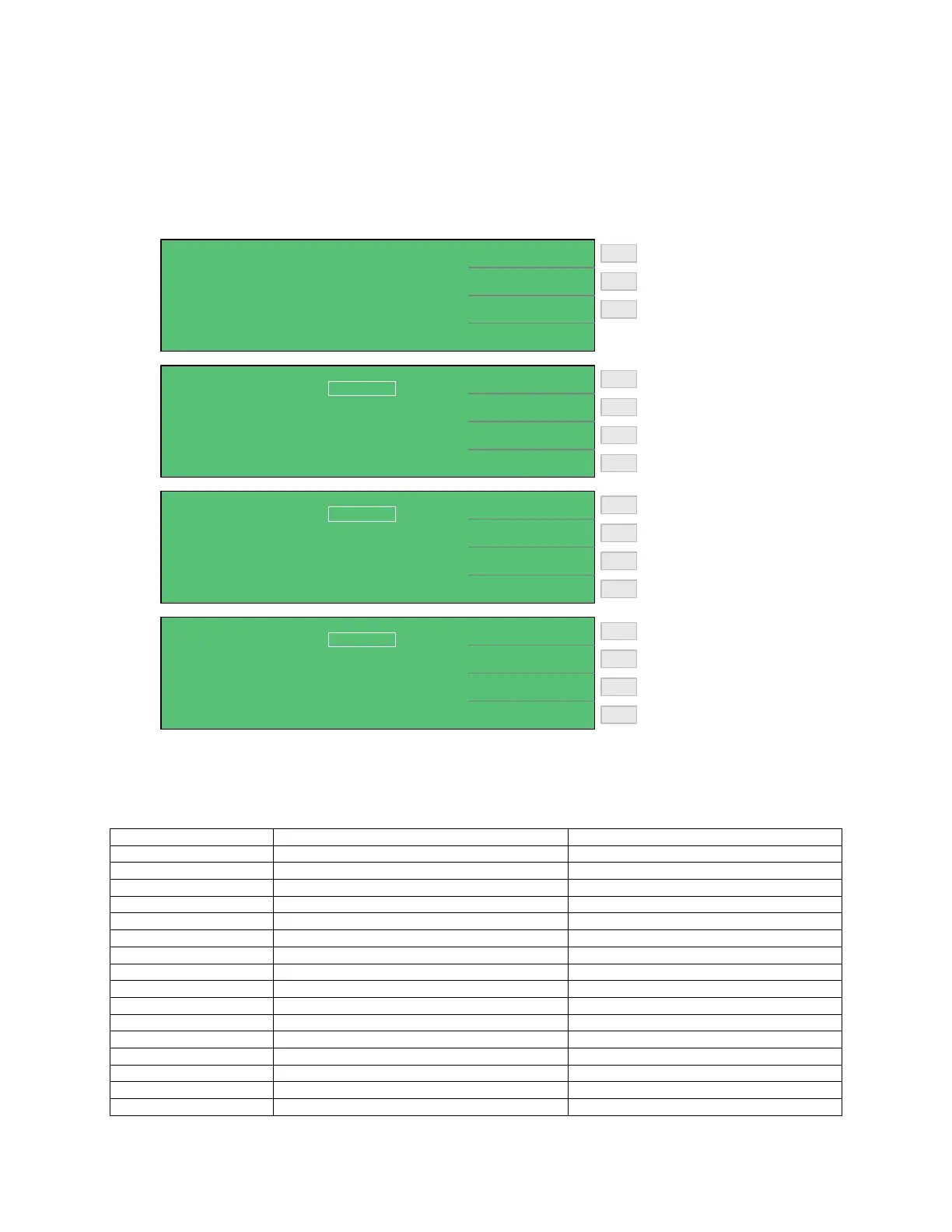
instrument. To access the system controls, press [SYSTEM SETUP] then press [F3] = [SYSTEM
CONFIG]. Table 2-2 lists the contents of SYSTEM CONFIG.
Increase brightness: 00 - 15
Increase # to Average: 1 - 8
Decrease brightness: 15 - 00
Decrease # to Average: 8 - 1
F3
F1
F2
F4
F3
F1
F2
F4
< SYSTEM SETUP > CALIBRATION
MEM MANAGE
SYSTEM CONFIG
Enter Memory Manage
Enter Calibration
Enter System Configuration
F2
F3
F1
< SYSTEM CONFIG >
DIGIT UP
DIGIT DOWN
LINE FREQUENCY
KEY LOCK
CONTRAST :
GPIB ADDRESS
RS232 BAUD RATE
CHARGE TIME
RANGE DWELL :
:
:
:
:
:
07
17
19200
OFF
60Hz
Vm = Vs
0.0 S
< SYSTEM CONFIG >
DIGIT UP
DIGIT DOWN
AVERAGE :
EXT Vm DISPLAY :
1
OFF
Set Test Parameter to IR
Set Test Parameter to LC
F3
F1
F2
F4
< SYSTEM CONFIG >
I.R.
L.C.
TRIG DELAY
ALARM MODE
TEST PARAMETER :
BEEPER
SOUND MODE
TRIG EDGE
HANDLER MODE :
:
:
:
:
:
L.C.
LOW
FAIL
PULSE
0000 mS
FALLING
CLEAR
Figure 2-2: System Configuration
Table 2-2: SYSTEM CONFIG
Parameter Function Range
Test Parameter Set the parameter to be tested LC, IR
Beeper Set beeper loudness OFF, LOW or HIGH
Sound Mode Set when the buzzer to sounds PASS/FAIL
Alarm Mode Set type of alarm signal PULSE/CONTINUOUS
Trigger Delay Set external trigger time 0000 – 9999 ms
Trigger Edge Set trigger mode FALLING/RISING
Handler Mode Set handler interface mode CLEAR/HOLD
Contrast Set display contrast 00 – 15
GPIB Address Code Set interface address 00 – 30
RS-232 Baud Rate Set baud rate 600, 1200, 4800, 9600, 19200, 28800
Key Lock Lock out front panel programming OFF/ON
Line Frequency Set line input frequency 50Hz/60Hz
Charge Time Set time for unit to charge DUT 0 – 999seconds
Range Dwell Set time for unit to stabilize at test level 0.2 – 999seconds
Average Time Set measurement average 1 – 8
EXT VM Display Display output voltage OFF/ON



 To Next Page