Interface Page 39 of 76
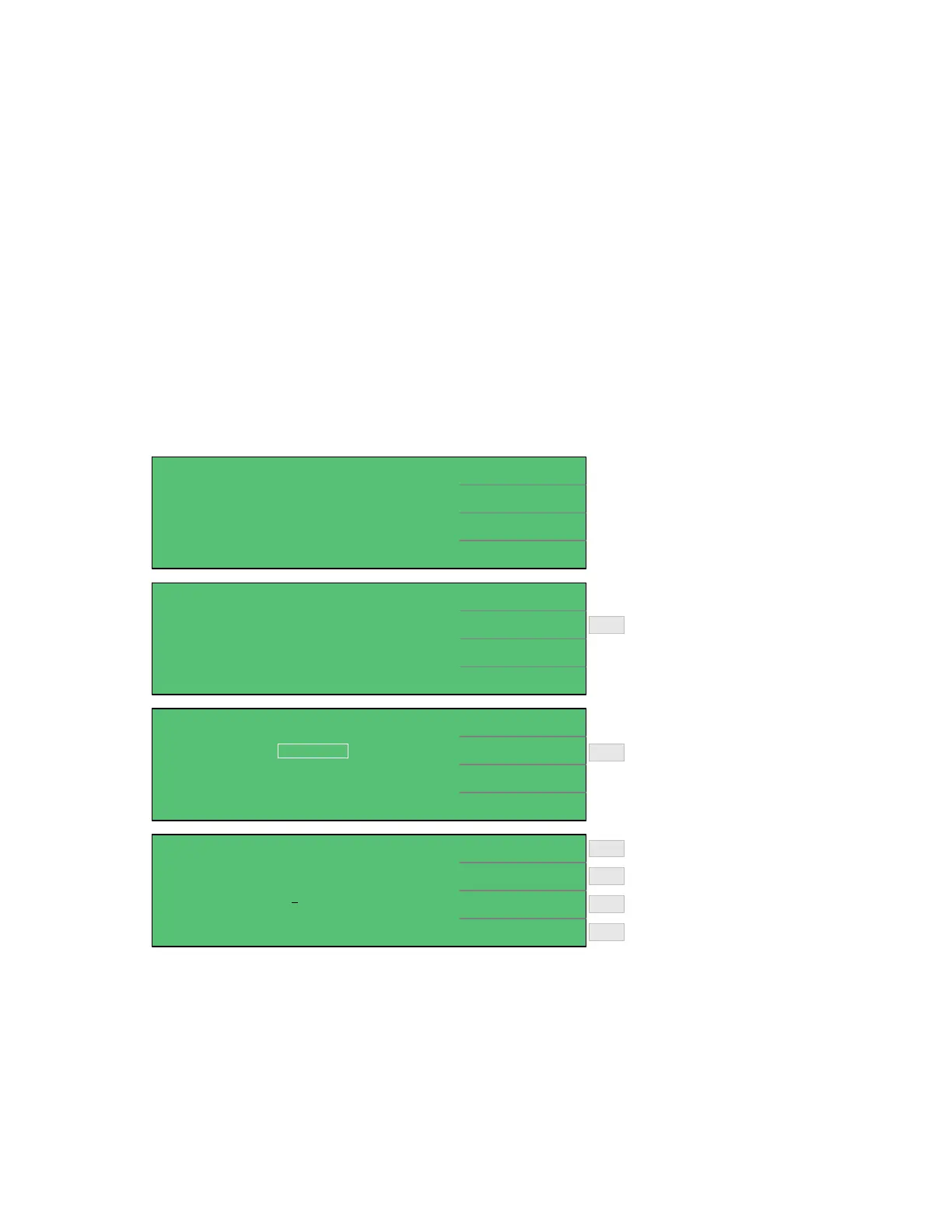
2.4.5 Compare
The Compare function provides the capability to set an upper and/or lower limit for a leakage
current or insulation resistance test and to display Pass/Fail with the measured result. To access
the Compare function, press [MAIN INDEX] and [F4] = NEXT PAGE 1/2 then press [F2] =
COMPARE. Select the Parameter (L.C. or IR) and program the Upper and Lower limits.
The Upper Limit is the high limit or upper value for a test to be considered a pass. If the
measured value is higher than the upper limit the test is considered a fail. The Lower Limit is
the lower value for a test to be considered a pass. If the measured value is lower than the low
limit the test is considered a fail.
In an LC test, the range for Upper Limit is 0.000uA – 999.999mA and the Lower Limit range is
0.000uA to the Upper Limit. In an IR test, the range of the Upper Limit is 0.01kΩ – 99.99GΩ
and the Lower Limit is 0.01kΩ – the Upper Limit.
< MAIN INDEX >
STEP TEST
NULL
NEXT PAGE 1/2
SEQ. TEST
< MAIN INDEX >
COMPARE
NEXT PAGE 2/2
W.V. TEST
< MEAS INDEX: COMPARE >
COMPARE : ONPARAMETER
UPPER (+)
LOWER (-)
:
:
:
L.C.
000.000mA
- - - - - -
EXIT
Turn
Compare
ON
F2
< MEAS INDEX: COMPARE >
DIGIT DOWNPARAMETER
UPPER (+)
LOWER (-)
:
:
:L.C.
02
0.000mA
- - - - - -
LIMIT OFF
DIGIT UP
DIGIT
Increase value of underscored digit
Move underscore cursor to next digit
Decrease value of underscored digit
F3
F1
F4
F2
Turn Upper or Lower Limit Off
F2
Select
Compare
Function
Figure 2-8: Compare Function



 To Next Page