Interface Page 43 of 76
UP arrow [⇑] key: increase current by 5mA from 0.5mA to 100mA then by 50mA from 100mA
to 500mA
DOWN arrow [⇓] key: decrease current by 50mA from 500mA to 100mA then by 5mA from
100mA to 0.5mA
RIGHT arrow [⇒] key: increase current in 1mA increments.
LEFT arrow [⇐] key: decrease current in 1mA increments.
2.5.3 Range
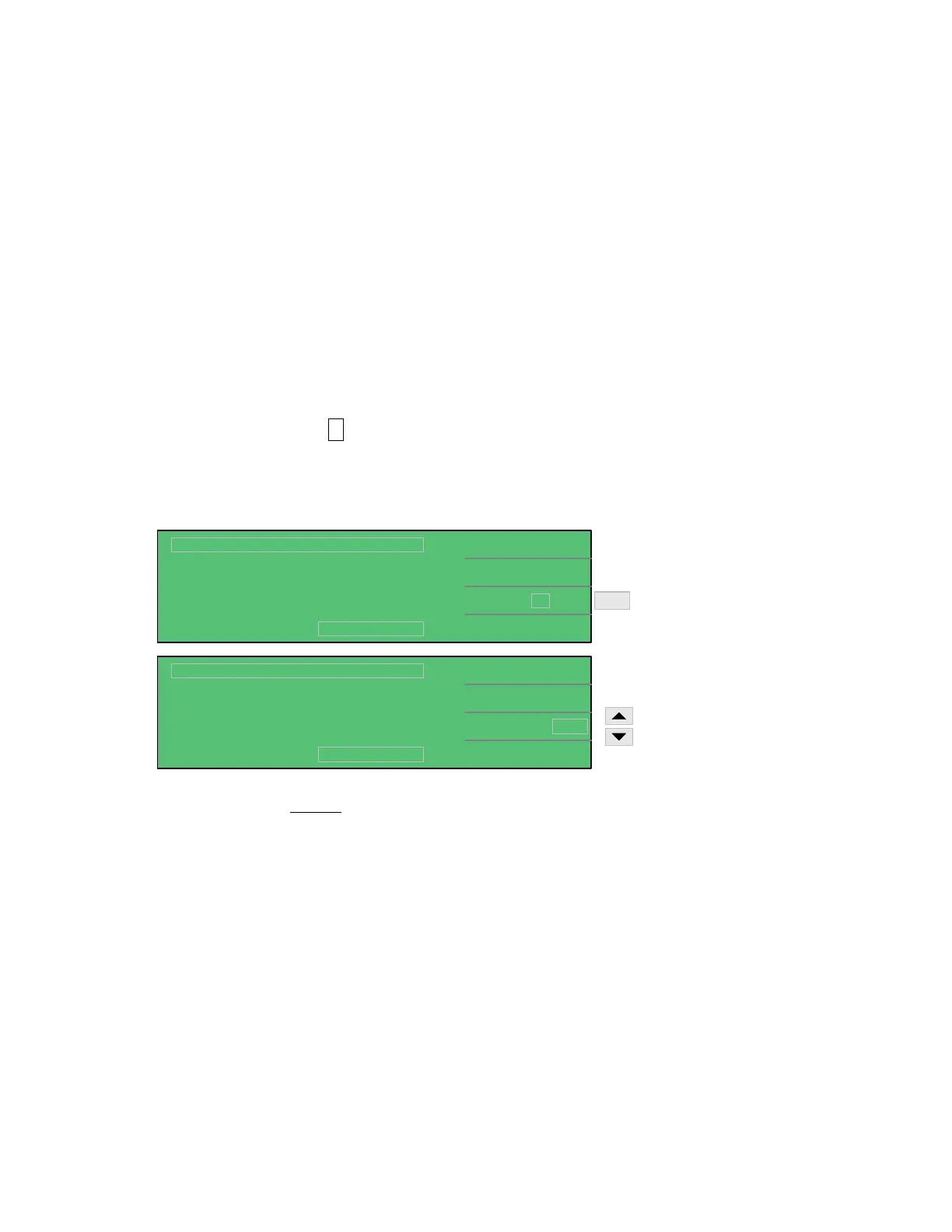
The 1855 instrument’s measurement range can be selected as AUTO or HOLD. The instrument
current measurement ranges are 20mA, 2mA, 200uA, 20uA and 2uA. In MEAS DISPLAY, press
[F3] = RANGE so that the A box is highlighted*. The instrument default setting is A (Auto
Range).
* Use the up arrow [⇑] key to toggle between A (Auto) and H (Hold).
1.0
0.5mA
NEXT PAGE 1/2
Lc :
< MEAS DISPLAY: SEQ. TEST >
A
TEST V.
C.C.
RANGE
:
:
:
DISCHARGECHARGE TEST
Vm = 0.0V
V
2uA
A
1.0
0.5mA
NEXT PAGE 1/2
Lc :
< MEAS DISPLAY: SEQ. TEST >
A
TEST V.
C.C.
RANGE
:
:
:
DISCHARGECHARGE TEST
Vm = 0.0V
V
2uAA
F3
2uA - 20uA - 200uA - 2mA - 20mA
20mA - 2mA - 200uA - 20uA - 2uA
Toggle between:
A = Auto
H = Hold
Press [F3] = RANGE a second time to select the value of the range.
UP arrow [⇑] key: increase range: 2uA → 20uA → 200uA → 2mA → 20mA
DOWN arrow [⇓] key: decrease range: 20mA → 2mA → 200uA → 20uA → 2uA



 To Next Page