Page 44 of 76 Interface
2.5.4 Charge Time
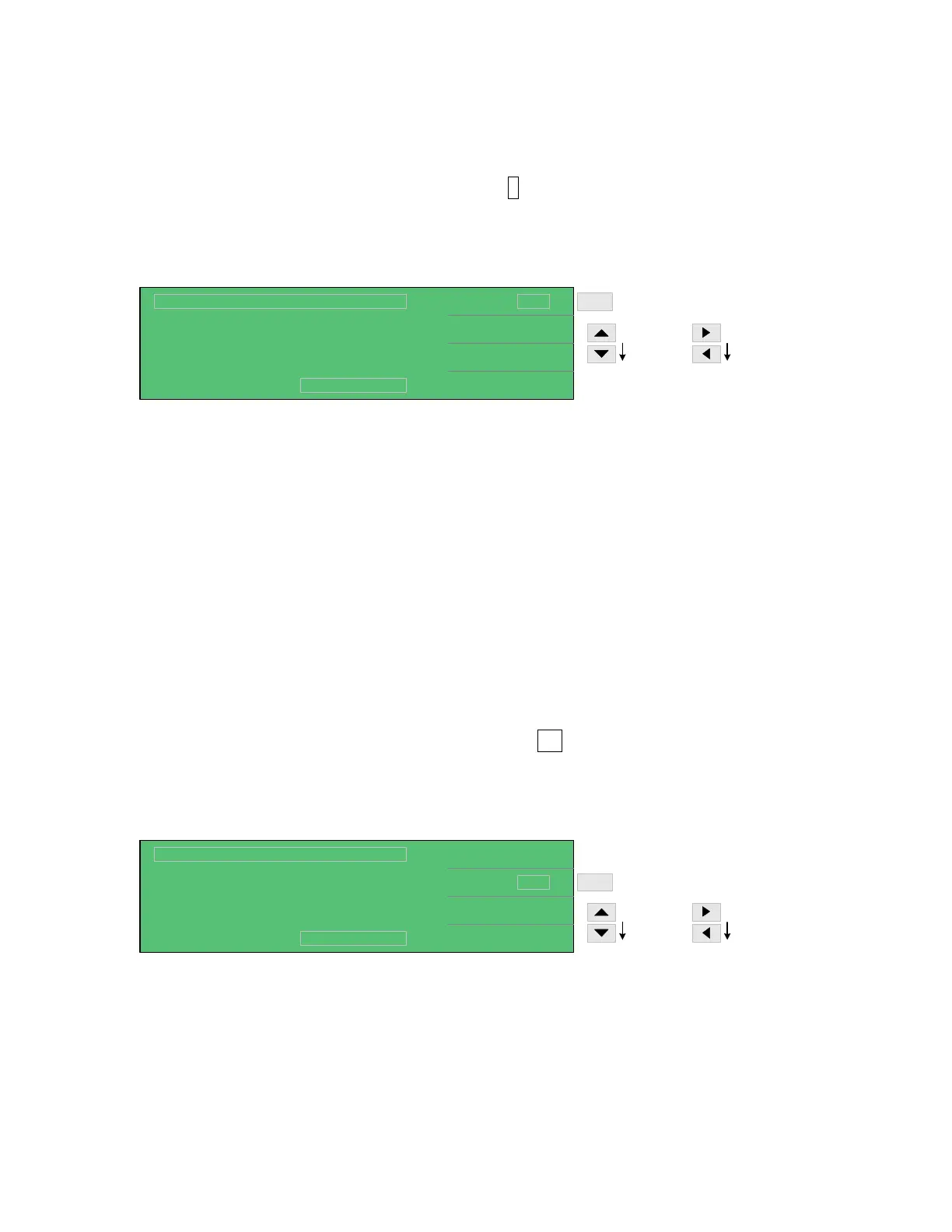
The charge time can be programmed from 0 to 999seconds. In MEAS DISPLAY press [F4] =
NEXT PAGE 1/2. Press [F1] = CHG T so that the 0 s box is highlighted. Use the up or down
arrow keys to in/decrease the charge time by base-10 second increments. The left and right
arrows will increase/decrease the time in 1second increments. The instrument default setting is
0s.
0
0.2 S
NEXT PAGE 2/2
MEDIUM
Lc :
< MEAS DISPLAY: SEQ. TEST >
A
CHG T.
DWELL T
SPEED
:
:
:
DISCHARGECHARGE TEST
Vm = 0.0V
s
F1
900 - 999s
by base-1
0 - 900s
by base-10
UP arrow [⇑] key: 0 → 10 → 20 → 30 → 40 → 50 → 60 → 70 → 80 → 90 → 100 → 200 →
300 → 400 → 500 → 600 → 700 → 800 → 900.
RIGHT arrow [⇒] key: increase charge time in 1 second increments. (example: 900 to 999)
DOWN arrow [⇓] key: 999 → 899 → 799 → 699 → 599 → 499 → 399 → 299 → 199 → 99 →
89 → 79 → 69 → 59 → 49 → 39 → 29 → 19 → 9.
LEFT arrow [⇐] key: decrease charge time in 1 second increments. (example: 9 to 0)
2.5.5 Dwell Time
The dwell time can be programmed from 0.2 to 999seconds. In MEAS DISPLAY press [F4] =
NEXT PAGE 1/2. Press [F2] = DWELL T so that the 0.2 s box is highlighted. Use the up or
down arrow keys to in/decrease the dwell time by base-10 second increments. The left and right
arrows will increase/decrease the time in 1second increments. The instrument default setting is
0s.
0
0.2
NEXT PAGE 2/2
MEDIUM
Lc :
< MEAS DISPLAY: SEQ. TEST >
A
CHG T.
DWELL T
SPEED
:
:
:
DISCHARGECHARGE TEST
Vm = 0.0V
s
F2
900 - 999s
by base-1
0.2 - 900s
by base-10
s
UP arrow [⇑] key: 0.2 → 10 → 20 → 30 → 40 → 50 → 60 → 70 → 80 → 90 → 100 → 200 →
300 → 400 → 500 → 600 → 700 → 800 → 900.
RIGHT arrow [⇒] key: increase dwell time in 1 second increments. (example: 900 to 999)



 To Next Page