Interface Page 29 of 76
2.3.3.1 Test Parameter
The 1855 Capacitor Leakage Current/IR Meter can function as a Leakage Current tester or as an
Insulation Resistance meter. The instrument default setting is L.C. To change the function of the
1855 Capacitor Leakage Current/IR Meter press [SYSTEM SETUP] then [SYSTEM CONFIG]
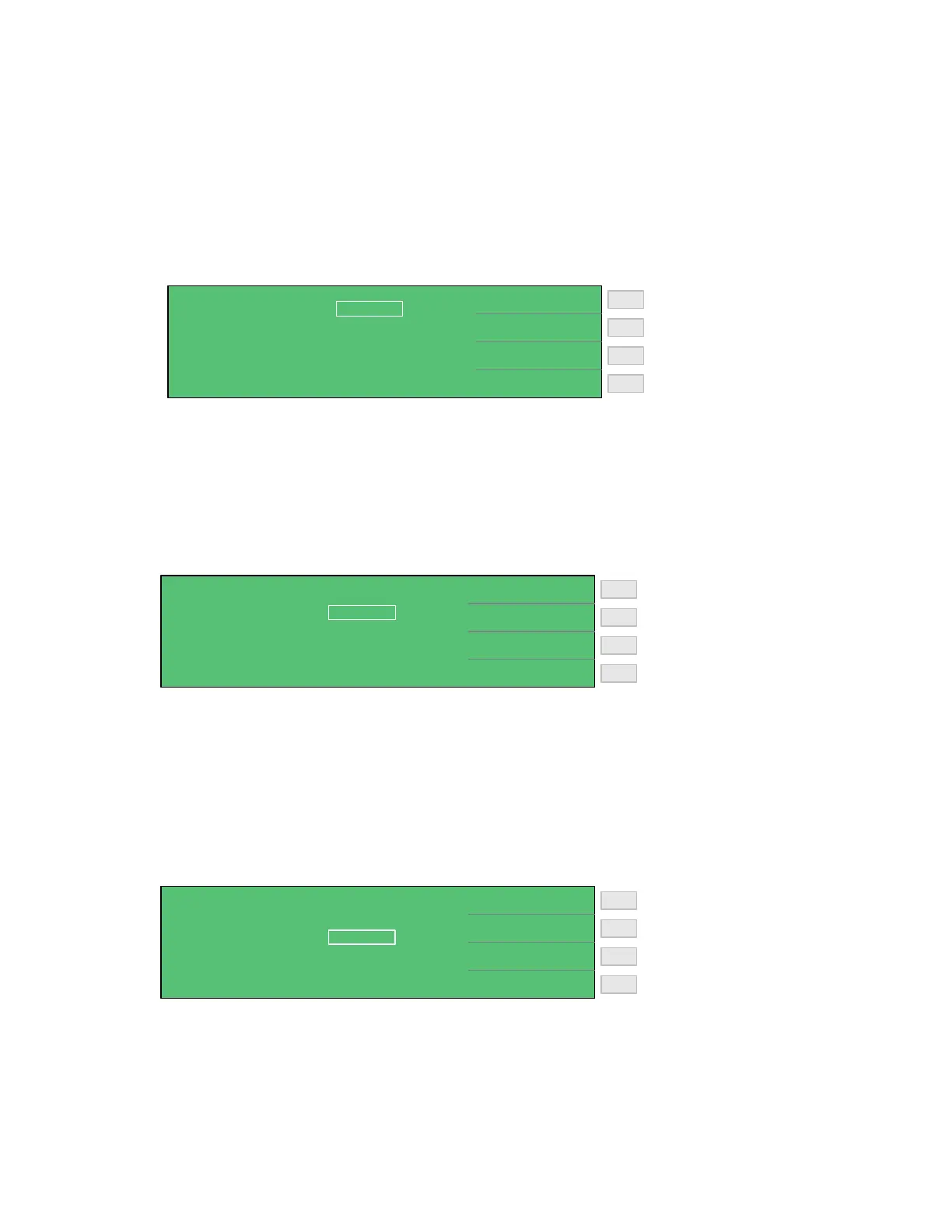
The box next to TEST PARAMETER is highlighted. Press [F1] = I.R. to select an Insulation
Resistance test or press [F2] = L.C. to select the Leakage Current test.
Set Test Parameter to IR
Set Test Parameter to LC
F3
F1
F2
F4
< SYSTEM CONFIG >
I.R.
L.C.
TRIG DELAY
ALARM MODE
TEST PARAMETER :
BEEPER
SOUND MODE
TRIG EDGE
HANDLER MODE :
:
:
:
:
:
L.C.
LOW
FAIL
PULSE
0000 mS
FALLING
CLEAR
2.3.3.2 Beeper
The volume of the beeper or audible alarm can be set to OFF, LOW or HIGH. The instrument
default setting is LOW. To change the beeper loudness press [SYSTEM SETUP], [SYSTEM
CONFIG] and the down arrow [⇓] until the box next to BEEPER is highlighted, then press [F1]
= OFF, [F2] = LOW or [F3] = HIGH.
Turn Beeper OFF
Set Beeper to Low
F3
F1
F2
F4
< SYSTEM CONFIG >
OFF
LOW
TRIG DELAY
ALARM MODE
TEST PARAMETER :
BEEPER
SOUND MODE
TRIG EDGE
HANDLER MODE :
:
:
:
:
:
L.C.
LOW
FAIL
PULSE
0000 mS
FALLING
CLEAR
HIGH
Set Beeper to High
2.3.3.3 Sound Mode
The audible alarm can be set to sound on PASS or to sound on FAIL under high or low limit
judgment in the measure display. The instrument default setting is FAIL. To change the sound
mode press [SYSTEM SETUP], [SYSTEM CONFIG] and the down arrow [⇓] until the box next
to SOUND MODE is highlighted, then press [F1] = PASS for the alarm to sound on a pass result
or [F2] = FAIL for the alarm to sound on a fail result.
Alarm will sound on PASS
Alarm will sound on FAIL
F3
F1
F2
F4
< SYSTEM CONFIG >
PASS
FAIL
TRIG DELAY
ALARM MODE
TEST PARAMETER :
BEEPER
SOUND MODE
TRIG EDGE
HANDLER MODE :
:
:
:
:
:
L.C.
LOW
FAIL
PULSE
0000 mS
FALLING
CLEAR



 To Next Page