Page 34 of 76 Interface
2.3.3.15 Average
The 1855 instrument can make many measurements then display the average based on what
average number was selected. The range is 1 – 8 and the instrument default setting is 1. To
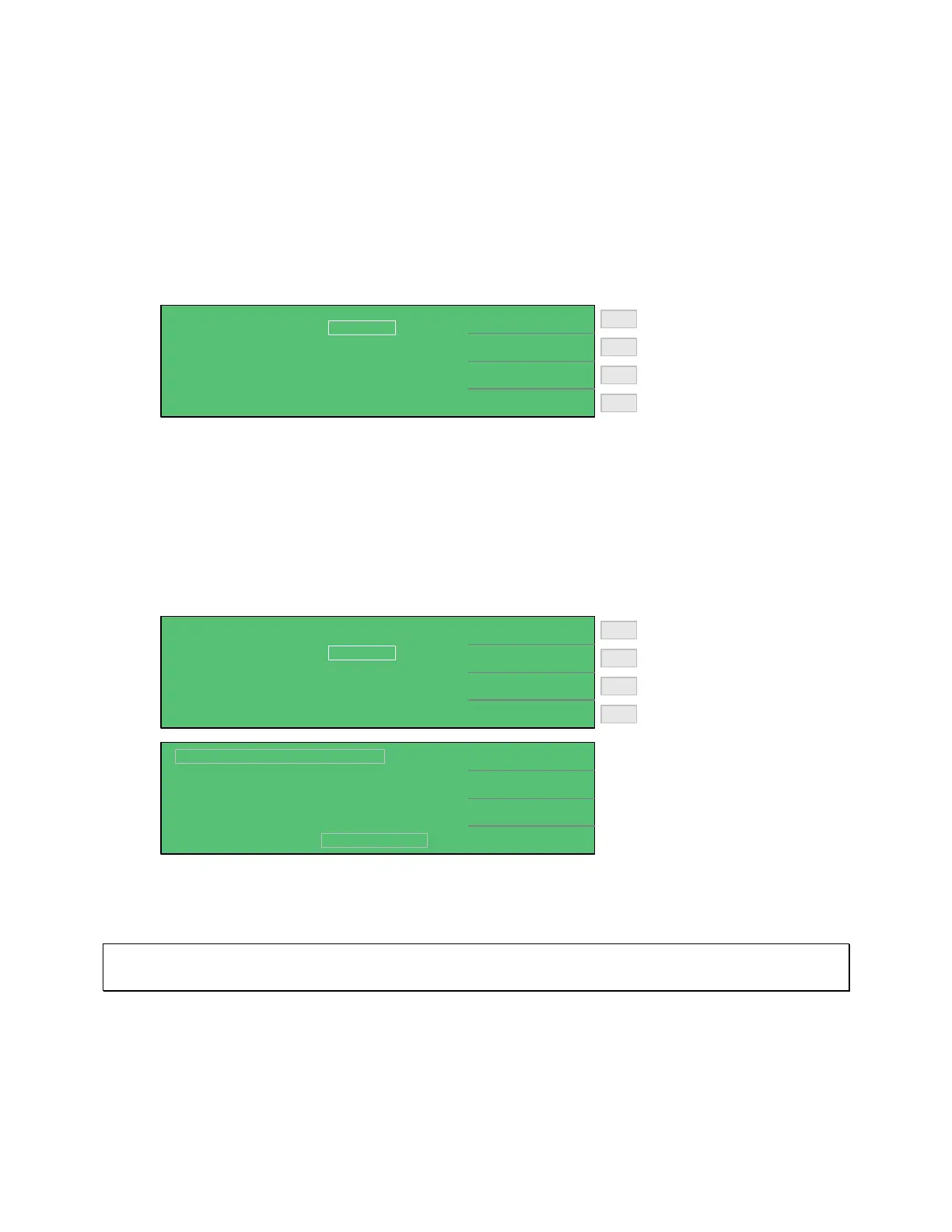
change the number to average press [SYSTEM SETUP], [SYSTEM CONFIG] and the down
arrow [⇓] until the box next to AVERAGE is highlighted, then press [F1] = DIGIT UP to
increase then number of measurements to take before displaying the average or [F2] = DIGIT
DOWN to decrease the number.
Increase # to Average: 1 - 8
Decrease # to Average: 8 - 1
F3
F1
F2
F4
< SYSTEM CONFIG >
DIGIT UP
DIGIT DOWN
AVERAGE :
EXT Vm DISPLAY :
1
OFF
2.3.3.16 EXT VM Display
The voltage across the DUT can be displayed along with the measured value when EXT Vm
DISPLAY is set to ON. EXT Vm DISPLAY can be selected OFF/ON. The instrument default
setting is OFF. To change the EXT Vm Display press [SYSTEM SETUP], [SYSTEM CONFIG]
and the down arrow [⇓] until the box next to EXT Vm DISPLAY is highlighted, then press [F1]
= ON to display the voltage across the DUT, or [F2] = OFF.
Display Voltage across DUT
Do not display Vm
F3
F1
F2
F4
< SYSTEM CONFIG >
ON
OFF
AVERAGE :
EXT Vm DISPLAY :
1
OFF
1.0V
0.5mA
NEXT PAGE 1/2
2uA
Lc :
< MEAS DISPLAY: SEQ. TEST >
3.65 mA
TEST V.
C.C.
RANGE
:
:
:
DISCHARGECHARGE TEST
Vm = 0.996V
A
When selected ON, the measured voltage (Vm) will be displayed in the bottom left-hand corner
of the display.
Note:
For Faster test speed during production testing, EXT Vm should be set to OFF.



 To Next Page