Interface Page 45 of 76
DOWN arrow [⇓] key: 999 → 899 → 799 → 699 → 599 → 499 → 399 → 299 → 199 → 99 →
89 → 79 → 69 → 59 → 49 → 39 → 29 → 19 → 9.
LEFT arrow [⇐] key: decrease dwell time in 1 second increments. (example: 9 to 0)
2.5.6 Speed
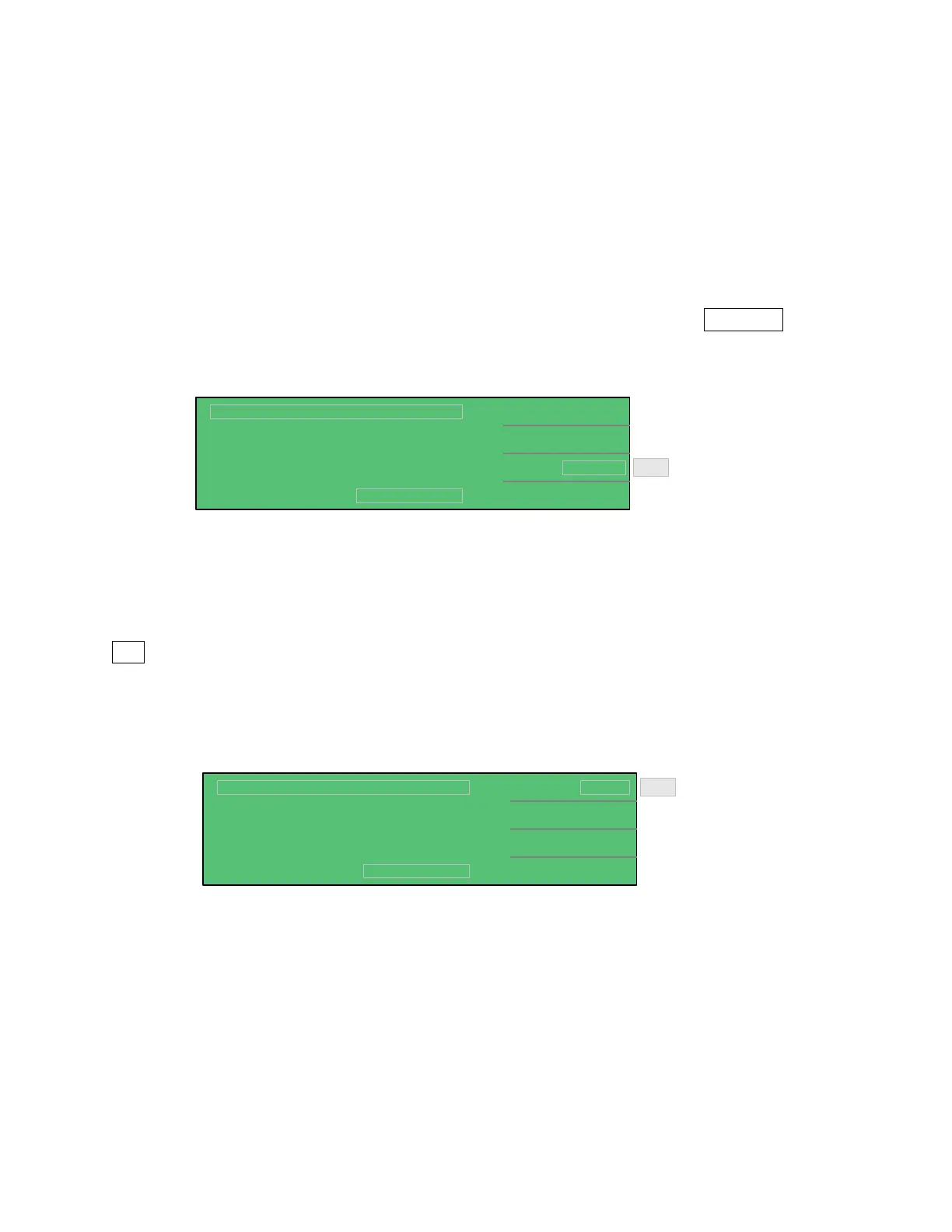
Program the measurement speed of the 1855 instrument to Slow (7measurements/second),
Medium (14 measurements/second) or Fast (18 measurements/second). In MEAS DISPLAY,
press [F4] = NEXT PAGE 1/2 and then press [F3] = SPEED so that the MEDIUM box is
highlighted. Press [F3] = SPEED to toggle through and select the measurement rate: SLOW,
MEDIUM or FAST. The instrument default setting is MEDIUM (14 meas/second).
0
0.2
NEXT PAGE 2/2
MEDIUM
Lc :
< MEAS DISPLAY: SEQ. TEST >
A
CHG T.
DWELL T
SPEED
:
:
:
DISCHARGECHARGE TEST
Vm = 0.0V
s
F3
s
Toggle between:
SLOW
MEDIUM
FAST
2.5.7 Trigger
In the Step Test only, the 1855 instrument can be triggered manually, internally or externally.
In MEAS DISPLAY, press [F4] = NEXT PAGE 1/2 and then press [F1] = TRIGGER so that the
INT box is highlighted. Press [F1] = TRIGGER to change the trigger. The instrument default
setting is INT (internal trigger). When MANUAL trigger is selected, one measurement will be
made each time the trigger is pressed. When EXTERNAL trigger is selected, one measurement
will be made each time the external trigger is asserted by the handler. When INTERNAL trigger
is selected, measurements are performed continuously when in [MEAS DISPLAY].
INT
MEDIUM
NEXT PAGE 2/2
Lc :
< MEAS DISPLAY: STEP TEST >
A
TRIGGER
SPEED
:
:
DISCHARGECHARGE TEST
Vm = 0.0V
Toggle
between:
INTernal
EXTernal
MANual
F1



 To Next Page