RaiseTouch User Manual Date:03/03/2020
- 24 / 80 -
www.raise3d.com
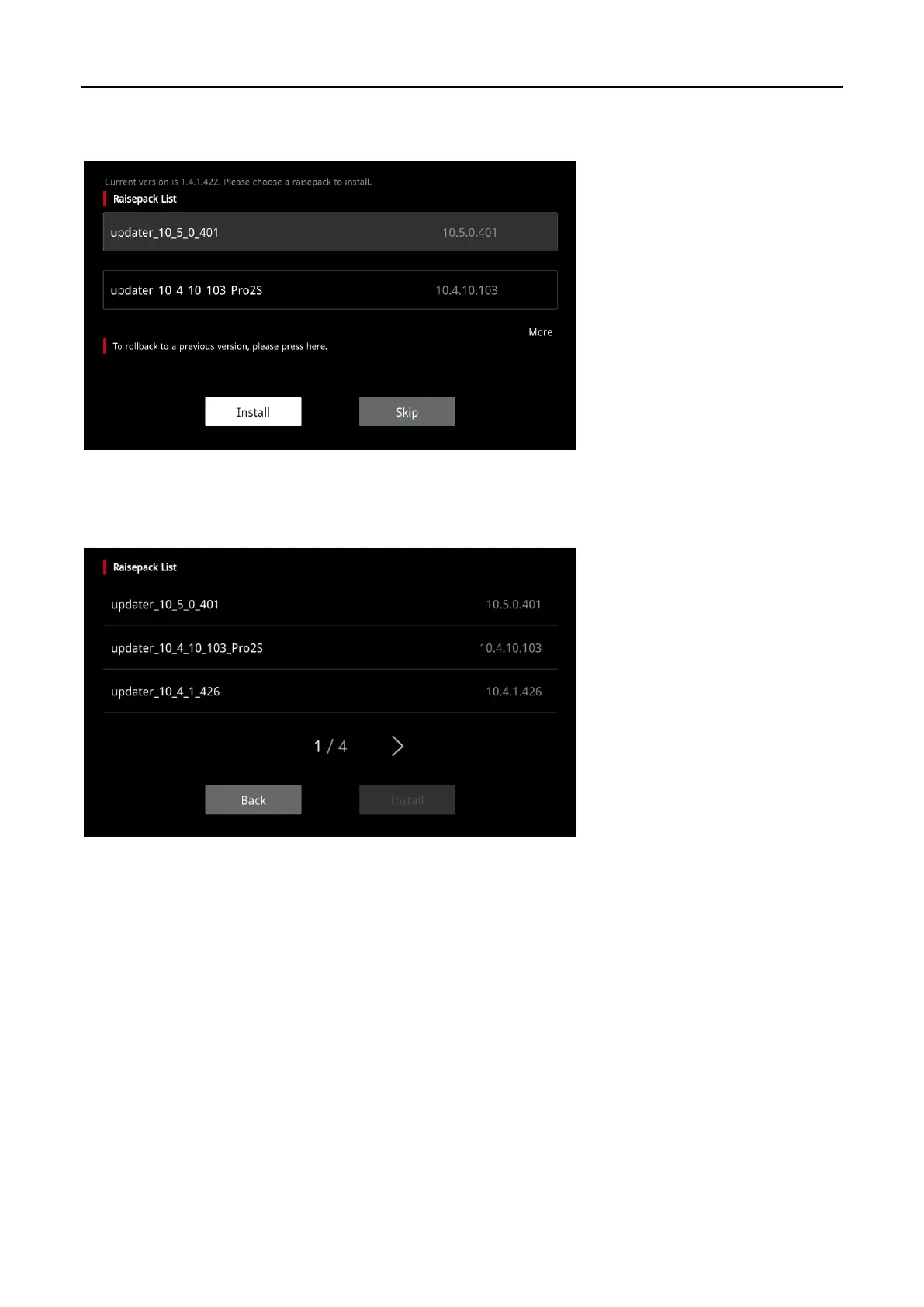
Or you can insert a U disk and click “Setting >Restart”. System will automatically detect the installation
package in the USB device and display the packages in the form of a list, as shown below:
Install
Choose the installation package you want to install, and click “Install”. Click “More” to enter the
installation package list page.
Raisepack List



 To Next Page