RaiseTouch User Manual Date:03/03/2020
- 25 / 80 -
www.raise3d.com
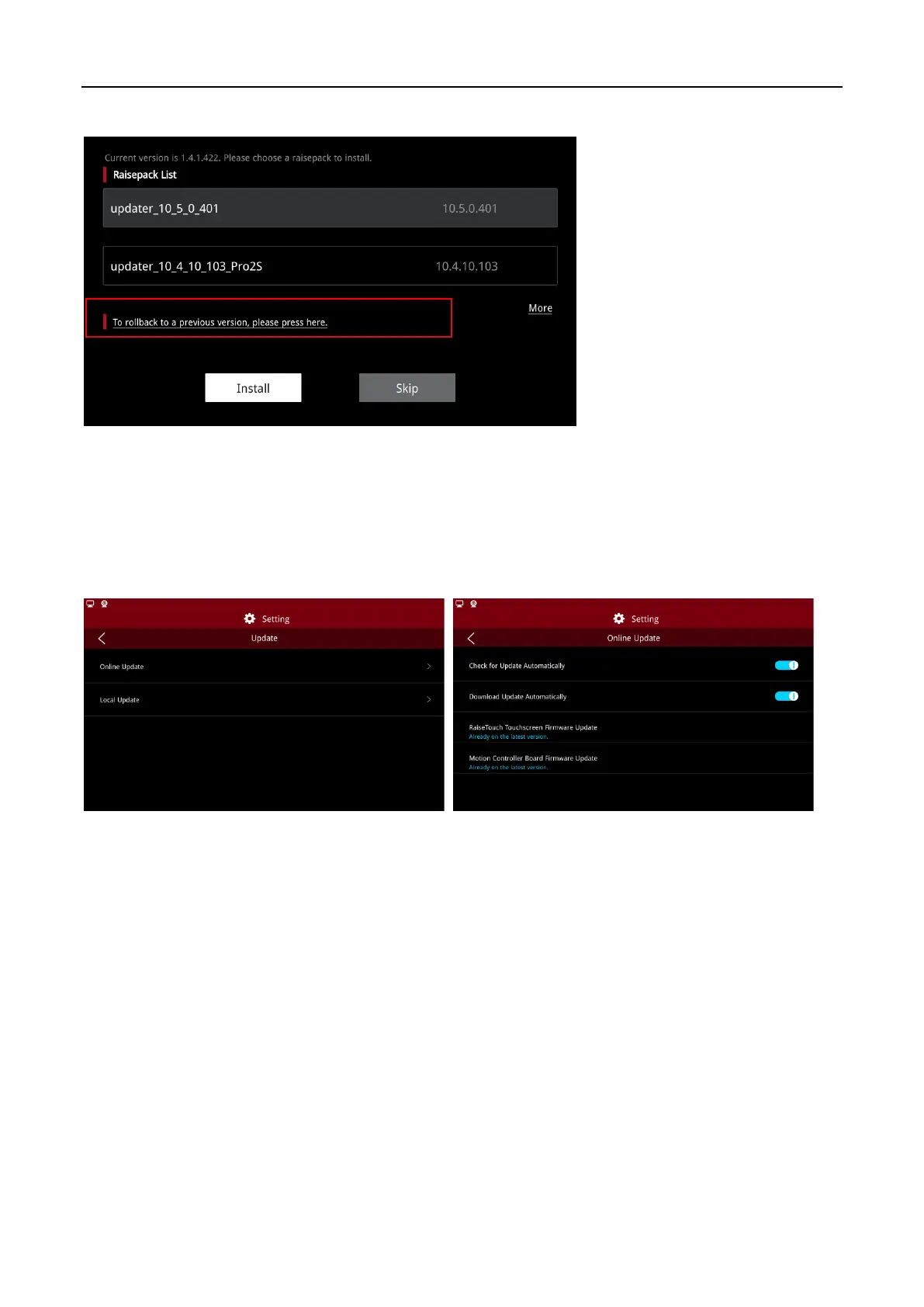
If you want to install a previous version, click on the red box below to roll back the version.
Rollback
Note:
when a power-off restart or local update occurs, if a USB device containing the installation
package is detected, the system will also enter the installation package selection page.
(2) Online Update
Click on “Update >Online Update”, to choose whether to turn on the automatic detection update.



 To Next Page