RaiseTouch User Manual Date:03/03/2020
- 26 / 80 -
www.raise3d.com
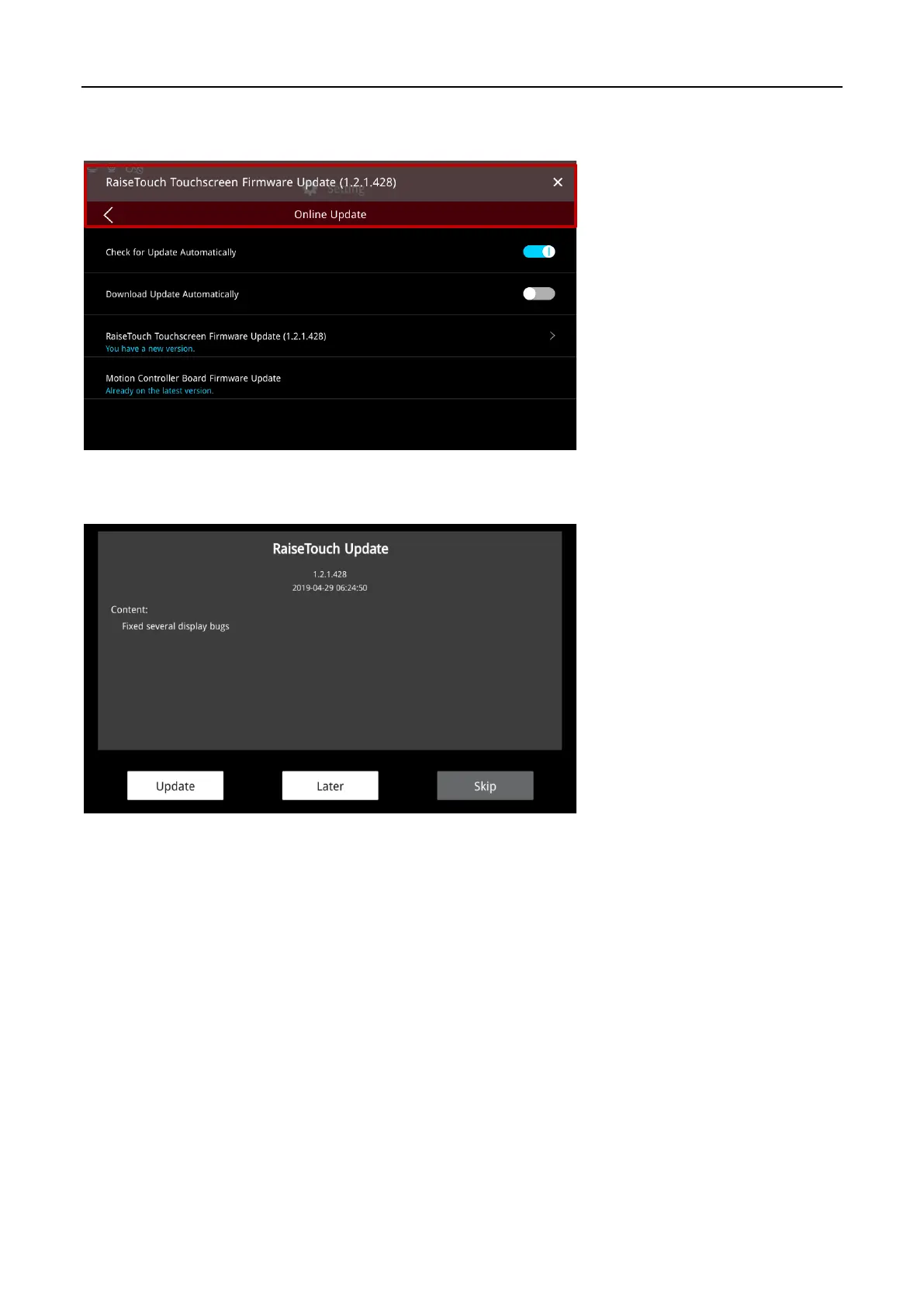
Click to turn on “Check for Update Automatically”, when the new update is detected, the touch
screen will receive an update reminder, the location is shown in the following figure.
Update Message Floating Window
Click the floating window to view the update content in the update details box.
Update Details
Sets the updateable option in the “Online Update”.



 To Next Page