RaiseTouch User Manual Date:03/03/2020
- 32 / 80 -
www.raise3d.com
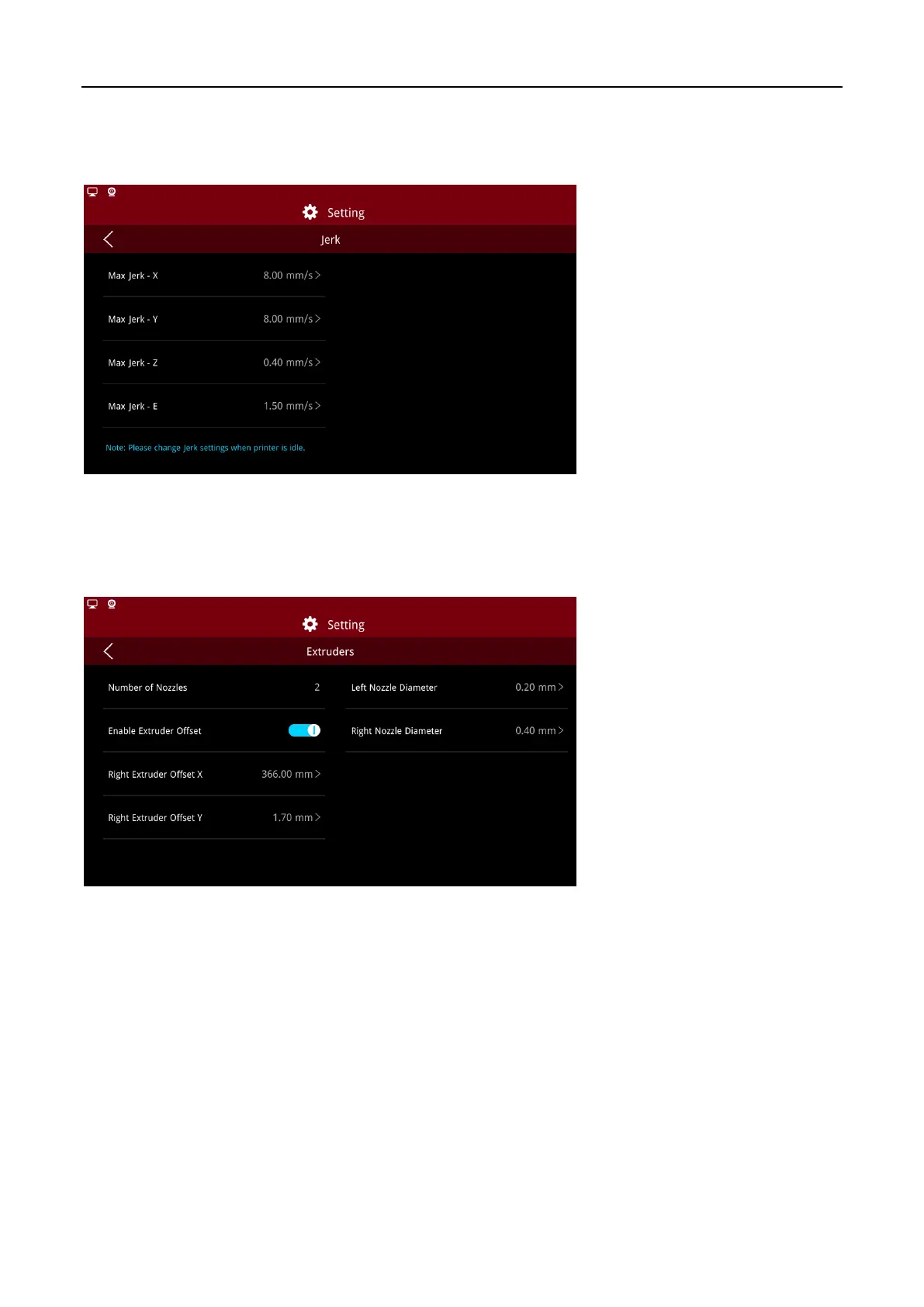
(6) Jerk
You can adjust the Jerk settings on this page.
Note:
The value will affect the print quality, do not change optionally.
Jerk
(7) Extruders
Click to enter the extruder interface, select “Enable Extruder Offset” and set nozzle spacing. Click
“Apply” to complete extruder offset.
Extruders Settings



 To Next Page