RaiseTouch User Manual Date:03/03/2020
- 31 / 80 -
www.raise3d.com
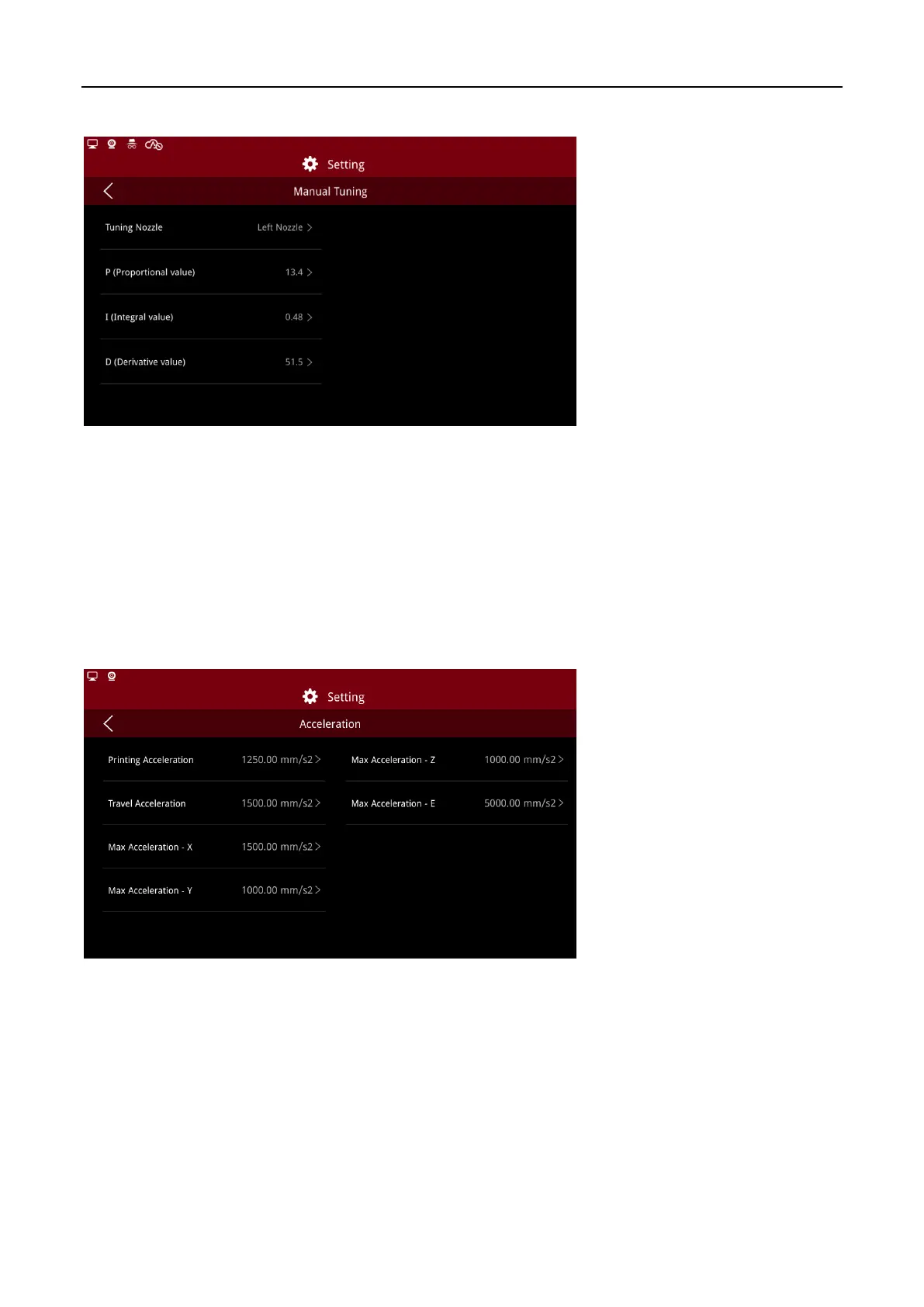
Click to enter the Manual Tuning interface to set the following parameters:
Manual Tuning
Choose the nozzle to tune and set PID.
P (Proportional value): the output of the controller is proportional to the input error signal.
I (Integral value): control the steady state error of the system.
D (Derivative value): speed up the reaction of the system.
(5) Acceleration
You can define acceleration values on this page.
Note: The value will affect the print quality, do not change optionally.
Acceleration



 To Next Page