RaiseTouch User Manual Date:03/03/2020
- 30 / 80 -
www.raise3d.com
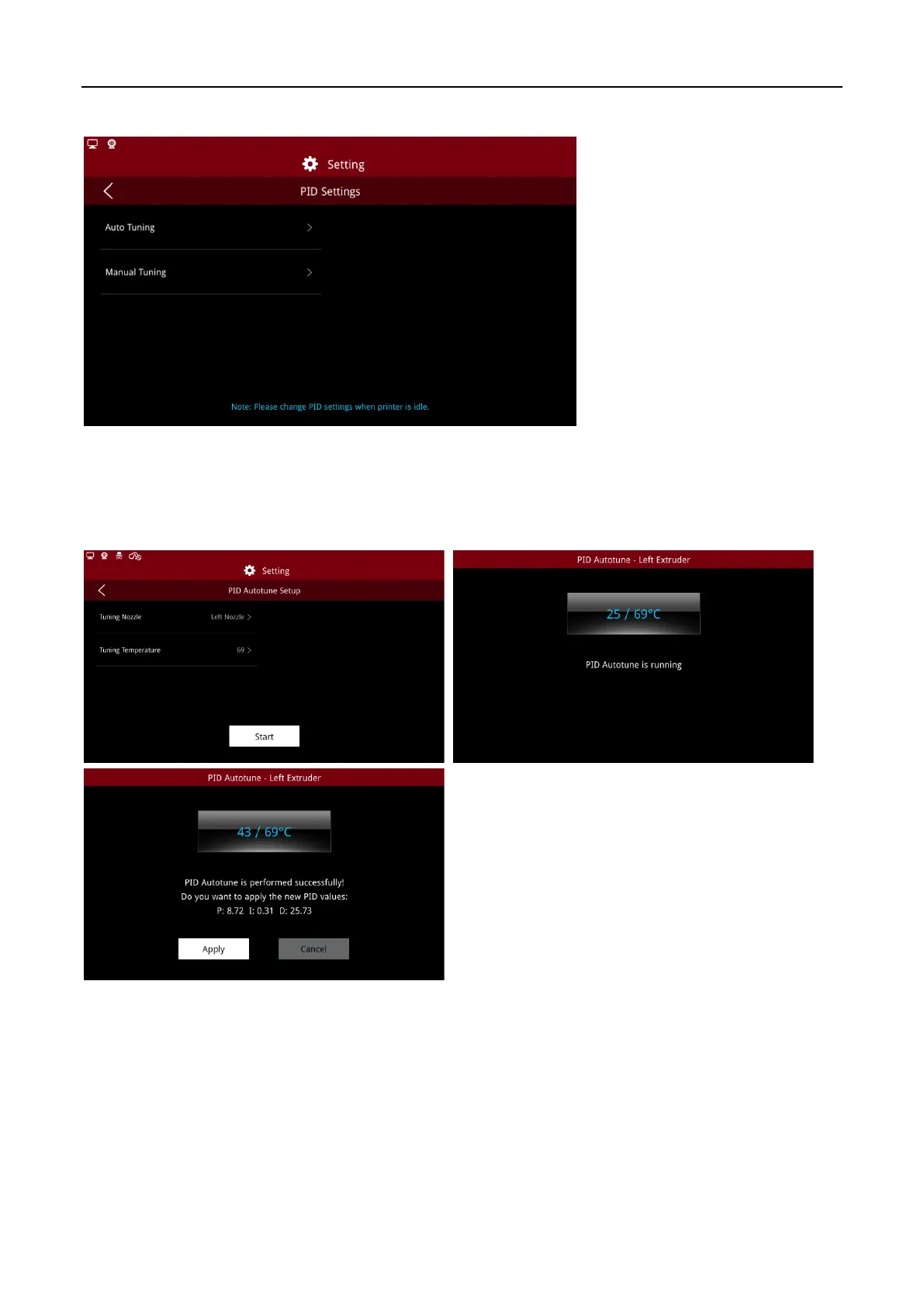
(4) PID Settings
PID Settings
Click to enter the Auto Tuning interface, to select nozzle to be adjusted, set the required temperature
and adjustment times, then click “Start”. When the nozzle temperature is heated to the set
temperature, select “Apply”, the PID values will be applied to the screen.
PID Autotune
Note:
make sure the nozzle is cold when tuning the PID automatically. Otherwise, the adjusted PID
may be inaccurate.



 To Next Page