RaiseTouch User Manual Date:03/03/2020
- 38 / 80 -
www.raise3d.com
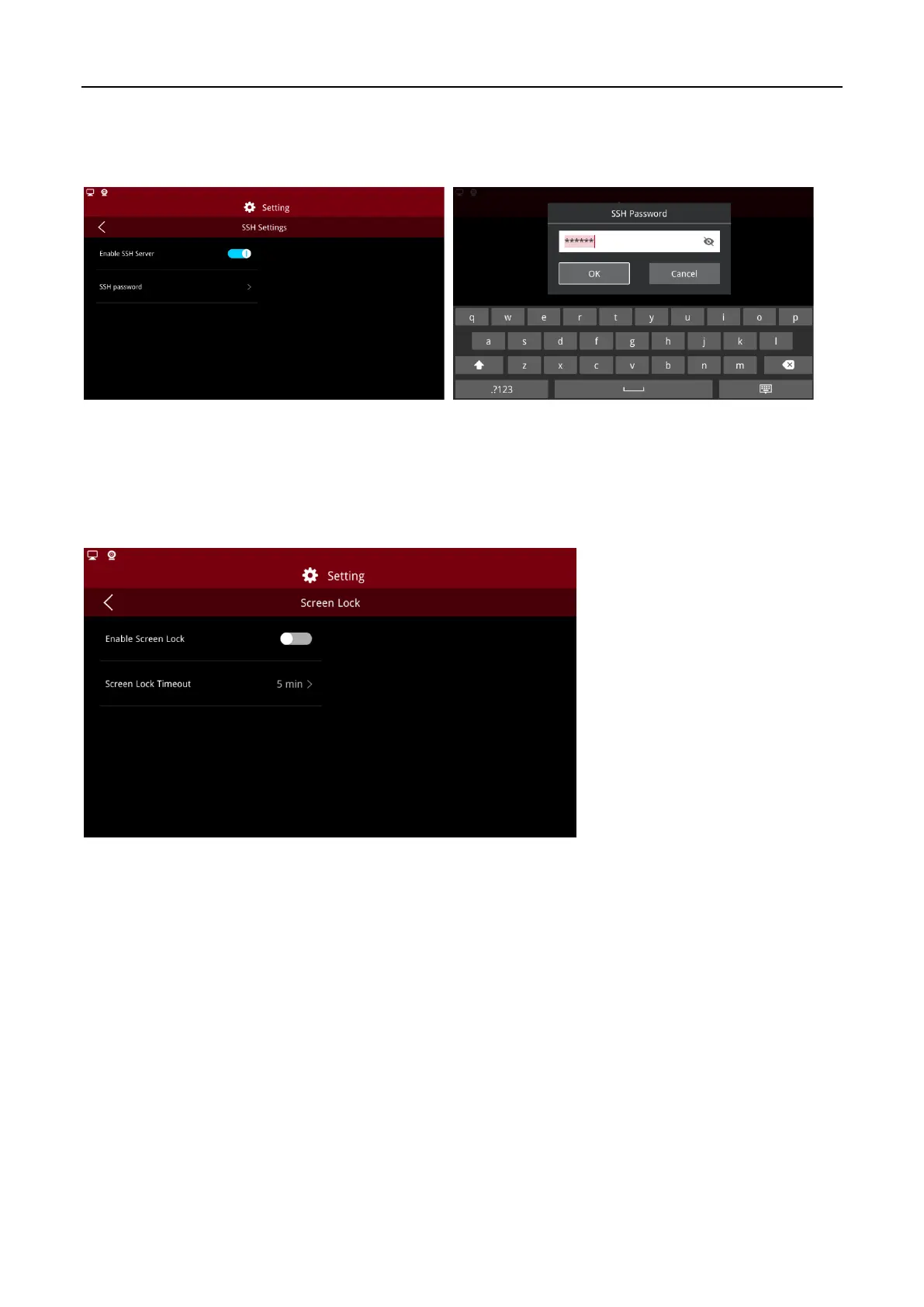
(2) SSH Settings
After enabling “SSH Settings”, you will need to set the SSH password which allows secure access to the
server.
Enter SSH Password
Note:
You will need to input Security Password to enable SSH settings.
(3) Screen Lock
Enable “Screen Lock” and set the lock time as required, by default, is 5 minutes.
Screen Lock
Note:
The lock screen password can be empty. You need to enter a security password before opening
/closing the lock screen function.



 To Next Page